Dashly
Food, grocery and pharmacy delivery platform: customer and rider apps, website, store panel and admin, with a single-restaurant mode.
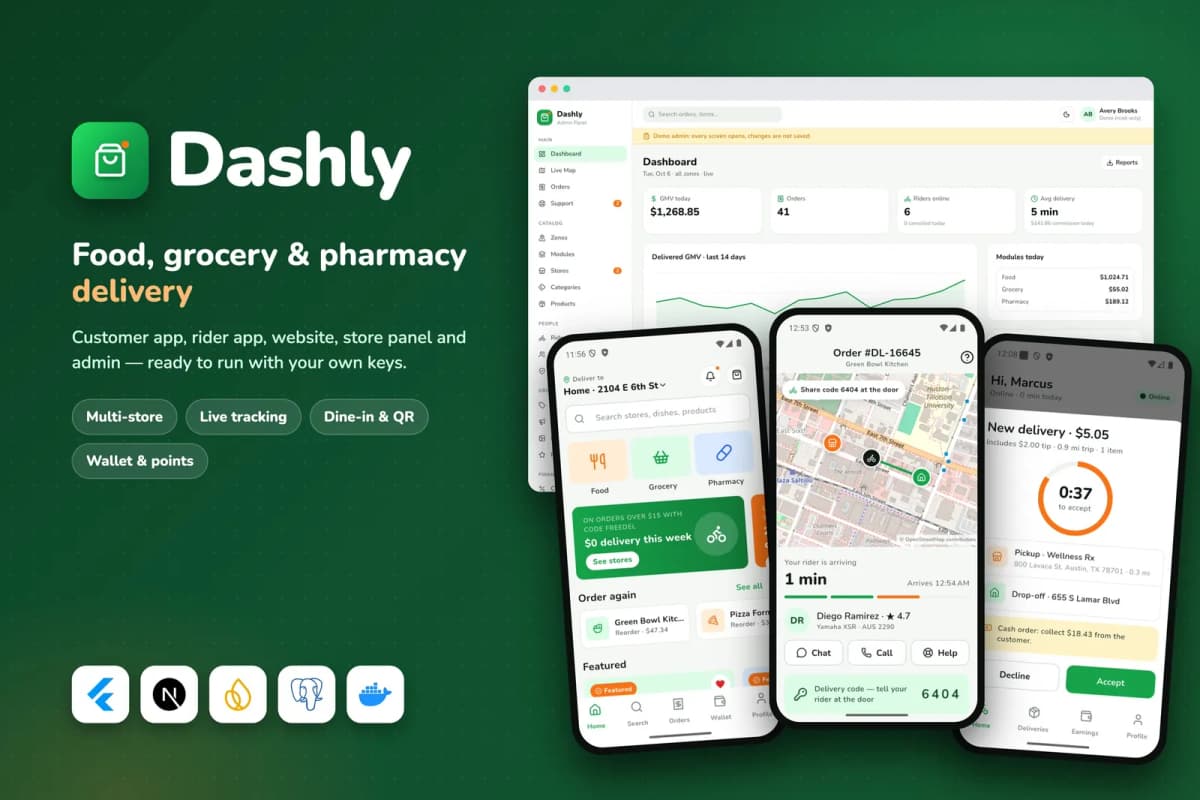
// overview
About Dashly
Dashly is a ready-to-run hyperlocal delivery business. You get a customer app and a rider app (Flutter, Android and iOS), a customer website, a store panel for restaurants and shops, an admin panel, the API and the background worker. Add your keys, run one Docker command, finish the install wizard, and the platform is live with sample stores, menus and orders.
Run it as a multi-store marketplace with food, grocery and pharmacy in one app, or switch to single-restaurant mode with dine-in table ordering and reservations.
What is inside
- Customer app: stores near you, search, store menus with options and add-ons, checkout with delivery or pickup, scheduled orders, coupons and tips, live tracking on a map with rider chat and a hand-over code, reorder, ratings, wallet, points and referrals.
- Single-restaurant mode: a menu-first home, dine-in ordering from a table QR code, open bills and table reservations.
- Rider app: sign-up with documents reviewed by the admin, online/offline, delivery offers with a countdown, step-by-step pick-up and drop-off, hand-over by code or photo, cash on delivery with a limit, earnings and shifts.
- Website: stores, store pages, checkout, live order tracking, account, and 'Become a store' / 'Become a rider' sign-up pages.
- Store panel: live order board with sounds, menu and inventory editor, promotions, tables and reservations, reviews, earnings and reports.
- Admin panel: dashboard, live map of riders and orders, zones drawn on a map with their own delivery fees, commissions, coupons, banners, push campaigns, payouts, support tickets, reports with CSV export, staff roles and an audit log.
Built to be easy to own
- Only your keys: without a Stripe key payments run in a labelled demo mode, without SMTP emails go to the log, files go to the bundled MinIO storage, and maps use OpenStreetMap.
- Docker Compose starts the website, API, worker, PostgreSQL and storage; migrations run on every start; optional automatic HTTPS.
- A rename tool changes the app names and package ids in one command.
- Documentation for beginners in HTML and PDF.
Requirements
A Linux server (2 CPU, 4 GB RAM) with Docker and a domain name; Flutter 3.44 or newer with Android Studio; a Mac with Xcode for iOS builds; a free Firebase project; Node.js 22 for the rename tool. Optional: Stripe, Google Geocoding, a map tile provider, any SMTP service, AWS S3 or Cloudflare R2.
The demo uses fictional sample stores, people and reviews, and resets every night.
// features
What's included
- Customer app (iOS and Android): food, grocery and pharmacy stores in one app
- Live order tracking on a map, rider chat and a hand-over code
- Checkout with delivery or pickup, scheduled orders, coupons, tips, card, cash or wallet
- Single-restaurant mode with dine-in QR ordering, split bills and reservations
- Rider app: document sign-up, delivery offers with countdown, proof by code or photo
- Cash on delivery with a rider cash limit, earnings, payouts and shifts
- Customer website with stores, checkout and live tracking
- Store panel: live order board, menu and inventory, promotions, reports
- Admin: live map, zones with their own fees, commissions, coupons, push campaigns
- Wallet, loyalty points, referrals and favourites
- Stripe Checkout payments with a labelled demo mode until keys are added
- OpenStreetMap by default, Google address search when you add a key
- One-command Docker install, install wizard and rename tool
- Documentation in HTML and PDF
Compatibility & tags
Changelog
v1.0.0 · 2026-10-06
- First release.
- Customer app with food, grocery and pharmacy stores, checkout, live tracking, wallet, points and referrals.
- Single-restaurant mode with dine-in QR ordering and reservations.
- Rider app with offers, step-by-step jobs, proof of delivery, cash limit and earnings.
- Website, store panel, admin panel, Docker stack and rename tool.
// faq
Questions about Dashly
Yes. Single-restaurant mode turns the customer app into one brand's app with its menu, dine-in ordering from a table QR code, split bills and table reservations.
No. Maps use OpenStreetMap tiles by default and address search uses the free Nominatim service. Add a Google key for Google address search, or a tile provider such as MapTiler or Stadia Maps for production traffic.
Dashly keeps a payout ledger for stores and riders. The admin records each payout when it is made. Automated bank transfers are not part of release 1.
Yes. You get the Flutter apps, the Next.js website, admin panel and API, the database schema and migrations, the Docker setup and the documentation. You run it on your own server, your own database and your own Firebase project.
Yes. Every outside service has a working default, so the whole product runs on first start with sample data. Payments run in a clearly labelled demo mode until you add your own keys, and a Setup page in the admin shows which keys are still missing.
Yes, as a paid service. We rebrand the apps with your name, colours and icon, set up your server and Firebase project, and submit the apps under your own developer accounts. See the Flutter app customisation service.
Read more about Dashly

How to Start a Food Delivery App Business in 2026: A Practical Plan
The app is the easy part. A delivery business lives or dies on stores, riders, zones and cash. Here is how to plan all of it, and where an app kit like Dashly fits.

Buy App Source Code or Build from Scratch? An Honest Guide for 2026
An app kit can save you months, or saddle you with code nobody can maintain. Here is how to decide between buying source code and building from scratch.

How Much Does It Cost to Build a Delivery App in 2026?
A delivery app is five products, not one. Here is what each piece involves, what drives the cost, the running costs nobody quotes, and the cheaper route through an app kit.
You might also like
all_flutter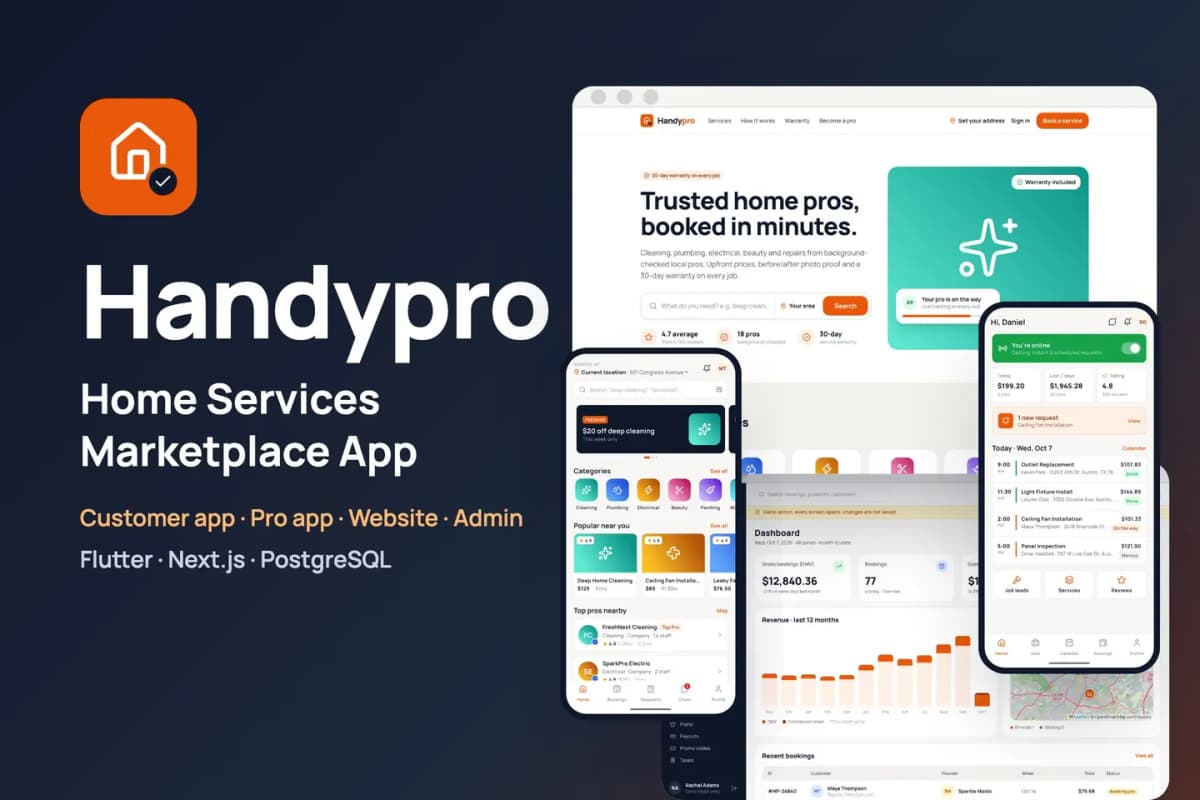 Flutter
Handypro
Home services marketplace kit: customer and provider apps for cleaning, repairs and trades, with booking, tracking and payouts.
 Flutter
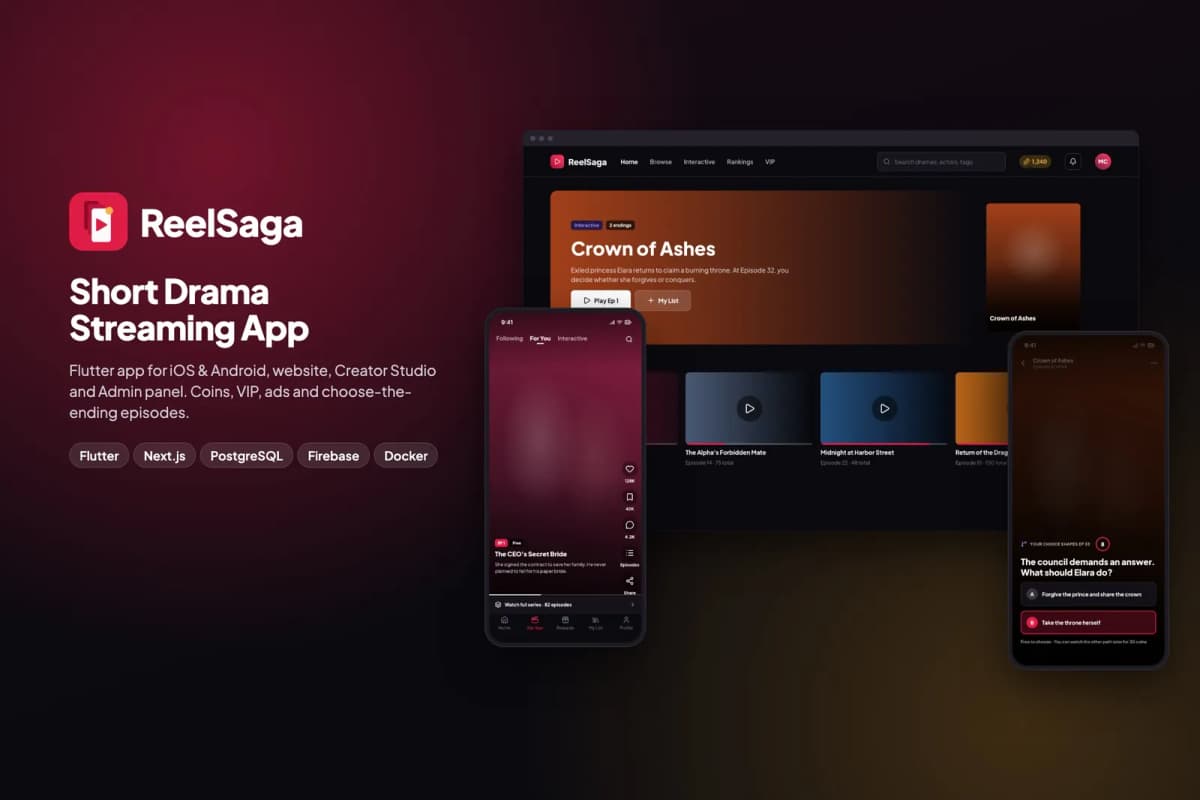
ReelSaga
Short drama streaming app kit: vertical episodes, coins, VIP and choose-the-ending stories, with a website, Creator Studio and admin panel.
 Flutter
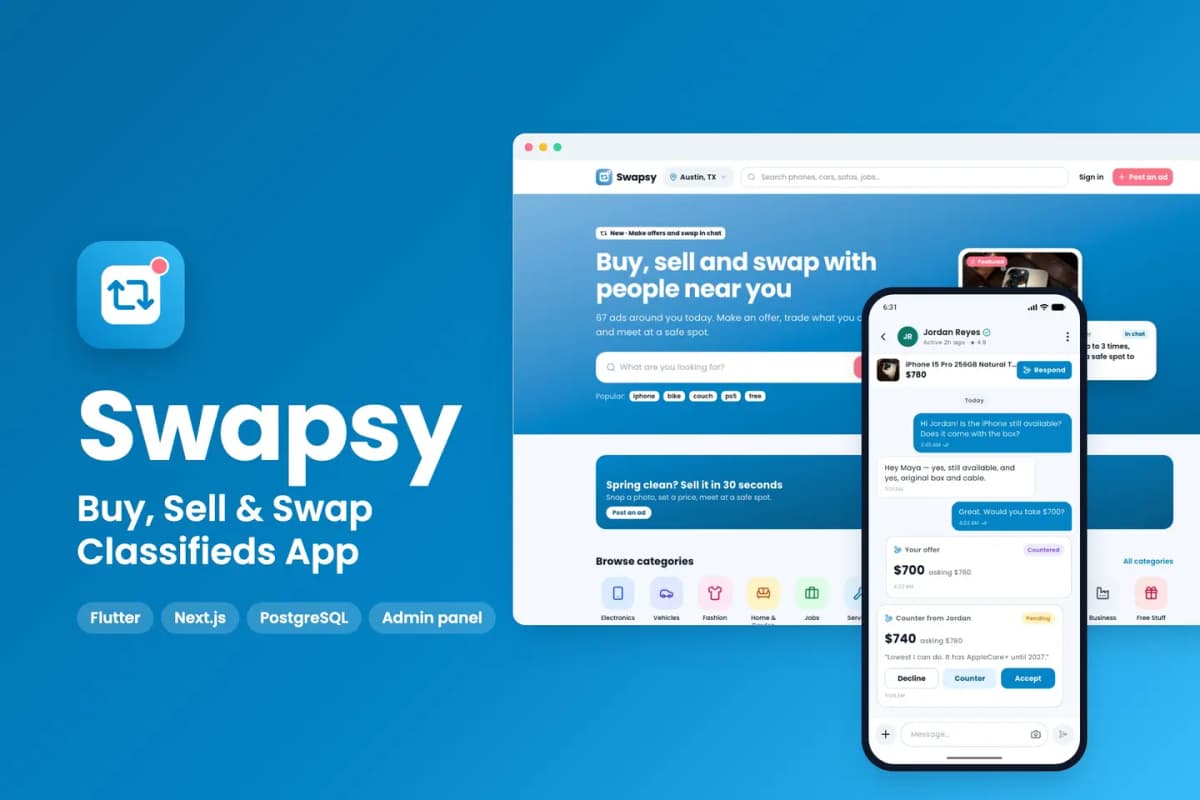
Swapsy
Classifieds app kit to buy, sell and swap locally, with offers and counter-offers inside chat.