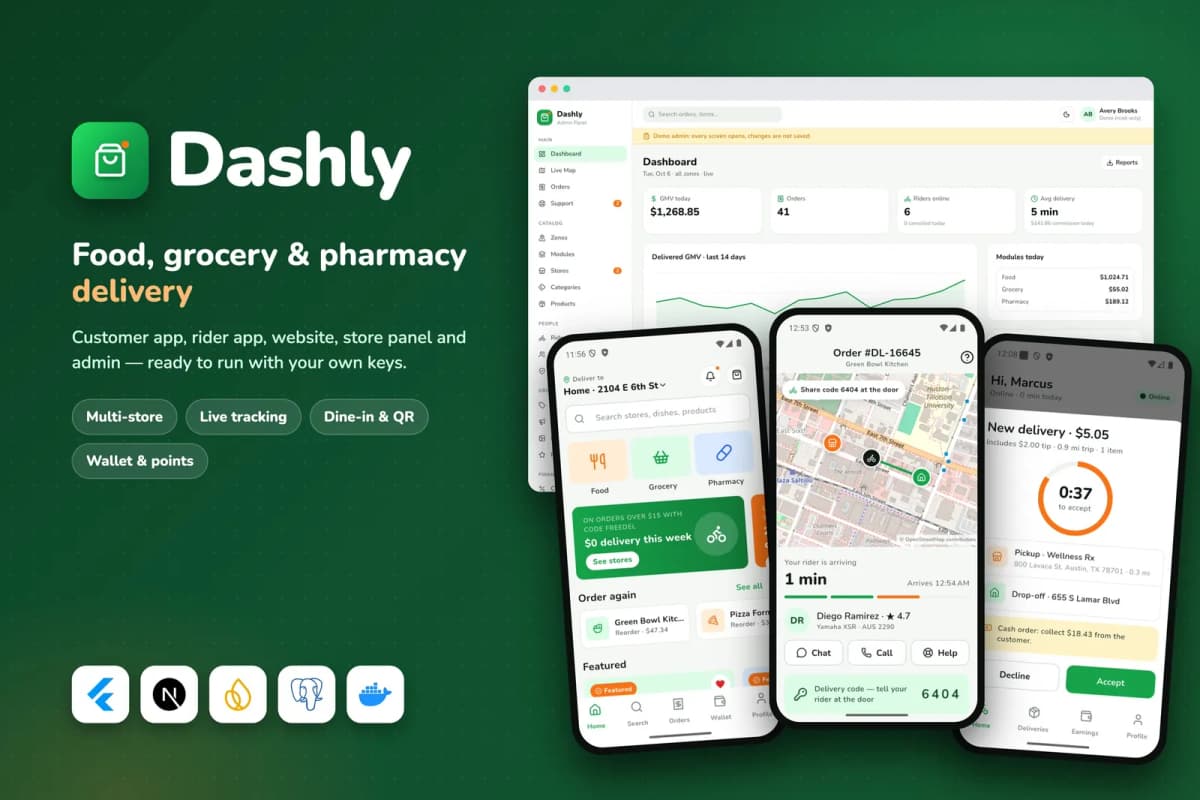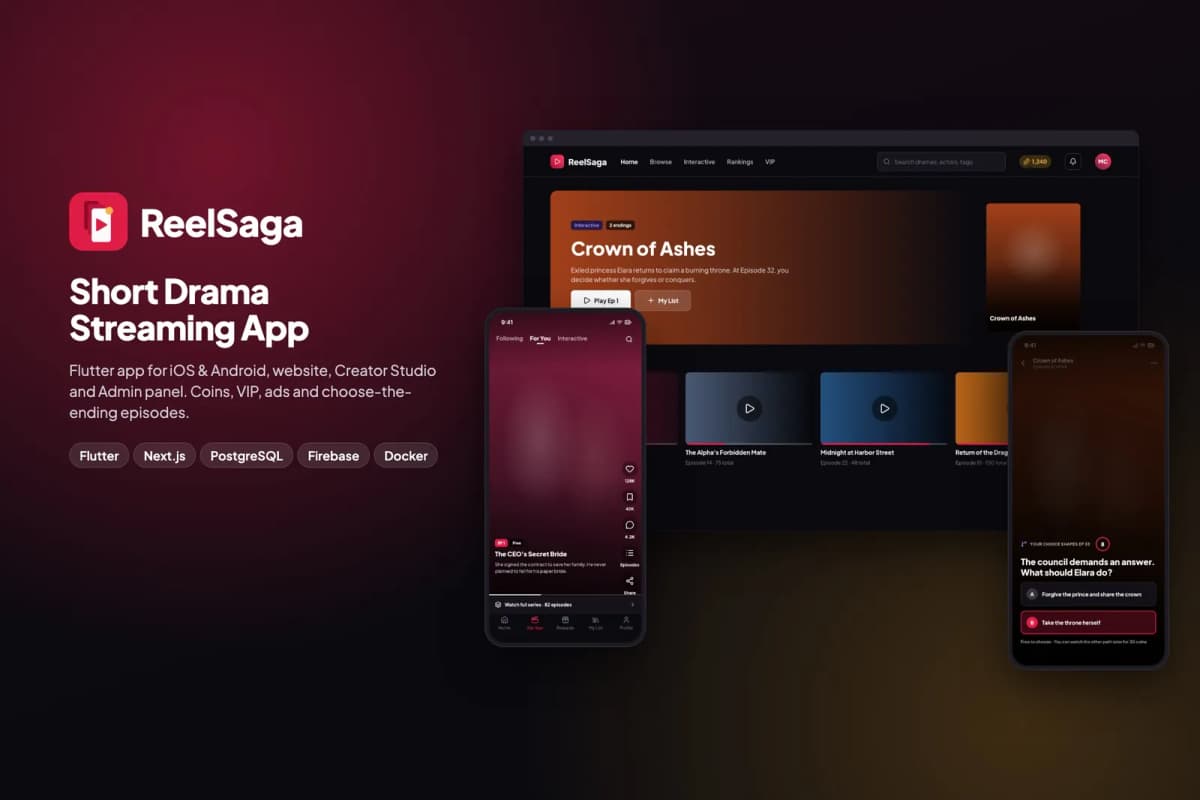
Every founder with an app idea reaches the same fork: build it from scratch, or start from someone else's source code. We do both for a living. We build custom software for clients, and we sell app kits like Dashly and ReelSaga. So we have seen when each choice works, and when it goes wrong.
What "buying source code" means
An app kit is a working product sold as source code. You get the code for the apps, the website and admin panel, the server, and the database, plus documentation. You run it on your own server, under your own name. It is different from:
- A no-code builder, where you rent a platform and cannot take the code with you.
- A white-label SaaS, where someone else runs the platform and you pay monthly.
- A template, which is usually design only, with little or no working back end.
With a good kit, the whole business runs on day one with sample data. Your work is branding, configuration, content and the changes that make it yours.
When buying makes sense
- Your business model is proven. Food delivery, classifieds, streaming, booking: the software patterns are well known. Your advantage is your market, not a new kind of checkout.
- Speed matters. You want to test the market in weeks, not months.
- Your budget should go to the business. Riders, stores, content, marketing, not rebuilding login screens.
- You have (or can hire) a developer to configure, deploy and customise it.
When building from scratch makes sense
- Your product is genuinely new. If no kit covers the core of what you do, a kit forces you to fight its assumptions.
- Your workflow is unusual. Internal tools, regulated processes, payroll and compliance often need software shaped around exactly how you work. Our payroll case study is an example.
- You will change most of it anyway. If you would replace more than half a kit, start clean.
- You need to own every design decision for investors, security reviews or regulation.
The hidden costs of each
Buying
- Learning the codebase. Someone has to understand it before changing it.
- Hosting and services. Servers, storage, payment providers, maps, email.
- App store work. Developer accounts, listings, screenshots, review cycles.
- Customisation. Each change is a small project.
- Quality risk. A cheap kit with messy code can cost more to fix than to replace.
Building
- Time. A multi-sided app (customers, riders, stores, admin) is many months of work for a team.
- Everything is a decision. Every screen, flow and edge case must be designed and built.
- Maintenance from day one. You own every bug.
- Opportunity cost. Months spent building are months not spent selling.
How to check a kit before you buy
Most bad kit purchases could have been avoided with an hour of checking:
- Use the live demo end to end. Not just screenshots. Place an order, take a delivery, unlock an episode, open the admin. Our Dashly demo and ReelSaga demo are fully clickable, with Android demo apps.
- Read the documentation first. If you cannot follow the install steps, neither can your developer.
- Check it runs on your own infrastructure. No hidden dependency on the author's servers, keys or accounts. Our kits run from your own
.envfile and refuse to ship our keys; a release check scans every download for them. - Check that it works without paid keys. Our kits run every feature in demo mode before you add payment, map or AI keys, so you can evaluate before spending money on services.
- Look at the stack. Mainstream, well-supported technology (for us: Flutter, Next.js, TypeScript, PostgreSQL, Docker) is easier to hire for.
- Ask about updates and support. What is included, for how long, and how fixes are delivered.
- Read the licence. How many products, and can you charge end users? That is the difference between a regular and an extended licence.
- Be honest about the feature list. A good author tells you what is not included. Our product pages list honest limits, such as rider navigation opening the phone's maps app in Dashly.
A middle path: kit plus customisation
For many businesses the best answer is both: start from a kit for the 80% that is standard, then pay for the 20% that makes it yours. That keeps launch fast and spending focused. We offer this as Flutter app from a kit: we rebrand the apps, publish them under your developer accounts, and quote any custom changes after a call.
Quick decision table
| Situation | Our advice |
|---|---|
| Proven model, limited budget, need to launch fast | Buy a kit |
| Proven model, specific local twist | Kit plus customisation |
| New product category | Build |
| Internal process or regulated workflow | Build (custom web app) |
| Not sure demand exists yet | Kit, or even a landing page first |
What a fair licence looks like
Before buying any source code, read the licence. A fair one answers these questions plainly:
- How many products can I build? A regular licence typically covers one end product. Building several apps or reselling to clients usually needs an extended licence.
- Can I charge users? Some licences restrict paid end products to the extended licence.
- Can I change the code? You should be free to modify it for your product.
- Can I resell the code itself? Almost always no. You are buying the right to build a product, not the right to sell the kit.
- What about updates and support? How long, how delivered and what counts as support.
If the licence is unclear, ask before you buy and keep the answer in writing.
Questions to ask the seller
- Can I see the live demo on a real phone, not just screenshots?
- Is there documentation for installing the server, rebranding and publishing?
- Which versions of Flutter, Firebase and other tools does it use, and when was it last updated?
- Are there automated tests?
- Which parts depend on paid third-party services, and what do they cost?
- What happens if a store review rejects the app because of something in the kit?
- Can you install it or customise it for me, and at what price?
A seller who answers these quickly and specifically is more likely to support you after the sale.
Planning your first 90 days with a kit
- Weeks 1–2: install, rebrand, connect your own services and test on real devices.
- Weeks 3–4: add real content, set up payments and publish to the stores.
- Weeks 5–12: get real users, watch what they do and decide which customisations matter.
Resist big changes before launch. Real users will tell you what to change, and the kit gives you something to show them quickly.
A note on security
Whichever route you take, review security before launch: change all default passwords and keys, use your own accounts for every service, remove demo accounts and check who can access the admin panel.
Bottom line
Buy source code when the business model is proven and your advantage lies elsewhere; build from scratch when the software itself is the difference. Either way, test the demo, read the docs, check it runs on your own infrastructure and read the licence before you spend.
Exploring kits? See Dashly for delivery and ReelSaga for short drama streaming, or browse all Flutter app kits, including the ones coming soon. Still unsure? Tell us what you are building and we will give you an honest recommendation.
Frequently asked questions
Yes, when you buy a proper licence from the author. Read the licence: it says how many products you can build and whether you can charge end users. Our kits have regular and extended licences for exactly this reason.
With full source code, yes. You can change anything. The more you change, the more it becomes your own codebase, which is fine, as long as the code is clean enough to work on.
App stores review the app you submit under your account. Store rules generally reject apps that look like unmodified templates, so rebrand properly, add your own content and follow each store's guidelines.
Try the live demo end to end, read the documentation before you buy, check that it installs without the author's servers or keys, look at the tech stack and ask how updates and support work.