Handypro
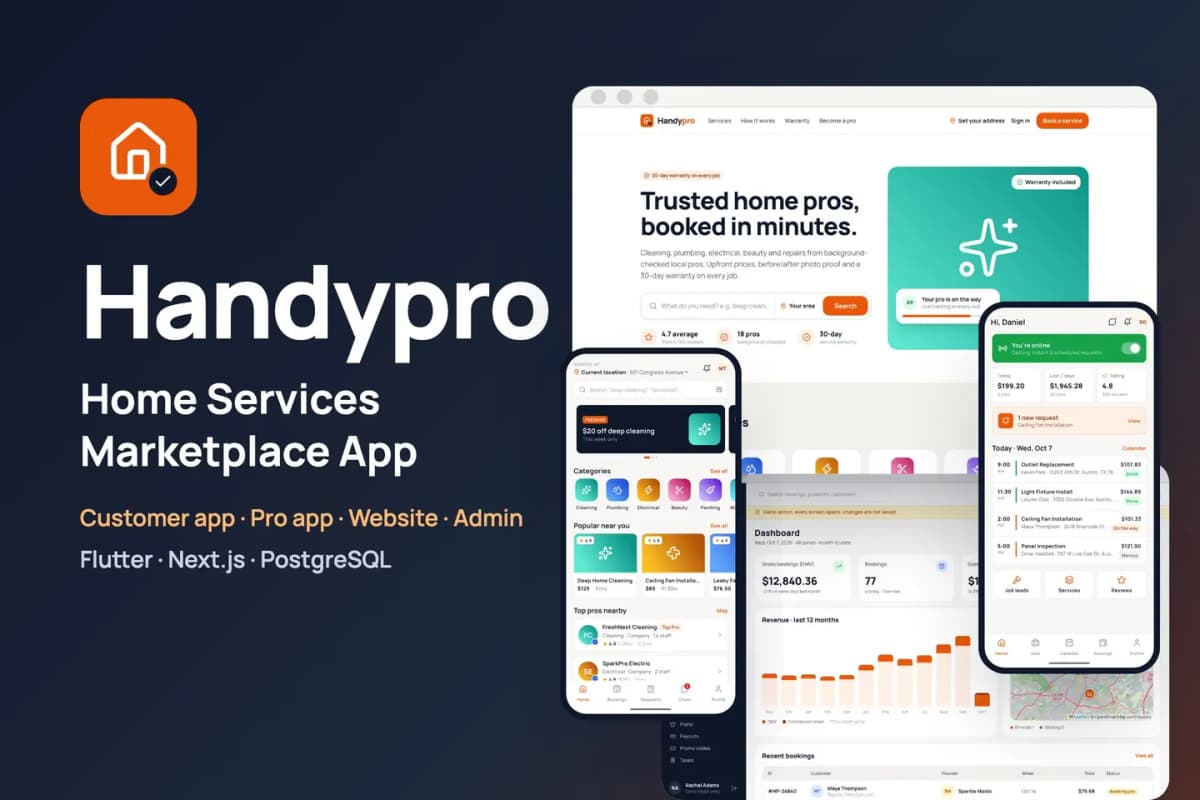
Home services marketplace kit: customer and provider apps for cleaning, repairs and trades, with booking, tracking and payouts.
// overview
About Handypro
Handypro is a ready-to-run marketplace for cleaning, plumbing, electrical, beauty, painting and repair services. You get two mobile apps (Flutter, Android and iOS): one for customers and Handypro Pro for service providers. You also get the website, a Pro web panel, the admin panel, the API and the background worker (Next.js, PostgreSQL). Put your own keys in .env, run docker compose up -d, finish the install wizard, and the marketplace is live with sample pros, services, bookings and reviews.
Live preview and demo apps
- Website: open the live demo, then Sign in > Sign in as Maya (demo customer). No passwords needed.
- Pro web panel: open
/proand tap Sign in as SparkPro Electric (demo). - Admin panel: open
/adminand tap Sign in as demo admin (read-only). - Customer app for Android: download the demo APK, then tap Try the demo account.
- Pro app for Android: download the demo APK, then tap Try the demo pro account.
- Documentation: read the full docs online (also in the download, as HTML and PDF).
Customer app (Flutter)
- Onboarding, address on a map with a service-area check, sign-in with Google, Apple, phone number or as a guest
- Home with banners, categories, popular services and top pros nearby; search with filters
- Service and pro pages with prices, extras, photos, reviews and pro replies
- Cart and a 5-step booking: instant or scheduled time slot, address, notes and photos, card, wallet or cash
- Promo codes and gift codes; clear cancellation and reschedule fees
- Live tracking of the pro on the way, a start code, extra-charge approval, tips and photo reviews
- Custom jobs: describe a job, set a budget and get bids from pros
- Chat, wallet with top-ups and referrals, saved addresses, notifications, warranty claims and disputes
- Help centre with support tickets, account deletion, light and dark themes
Handypro Pro app (Flutter)
- 6-step application with ID, licence and insurance documents, for companies and individual pros
- Application status with "changes needed" and re-upload
- Online toggle; requests with a countdown; assign a job to a team member
- Job flow: on my way with live location, start code, before photos, extras, after photos, collect cash
- Calendar with time off, services and prices, staff, job leads and bids, own promo codes
- Earnings, withdrawals and payouts; plans bought in the app; reviews with replies and reporting; chats and support
Website and Pro web panel (Next.js)
- Home, services and categories, service and pro pages, search, booking and checkout, bookings, account, help, become a pro
- Pro web panel: dashboard, requests, bookings, calendar, services, staff, earnings, withdrawals, plan, messages, reviews, settings
- Works inside an iframe (one-click demo sign-in without third-party cookies)
Admin panel
- Dashboard with a live map; reports by category, zone and provider
- Bookings with assign, refund, cancel and new booking; custom jobs; disputes
- Providers with document review, CSV import and add pro; customers
- Categories, services, featured items and banners
- Commissions, plans, payouts with CSV export and cash-debt netting, promo and gift codes, taxes
- Service zones drawn on the map, push campaigns and review moderation
- Staff roles with an audit log; settings for brand, bookings, payments, SMS and e-mail, maps, app versions and legal pages
- A Setup check that tests every key and service
Built to be easy to own
- Only your keys: every outside service has a working default. Without a Stripe key, card payments run in a clearly labelled demo mode. Without a RevenueCat key, pro plans run in demo mode. Without SMTP, e-mails go to the log. Files go to the bundled MinIO storage. Maps and address search use OpenStreetMap.
- Safe payments: the card is only authorised at booking and charged when the job starts. Extras and tips are charged to the saved card or the wallet.
- Private documents: a pro's ID and insurance files open only through links that expire after one hour.
- One command: Docker Compose starts the website, API, worker, PostgreSQL and file storage. Migrations run on every start. Optional automatic HTTPS with Caddy.
- Install wizard: it creates your admin account, sets the business name, currency, time zone and colour, and can load the sample marketplace.
- Rename tool: one command changes both app names, their Android and iOS package ids and the brand name.
- Clean code:
flutter analyzeshows 0 issues in both apps. Riverpod state, go_router navigation, lazy.builderlists. TypeScript strict mode with Biome on the web side, plus automated API and browser tests. - Documentation for beginners: server setup, Firebase, both apps, payments, push, maps, e-mail and SMS, renaming, icons and colours, every key explained, file structure, publishing to the stores, FAQ.
Requirements
- A Linux server (2 CPU, 4 GB RAM) with Docker, and a domain name
- Flutter 3.44 or newer with Android Studio; a Mac with Xcode for iOS builds
- A free Firebase project (sign-in and push notifications)
- Node.js 22 for the rename tool
Services you can connect (all optional except Firebase)
- Firebase — Authentication and Cloud Messaging
- Stripe — card payments, saved cards, and pro plans on the web panel
- RevenueCat — pro plans bought in the Pro app on the App Store and Google Play
- Twilio — booking text messages
- Google Geocoding API — address search (OpenStreetMap is the free default)
- A map tile provider such as MapTiler or Mapbox for production traffic
- Any SMTP e-mail service; AWS S3 or Cloudflare R2 instead of the bundled MinIO
What is in the download
handypro_customer_flutter/— the customer apphandypro_provider_flutter/— the Handypro Pro apphandypro_flutter_core/— code both apps share (theme, widgets, sign-in, API client)handypro_web_nextjs/— website, Pro web panel, admin, API and workerdeploy/— Docker Compose stack and.env.example;tools/— rename tooldocs/— documentation (HTML and PDF), licence and changelog
Preview-only
The job photos on the live demo are for preview only and are not included; the download has labelled placeholder images in their place. The sample pros, customers, bookings and reviews are fictional. The Android demo APKs connect to our demo server; build the apps with your own Firebase project and server address.
// features
What's included
- Two Flutter apps (customers and Handypro Pro for providers), a website, a Pro web panel and an admin panel
- 5-step booking with instant or scheduled time slots, card, wallet or cash
- Live tracking of the pro on the way and a start code before the job begins
- Before and after photos, extra-charge approval, tips and photo reviews
- Custom jobs: customers set a budget and pros send bids
- Pro app: applications with documents, job flow, calendar, staff, earnings and payouts
- Card authorised at booking and charged when the job starts
- Admin service zones drawn on the map, commissions, payouts and a Setup check
- One Docker command to install, one command to rename and rebrand
Compatibility & tags
Changelog
v1.0.0 · 2026-10-07
- First release.
// faq
Questions about Handypro
Yes. You get the Flutter app code, the Next.js website, admin panel and API, the database schema and migrations, the Docker setup, the rename tool and the documentation. You run it on your own server with your own Firebase project.
Yes. The [live demo](https://handypro-demo.apps.codememory.com) has one-click demo sign-in for each role, no passwords needed. You can also [download the Android demo app](https://handypro-demo.apps.codememory.com/downloads/handypro-demo.apk).
Yes. Every outside service has a working default: payments run in a clearly labelled demo mode, e-mails go to the log and files go to the bundled storage. Add each key when you are ready.
A Linux server (2 CPU, 4 GB RAM) with Docker and a domain name, Flutter 3.44 or newer with Android Studio, a Mac with Xcode for iOS builds, and a free Firebase project for sign-in and push.
Yes. Our [app kit install](/services/app-kit-install) service sets it up on your server, and [Flutter App from a Kit](/services/flutter-app-customisation) rebrands the apps and publishes them to the App Store and Google Play under your name.
You might also like
all_flutter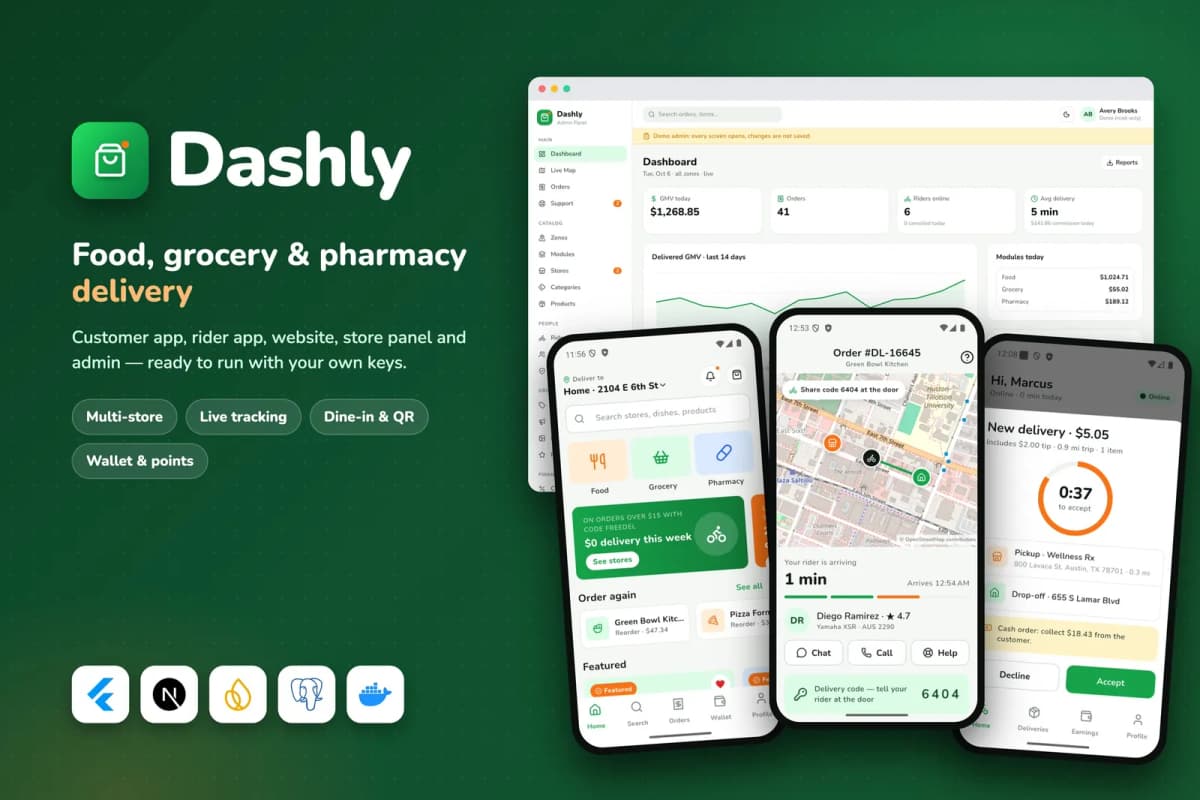 Flutter
Dashly
Food, grocery and pharmacy delivery platform: customer and rider apps, website, store panel and admin, with a single-restaurant mode.
 Flutter
ReelSaga
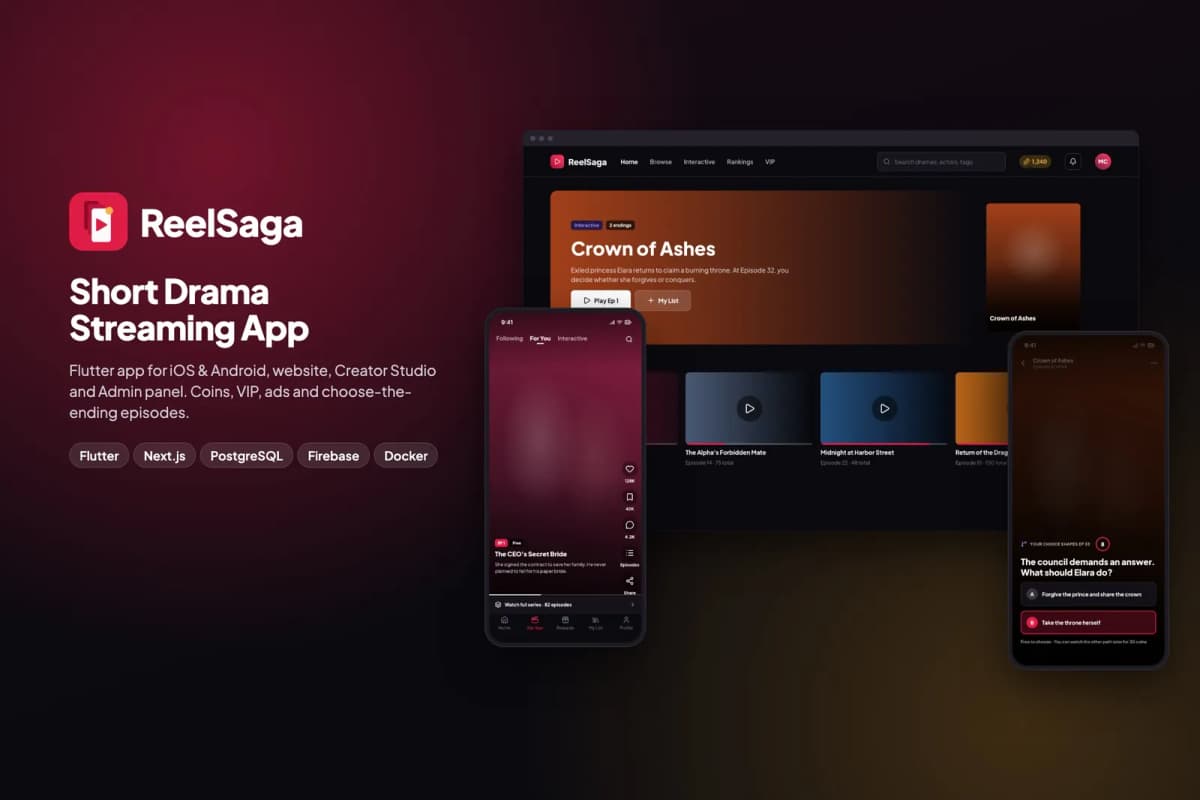
Short drama streaming app kit: vertical episodes, coins, VIP and choose-the-ending stories, with a website, Creator Studio and admin panel.
 Flutter
Swapsy
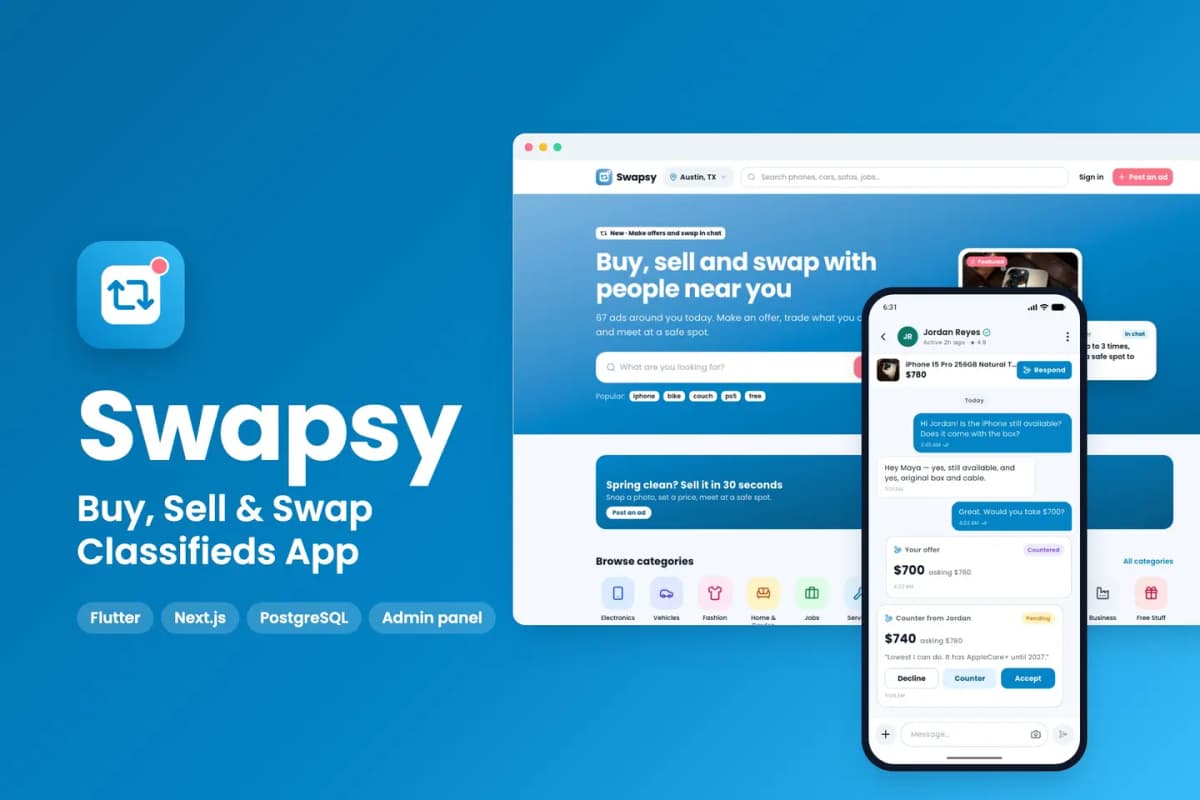
Classifieds app kit to buy, sell and swap locally, with offers and counter-offers inside chat.