Swapsy
Classifieds app kit to buy, sell and swap locally, with offers and counter-offers inside chat.
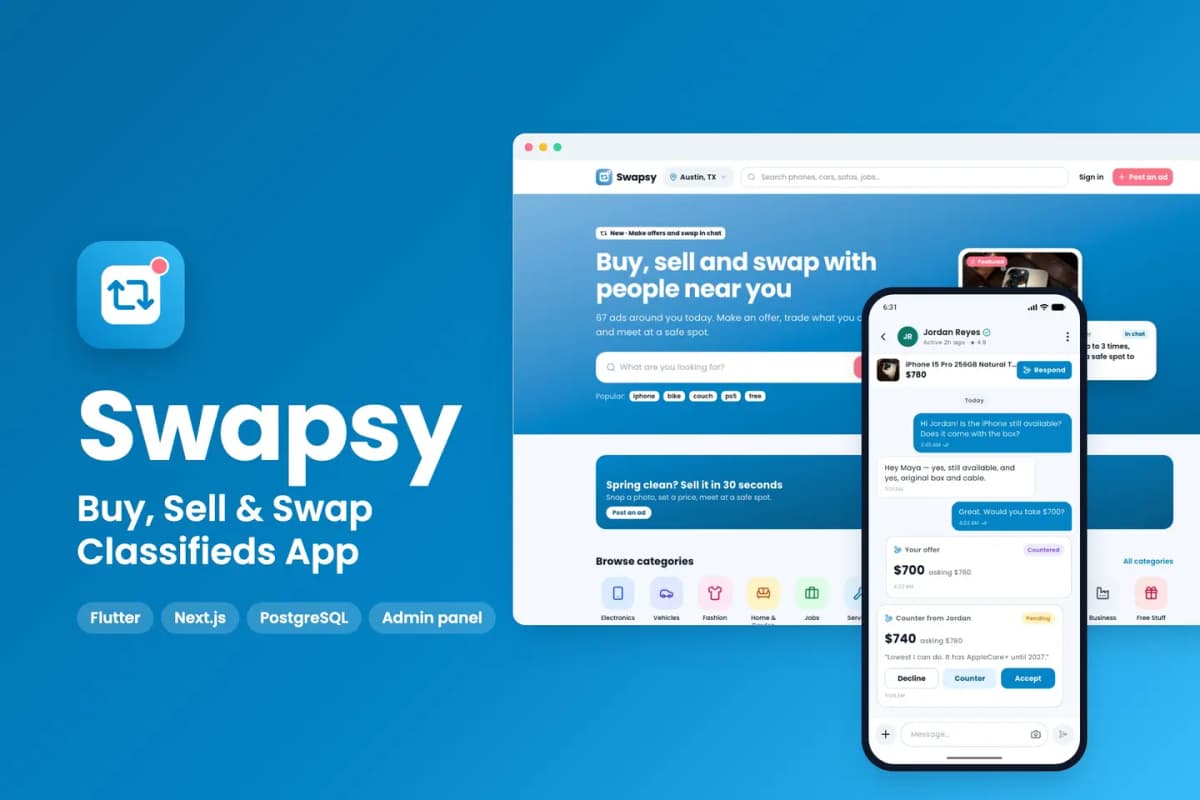
// overview
About Swapsy
Swapsy is a ready-to-run classifieds marketplace for your city. You get the mobile app (Flutter, Android and iOS), the website, the admin panel, the API and the background worker (Next.js, PostgreSQL). Put your own keys in .env, run docker compose up -d, finish the install wizard, and the marketplace is live with sample categories, ads, sellers and safe meetup spots.
What makes it different: buyers make offers and counter-offers in chat, swap one of their own items (plus cash) for yours, and meet at safe meetup spots. Sellers schedule boosts, and buyers get price-drop alerts. A scam-warning banner flags risky messages.
Live preview and demo app
- Website and admin: open the live demo. Sign-in has one-click demo buttons (no passwords): Sign in as Maya (demo member), and Sign in as demo admin (read-only) on
/admin. - Android app: download the demo APK
- Documentation: read the full docs online (also in the download, as HTML and PDF)
Mobile app (Flutter)
- Onboarding, area picker, sign-in with Google, Apple, phone number, email or as a guest
- Home with categories, banners, featured ads near you and a weekly price-drop digest
- Search with filters built from each category's own fields, list and map view, saved searches with alerts
- Ad pages with photo gallery, seller trust badges, similar ads and a scam-safety checklist
- Offers in chat: make, counter, accept or decline; offers expire on their own; accepted offers reserve the item
- Swap offers: offer one of your live ads, with or without cash on top
- Safe meetups: pick a police station or staffed public place, confirm the time, share your trip and check in
- Favourites with price-drop alerts; follow sellers
- 7-step posting wizard: category, custom fields, photos, price and swap options, location, preview, publish
- My ads: live, pending, rejected, expired, sold and drafts; mark sold, renew, edit and see stats
- Boosts and packages with a schedule (start time and daily bump time)
- Seller profiles, ratings and reviews; ID verification and the Verified badge
- Notifications inbox, help centre, safety tips, settings, data export and account deletion; light and dark themes
Website (Next.js)
- Home, search with list and map, ad pages, seller profiles, categories, safe spots, pricing, blog, help and legal pages
- Account area: dashboard, my ads, chats with offers and meetups, favourites, saved searches, notifications, packages and payments, verification, settings
- Post an ad from the browser; Stripe, PayPal, Razorpay or Flutterwave checkout for boosts and packages
- Works inside an iframe (one-click demo sign-in without third-party cookies)
Admin panel
- Dashboard; ad moderation queue with approve or reject with a reason; reports with report reasons
- Categories with a custom field builder; cities and areas; safe meetup spots on a map
- Users, ID verification review, staff roles and permissions
- Packages, payments, and a boost calendar
- Banners, blog, FAQ, safety tips, push campaigns and e-mail templates
- Settings for brand, currency and units, payment gateways, maps and keys
- A Setup check that tests every key and service
Built to be easy to own
- Only your keys: every outside service has a working default. Without payment keys, boosts and packages run in a clearly labelled demo mode; without SMTP, e-mails go to the log; files go to the bundled MinIO storage; maps and address search use OpenStreetMap.
- One command: Docker Compose starts the website, API, worker, PostgreSQL and file storage; migrations run on every start. Optional automatic HTTPS with Caddy.
- Install wizard creates your admin account, sets your marketplace name, currency and units, and can load the sample marketplace.
- Rename tool: one command changes the app name, the Android / iOS package id, the brand colour, the website font and the icon.
- Clean code:
flutter analyzeshows 0 issues; Riverpod state, go_router navigation, lazy.builderlists; TypeScript strict mode with Biome on the web side; automated API and browser tests. - Documentation for beginners: server setup, Firebase, the app, payments, push, maps, e-mail, renaming, icons and colours, every key explained, file structure, publishing to the stores, FAQ.
Requirements
- A Linux server (2 CPU, 4 GB RAM) with Docker, and a domain name
- Flutter 3.44 or newer with Android Studio; a Mac with Xcode for iOS builds (iOS 15 or newer)
- A free Firebase project (sign-in and push notifications)
- Node.js 22 for the rename tool
Services you can connect (all optional except Firebase)
- Firebase — Authentication and Cloud Messaging
- RevenueCat — in-app purchases on the App Store and Google Play
- Stripe, PayPal, Razorpay or Flutterwave — payments on the website
- Google Geocoding API — address search (OpenStreetMap is the free default)
- A map tile provider such as MapTiler or Mapbox for production traffic
- Any SMTP e-mail service; AWS S3 or Cloudflare R2 instead of the bundled MinIO
What is in the download
swapsy_mobile_flutter/— the appswapsy_web_nextjs/— website, admin, API and workerdeploy/— Docker Compose stack and.env.example;tools/— rename tooldocs/— documentation (HTML and PDF), licence and changelog
Preview-only
The item photos on the live demo and in the screenshots are for preview only and are not included; the download has placeholder images in their place. The sample ads, people and reviews are fictional. The bundled font, Poppins, is under the SIL Open Font License (the licence file is included).
// features
What's included
- Flutter app for Android and iOS, a website, an admin panel, the API and a background worker
- Offers and counter-offers inside chat; accepted offers reserve the item
- Swap offers: trade one of your own ads, with or without cash on top
- Safe meetups at police stations or staffed public places, with check-in
- Search with category filters, map view and saved searches with alerts
- Price-drop alerts on favourites, seller ratings and ID verification
- Scheduled boosts and packages, paid with Stripe, PayPal, Razorpay or Flutterwave
- Admin moderation queue, custom field builder per category and a Setup check
- One Docker command to install, one command to rename and rebrand
Compatibility & tags
Changelog
v1.0.0 · 2026-10-07
- First release.
// faq
Questions about Swapsy
Yes. You get the Flutter app code, the Next.js website, admin panel and API, the database schema and migrations, the Docker setup, the rename tool and the documentation. You run it on your own server with your own Firebase project.
Yes. The [live demo](https://swapsy-demo.apps.codememory.com) has one-click demo sign-in for each role, no passwords needed. You can also [download the Android demo app](https://swapsy-demo.apps.codememory.com/downloads/swapsy-demo.apk).
Yes. Every outside service has a working default: payments run in a clearly labelled demo mode, e-mails go to the log and files go to the bundled storage. Add each key when you are ready.
A Linux server (2 CPU, 4 GB RAM) with Docker and a domain name, Flutter 3.44 or newer with Android Studio, a Mac with Xcode for iOS builds, and a free Firebase project for sign-in and push.
Yes. Our [app kit install](/services/app-kit-install) service sets it up on your server, and [Flutter App from a Kit](/services/flutter-app-customisation) rebrands the apps and publishes them to the App Store and Google Play under your name.
You might also like
all_flutter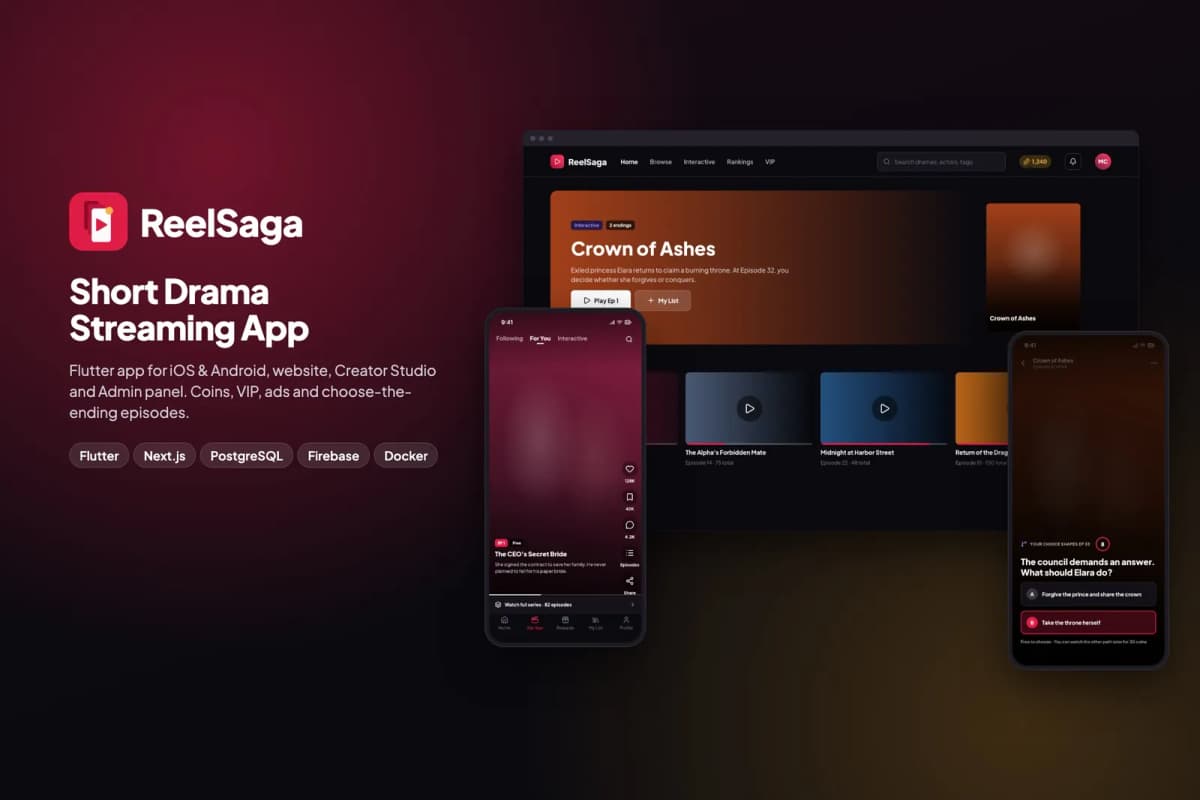 Flutter
ReelSaga
Short drama streaming app kit: vertical episodes, coins, VIP and choose-the-ending stories, with a website, Creator Studio and admin panel.
 Flutter
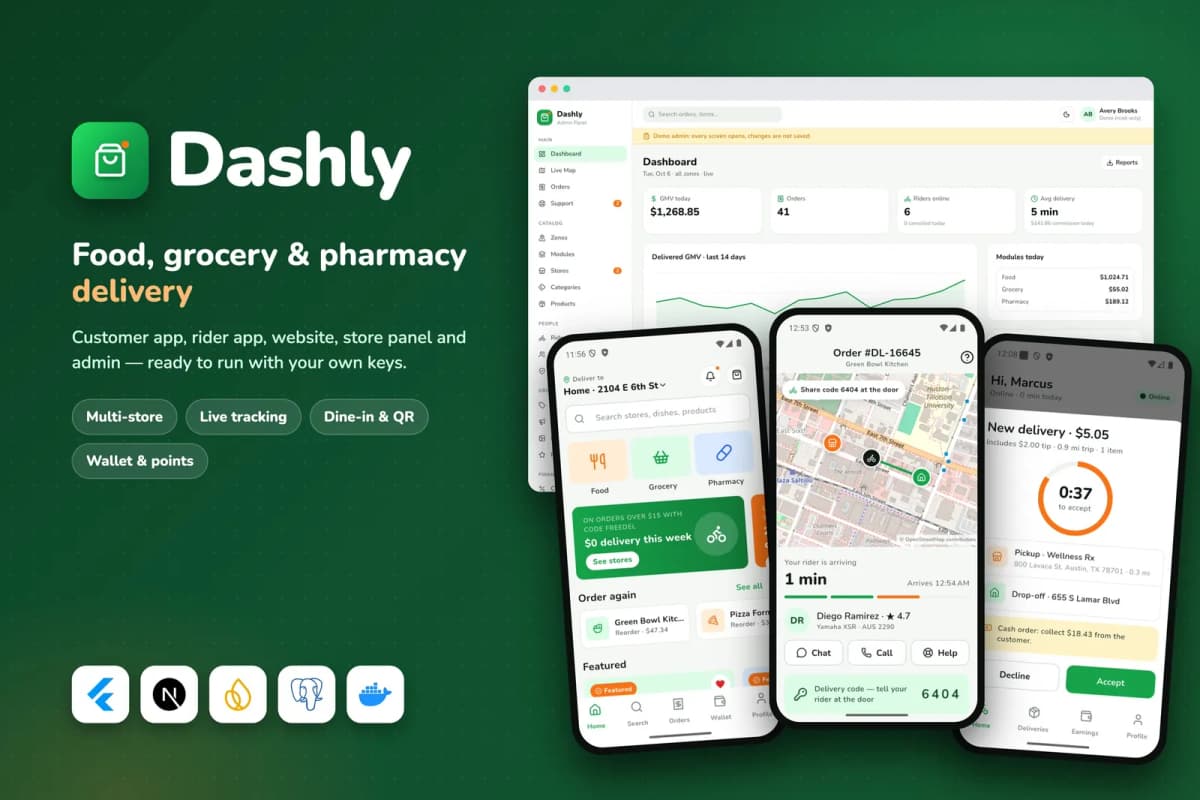
Dashly
Food, grocery and pharmacy delivery platform: customer and rider apps, website, store panel and admin, with a single-restaurant mode.
 Flutter
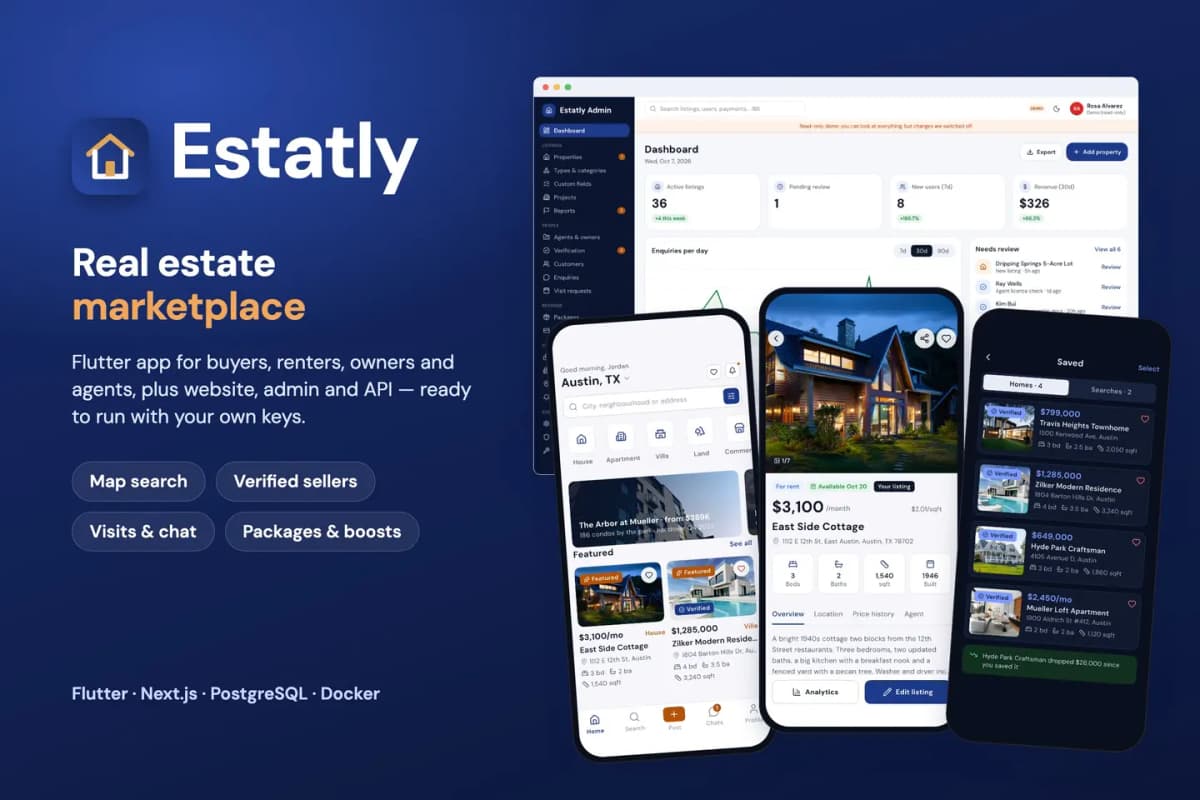
Estatly
Real-estate marketplace kit to buy, rent and sell property, with map search and verified listings.