A portfolio has one job: make the right client want to talk to you. Pictures help, but clients hire thinking. They want to see the problem, your approach, the decisions and the result, presented with the same care you would bring to their project.
Ghost makes a surprisingly good portfolio platform for studios and freelancers who also write: case studies are posts, the studio journal is a blog, and the newsletter keeps past clients and prospects warm. This guide covers what a studio site needs from a Ghost theme, and how our theme, Folio, handles it.
What a studio or portfolio site needs
A statement, not a slideshow
The homepage should say what you do in a few words, in a way that is unmistakably yours. Strong type does this better than a carousel.
Case studies that read like features
A big title, a lead paragraph, the facts (services, year, who led it), then the story with full-width images. Clients read the facts box first; make it easy.
A project index
A list or grid of every project, with disciplines and year, so prospects can find relevant work quickly.
A journal
Writing about your process, your opinions and your industry is how many studios get found. A journal with related posts keeps readers moving.
An obvious way to get in touch
A big, simple contact call to action, repeated, with your email.
How Folio handles it
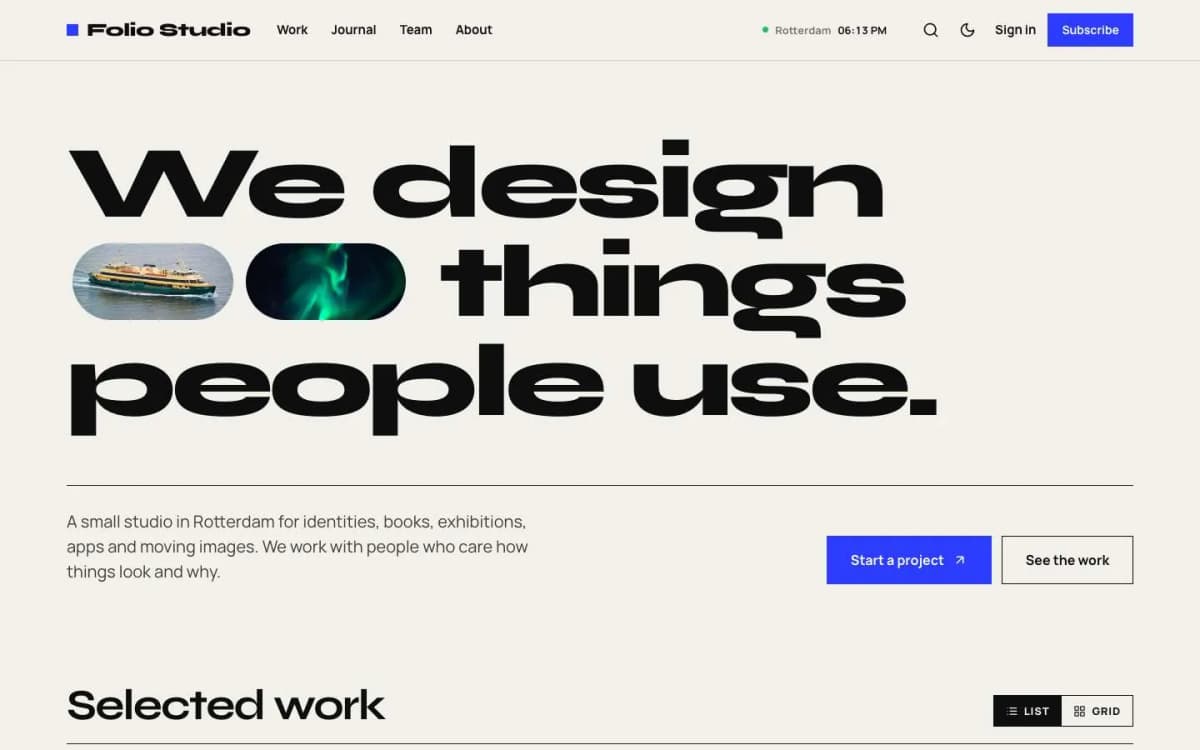
Folio is a bold, Swiss-style Ghost theme for design studios, agencies and portfolios.
A giant typographic statement. Two lines of very large type on the homepage, with the images of your two newest case studies set between the words as small pills. Under it: your hero text and a "Start a project" button that opens your contact email.
Case studies with one tag. Add the internal tag #work to a post and it becomes a case study: a very large title, the excerpt as a lead paragraph, a facts box (services from its public tags, the year, the author as project lead, reading time), then a full-width cover. A "Next project" band walks through every case study and wraps around at the end.
Selected work. Your case studies as a numbered list with title, disciplines and year. Hovering a row shows its image beside the cursor. Readers can switch between List and Grid, and their choice is remembered.
What we do. A services list built from your tags, with project counts.
Full bleed template. For photography-heavy projects, every image and gallery runs the full width of the screen with no gaps.
Studio journal. Every post without #work is a journal post with previous/next links and three related posts.
Studio clock. A small live clock in the header and footer with your city and local time.
Giant contact band with your email, and a giant site title in the footer, both fitted to the screen.
More. Work and Team pages and team member pages; membership page, styled paywall, sign-in, sign-up and account pages; light first with dark and system modes; reading progress and lightbox; self-hosted Syne and Manrope fonts; full translation support; 19 theme settings; no jQuery.
Hover the project list on the Folio live demo.
What Folio does not do
- No client portal or shop. Folio is a public portfolio and journal.
- Needs images. Projects with few or no images will look thin.
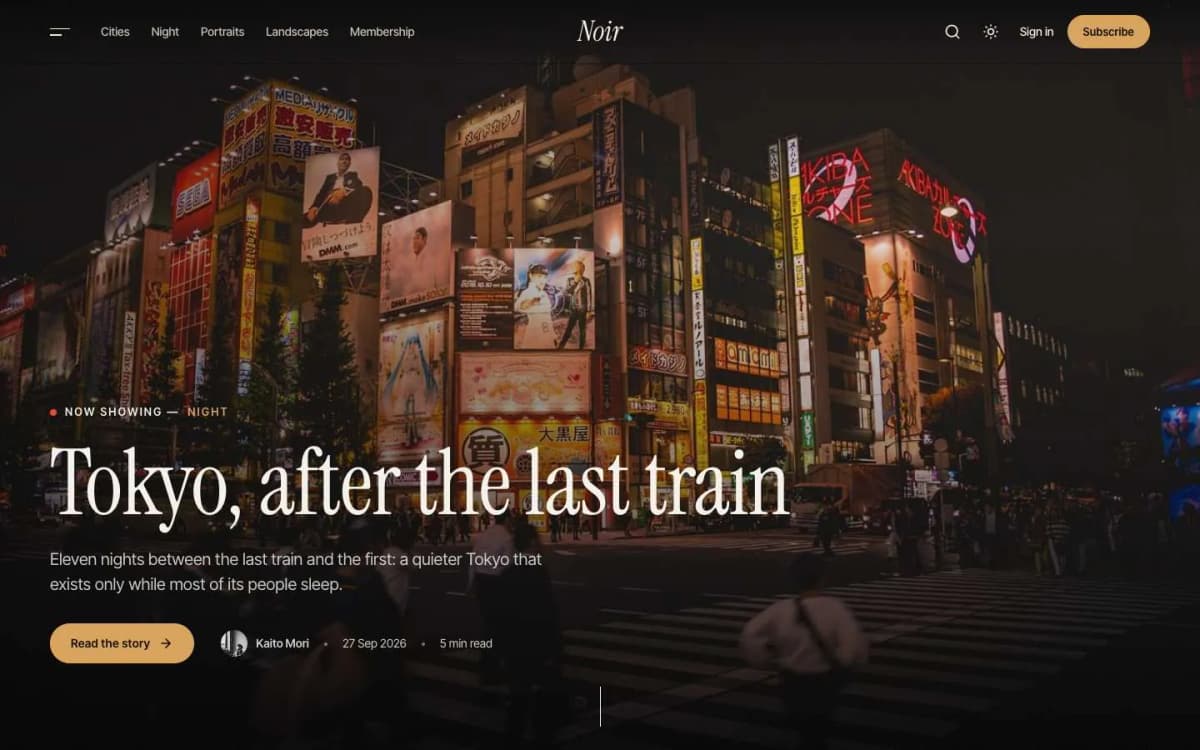
- Not dark and cinematic. For a moody, image-first look, see Noir.
Writing case studies that win work
- Start with the client's problem, in their words if you can.
- Show decisions, not just outcomes. Two or three choices you made and why.
- Show the work large. Full-width images; use the Full bleed template where photography matters.
- State results honestly. Only numbers the client agrees you can share; otherwise describe what changed.
- Fill in the facts. Services (your tags), year and project lead give prospects a quick read.
- End with a next step. The contact band does this for you on every page.
- Write in the journal monthly. Short posts about process or a lesson learned keep the site alive and bring search traffic.
Using Ghost's newsletter as a studio
A quarterly studio newsletter, sent from Ghost to past clients, prospects and friends, is one of the cheapest ways to win repeat work. Share a new case study, a journal post and what you are taking on next. Free members are enough; you do not need paid tiers.
Other themes to consider
- Noir: cinematic visual stories for photographers and filmmakers.
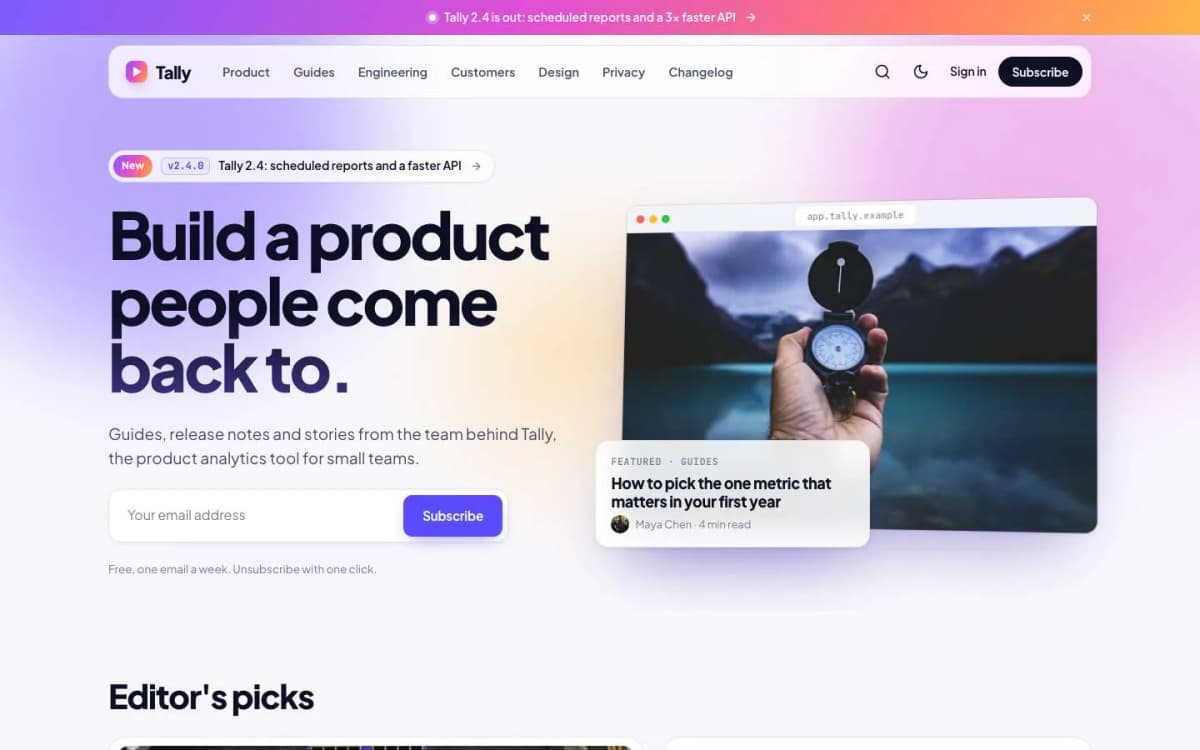
- Launch: for a product studio that also ships its own software and needs a changelog.
- Compare them all on our Ghost themes page.
Setting up Folio for a studio
The order we follow when setting up Folio:
- Write the statement. Two short lines of very large type. Say what you do in your own voice, not a tagline generator's. Test it on a phone; giant type exposes long words.
- Set the hero text and contact email. The "Start a project" button opens your email; use an address someone monitors.
- Create service tags. Branding, Web design, Product, Photography: whatever you sell. They power the "What we do" list and the facts box on case studies.
- Publish two case studies first. The homepage statement shows images from your two newest case studies, so start with your strongest.
- Add the team. Staff accounts with photos and bios feed the Team page and each case study's project lead.
- Set the studio clock. Your city and time zone, or leave it empty to hide.
- Create the Work and Team pages with their templates and link them in the navigation.
- Start the journal with one post about how you work.
Case study structure that works
Prospects read case studies quickly. A structure that serves them:
- Lead paragraph (the custom excerpt): the client, the challenge and the outcome in two or three sentences.
- Context: who the client is and why the project mattered.
- Approach: the two or three decisions that shaped the work.
- The work: large images, using the Full bleed template when photography carries the story.
- Outcome: what changed, in terms the client agreed to share.
- Credits: collaborators and the team.
Portfolio sites and search
Portfolio sites rarely win broad searches like "design agency", but they can win specific ones: your studio name, your city plus your discipline, and the problems your journal posts answer. Give each case study a clear search title that names the client type and the work, and write journal posts about questions clients ask you in meetings. Those posts bring in exactly the people who might hire you.
Keeping the portfolio current
A portfolio with a three-year-old latest project suggests a studio that has slowed down. Add a case study for each significant project within a few weeks of launch, while details are fresh and the client is happy to approve it. Retire older work that no longer represents what you sell, and keep the journal moving with short posts between case studies.
Bottom line
A studio site should state who you are, present projects as stories, make work easy to browse and make contacting you effortless. Folio does all of that with one internal tag, in a bold Swiss style, for $59.
See your work in Folio: open the Folio demo and get Folio. Want it set up with your projects and studio clock? Our Ghost theme install and setup service handles it.
Frequently asked questions
Add the internal tag #work to the post. It then opens with a very large title, your excerpt as a lead paragraph, a facts box (services from its public tags, the year, the project lead and reading time) and a full-width cover image.
Yes. Every post without the #work tag is a journal post with a classic article layout, previous and next links and three related posts.
A small live clock in the header and footer showing your studio's city and local time, for example Rotterdam 09:41. Set the location and time zone in the theme settings, or leave the location empty to hide it.
Folio is a public portfolio. You can lock posts for Ghost members, but it is not a client portal with files and approvals.