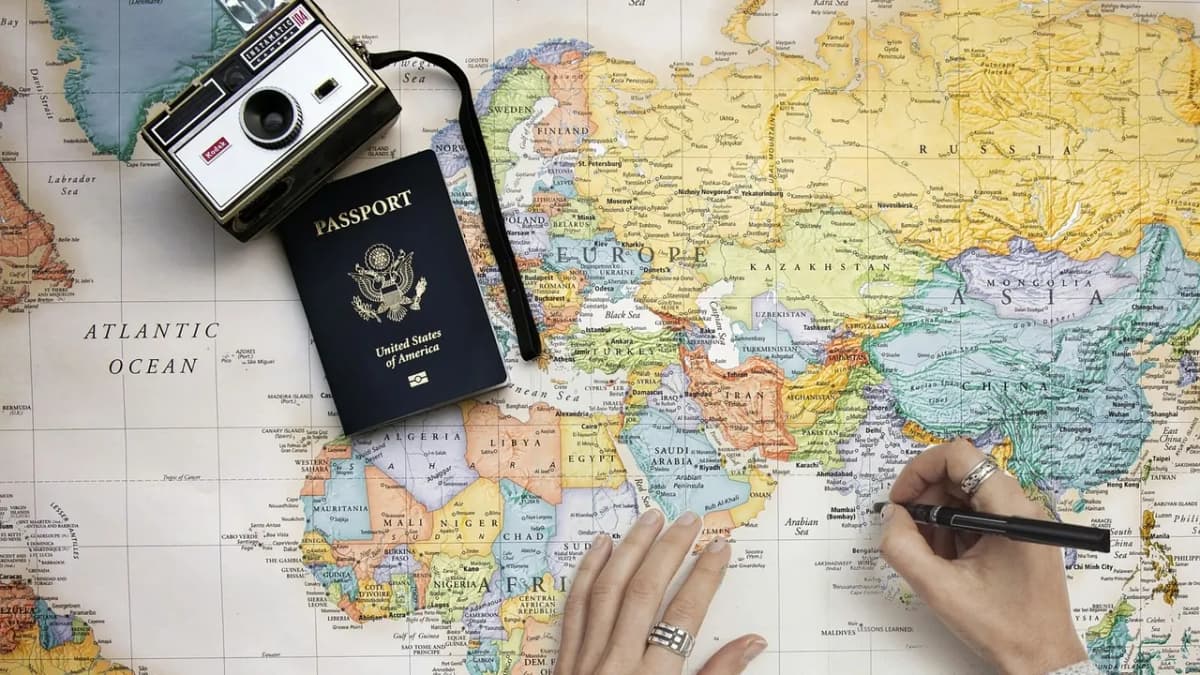
Travel readers want to see before they read. A beautiful photo makes them stop; a map shows them where the story happened; a few trip facts tell them whether the trip is for them. Only then do they read your account of the trek, the ferry or the guesthouse.
A general blog theme gets in the way of all three. This guide covers what a travel blog needs from a Ghost theme, and how our theme, Wander, handles it.
Why travel writers choose Ghost
Ghost suits travel writing because the money in travel blogging has shifted. Display ads and affiliate links still exist, but more travel writers now earn from:
- a newsletter that readers open every week;
- paid guides, itineraries and members-only stories;
- a loyal audience that books the trips, tours or products they recommend.
Ghost has the newsletter and memberships built in, with no cut taken from subscriptions. What it lacks out of the box is anything travel-specific: maps, trip facts, destinations. That is the theme's job.
What a travel blog needs from a theme
Photos first
Full-width photos on the homepage and in posts, with layouts that do not crop your best shots awkwardly. Galleries that look like prints, not grey thumbnails.
A map of where you have been
A world map with a pin for every story is the single most useful travel feature. New readers instantly see your coverage; returning readers find the next place to read about. A map per destination is even better.
Trip facts at a glance
Where, when, how long, how much, best season. Readers decide quickly whether a trip is relevant to them. A consistent facts block, the same in every post, helps them.
Destinations as entry points
Readers browse by country or region. Your tags should become tall photo tiles for each destination, not a plain list of words.
A newsletter box that fits the mood
A signup form is the most important element on a travel blog. It should feel like part of the trip, not a generic grey box.
How Wander handles it
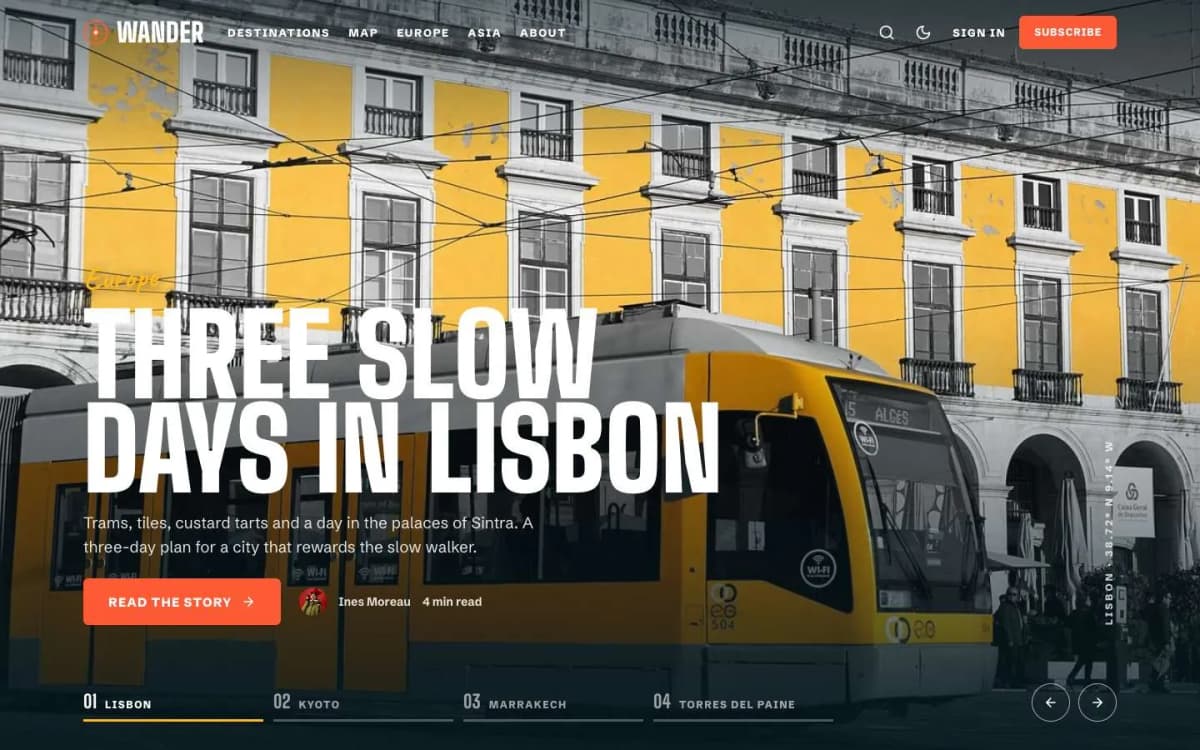
Wander is a photo-first Ghost theme for travel blogs and journals.
Photos first. The homepage opens with a full-screen photo slider of your featured stories, with autoplay, swipe and a progress bar per slide. The header sits clear over full-screen photos and turns solid when the reader scrolls. Galleries appear as tilted photo prints with handwritten captions.
A dotted world map. Every story gets a pin; hover a pin to see the story as a postcard. The map appears on the homepage, on every tag page (showing only that destination's stories) and on a full Map page.
Passport card and boarding pass. Each post has a passport card with a small map, the pin, the place, its coordinates and the date. Trip facts appear as a boarding pass, built from one plain line of text in the editor.
A journey bar. On posts with two or more main headings, a route at the bottom of the screen shows a stop for each heading, with a plane that follows the reader. Headings like "Day 1 — Alfama" work especially well.
Destinations. A destinations row of tall photo tiles for your tags, a Destinations page of postcards, and a Travellers page with postage-stamp portraits of your writers.
A newsletter that looks like airmail. The signup box is an airmail postcard with a stamp and postmark.
Next stop. Each post ends with a full-width photo link to the next story.
Memberships. A membership page with tiers and a monthly/yearly switch, a styled paywall for members-only and paid stories, and sign-in, sign-up and account pages.
Details. Light, dark and system modes, reading progress, an image lightbox, self-hosted fonts, full translation support, 18 theme settings and no jQuery.
Explore the Wander live demo on your phone; it is built for the way people read travel stories on the move.
What Wander does not do
- No booking engine. Wander does not sell tours or rooms. Link to your booking partner or tour page.
- No affiliate tables. There are no price-comparison widgets; add affiliate links in your text as usual.
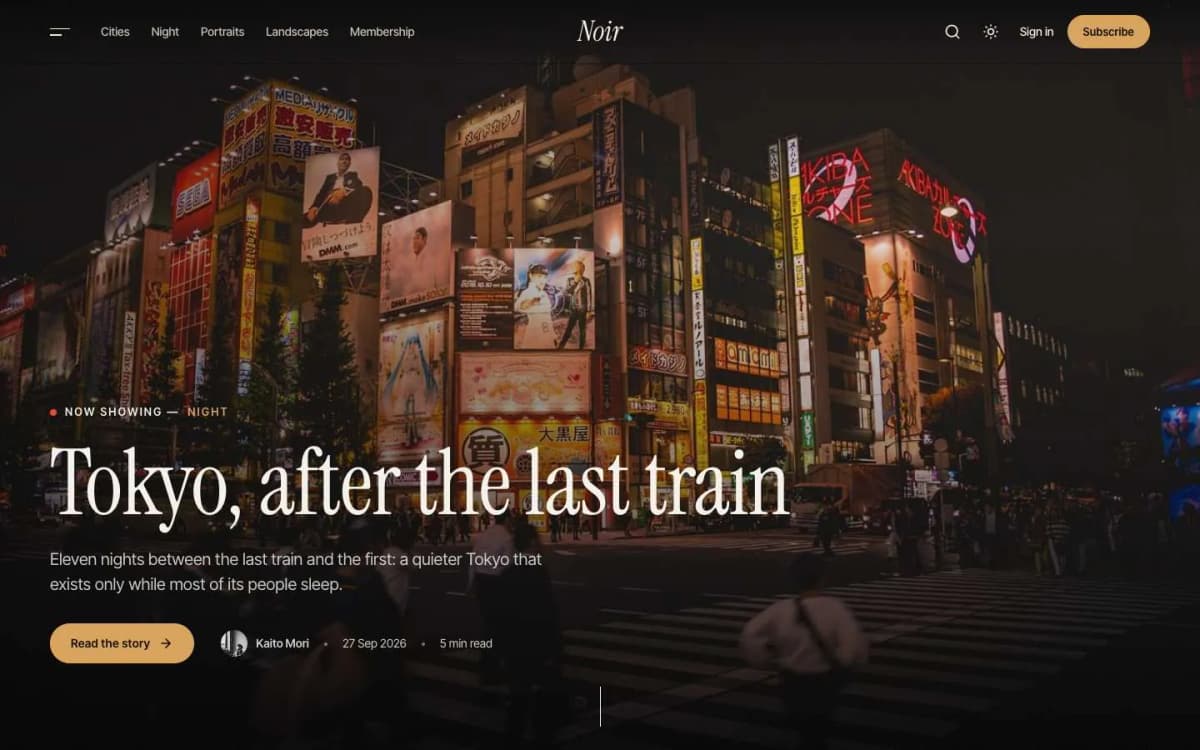
- Not for photo-light blogs. If you rarely use photos, the layout will feel empty. Look at Noir for cinematic visual stories, or a text-led theme.
- No live location. The map shows where stories are set, not where you are today.
Making a travel blog on Ghost work
- Pick your destinations (tags) first. Countries or regions you will cover repeatedly. Give each a strong vertical photo; they become the destination tiles.
- Add a #map tag to every post. For example
#map 38.72 -9.14 Lisbon(latitude, longitude, place name). The map is only as good as your pins, so make it part of your publishing checklist. - Write the trip facts the same way every time. One paragraph near the top, such as
Best time: April–June · Days: 3 · Budget: Mid-range, becomes the boarding pass. Readers learn to scan it. - Feature your five best stories. They lead the homepage slider.
- Resize photos before upload. Around 2000 pixels on the long edge is plenty. Your readers' mobile data will thank you.
- Send a newsletter for every trip. A short dispatch with three photos and a link does more than a perfect post nobody hears about.
- Sell one thing to members. A detailed itinerary per destination, a city guide or early access to trip reports. Our Ghost memberships guide covers setup.
Writing for search as a travel blogger
Search still brings travel blogs much of their new traffic, and it rewards specific, first-hand answers. "Two days in Kingston without a car" beats "Jamaica travel guide". Use clear titles, answer the question near the top, add your own photos with descriptive alt text, and update older guides when prices or routes change. Ghost lets you set the search title and description for each post, and Wander keeps pages light, which helps.
Other themes to consider
- Noir: dark, cinematic photo essays rather than practical trip reports.
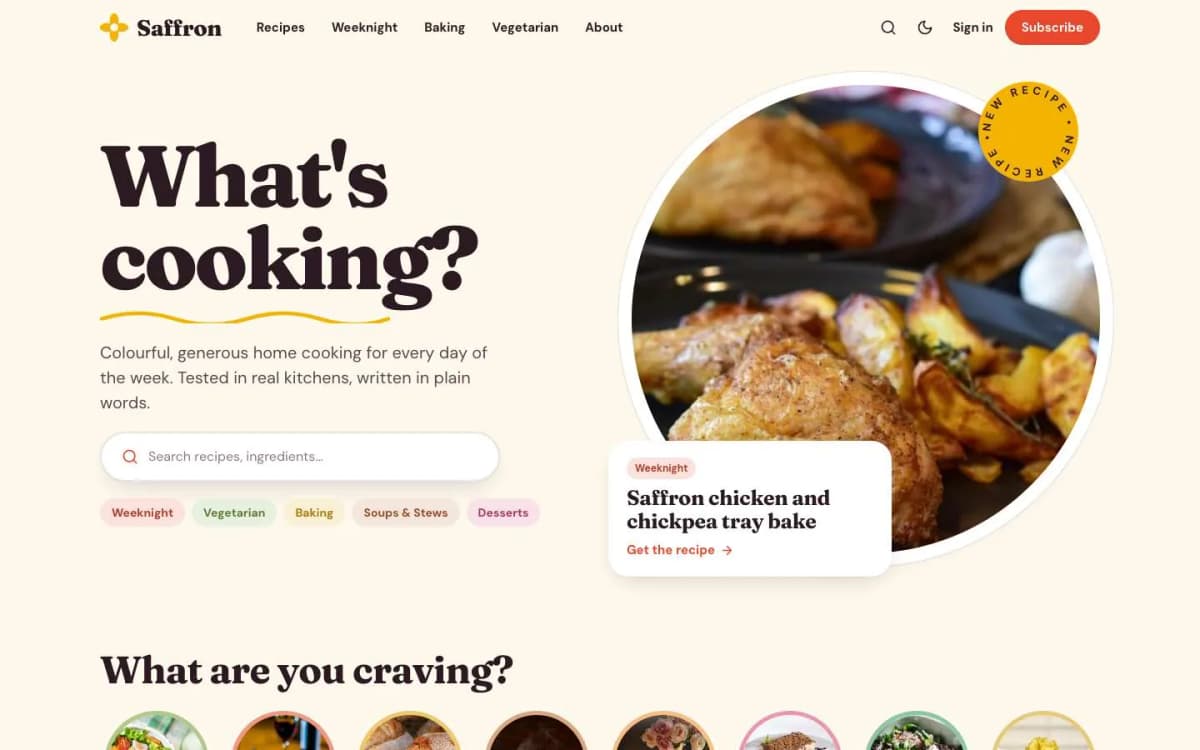
- Saffron: if your travel writing is really food writing.
- See every option on our Ghost themes page.
Practical habits on the road
Travel blogging happens on phones and weak hotel connections. Ghost's admin works in a mobile browser, so you can write and schedule from anywhere, but uploading large photos on slow Wi-Fi is painful. Resize photos on your phone or laptop before uploading, write drafts offline and publish when you have a good connection, and schedule posts so the blog stays regular while you travel.
Earning from a travel blog
Travel blogs commonly earn through memberships, affiliate links to booking services, sponsored trips and paid guides. Whichever you use, disclose it clearly in the post. Readers trust travel advice from people who say who paid for what.
Keeping guides current
Prices, opening hours and transport change. Review popular destination guides each year and add a dated note when you update them.
Bottom line
A good travel theme puts photos first, maps every story, shows trip facts at a glance, turns destinations into doorways and makes the newsletter feel like part of the journey. Wander does all of that, with no map service to pay for, for $59.
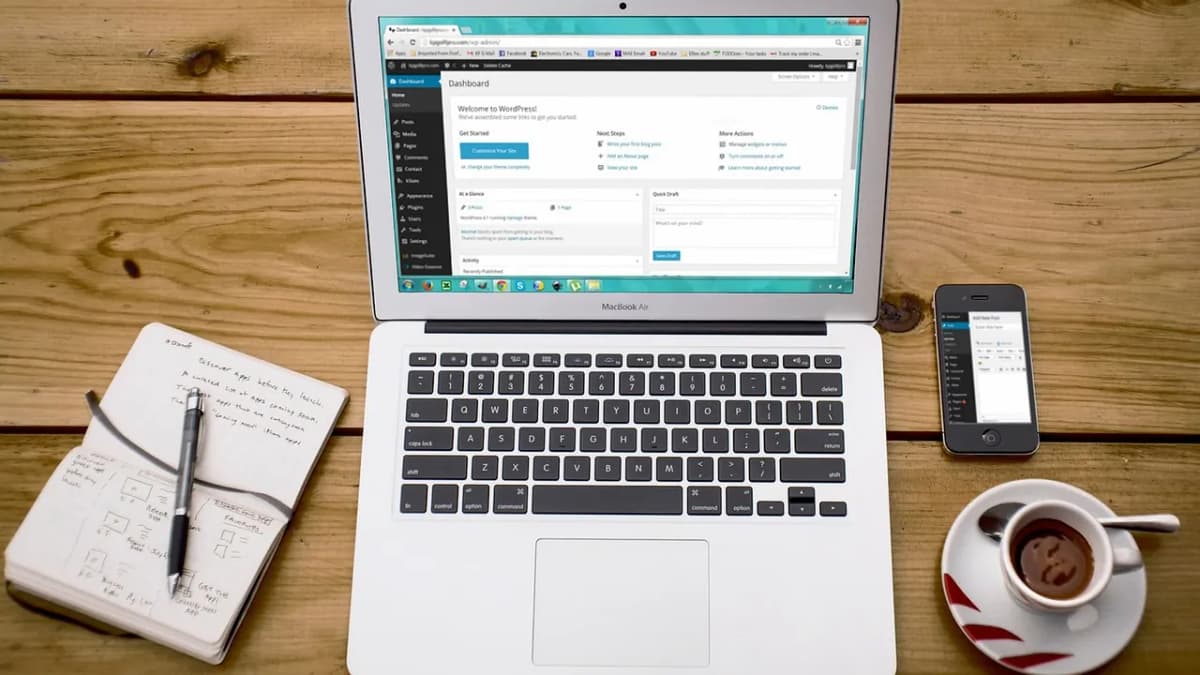
Ready to map your trips? Open the Wander demo and get Wander. Moving an existing travel blog to Ghost? Our install and setup service can set up destinations, pins and your first newsletter, and our guide to moving from WordPress to Ghost covers the content move.
Frequently asked questions
You add one internal tag to the post, for example #map 38.72 -9.14 Lisbon: the word #map, the latitude, the longitude and the place name. Internal tags are never shown to readers. Wander then pins the story on the world map, the tag maps and the full Map page, and shows a passport card with the place and date.
No. Wander draws its own dotted world map, so there is no map service to sign up for and no key to pay for.
Yes. Ghost memberships let you lock individual posts for members or paying members. Wander includes a membership page, a styled paywall and account pages.
Ghost resizes uploaded images and serves smaller versions to phones, and Wander lazy-loads images. Upload sensible sizes (around 2000 pixels wide is plenty) rather than full camera files.