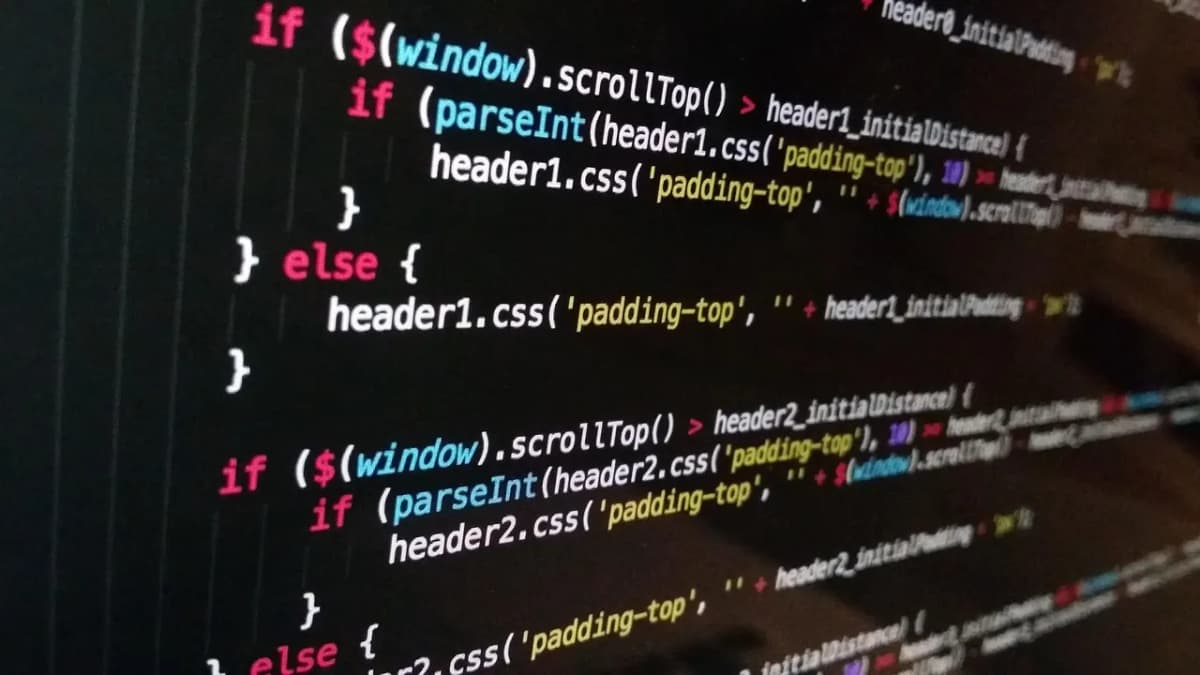
Developers judge a technical blog by its code blocks, and they do it in about three seconds. If the code is grey on grey, has no language label, breaks on a phone or copies the $ prompt into their terminal, they leave and find the answer somewhere else.
Ghost is a good home for a developer blog: Markdown-friendly editing, fast pages, a built-in newsletter and memberships if you want to sell a course or premium tutorials. What Ghost does not decide is how your code looks. That is the theme's job. This guide covers what a programming blog needs from a Ghost theme, and how our theme, Stack, handles it.
What a developer blog needs
Code blocks that are actually good
- Syntax highlighting for the languages you write about.
- A language label so readers know what they are looking at.
- A file name when the code belongs in a specific file.
- Line numbers for longer blocks, so you can refer to "line 12".
- A copy button that copies exactly what should be pasted.
- Diffs shown in green and red when you change existing code.
- Shell commands where the prompt is visible but not copied.
Multi-part tutorials
Good tutorials come in parts. Readers need to see the whole series, know where they are ("Part 2 of 4"), and move to the next part easily.
Navigation for people who use keyboards
Developers use command palettes all day. A blog with Ctrl/Cmd + K to jump to any post feels native to them.
Headings you can link to
Readers share links to a specific section. Every heading should have its own link, and long posts benefit from a contents list that follows the reader.
Dark mode that is not an afterthought
Many developers read in dark mode. The code highlighting must work in both modes.
Speed
Highlighting libraries can be heavy. A developer blog that loads several hundred kilobytes of JavaScript just to colour code is a little embarrassing.
How Stack handles it
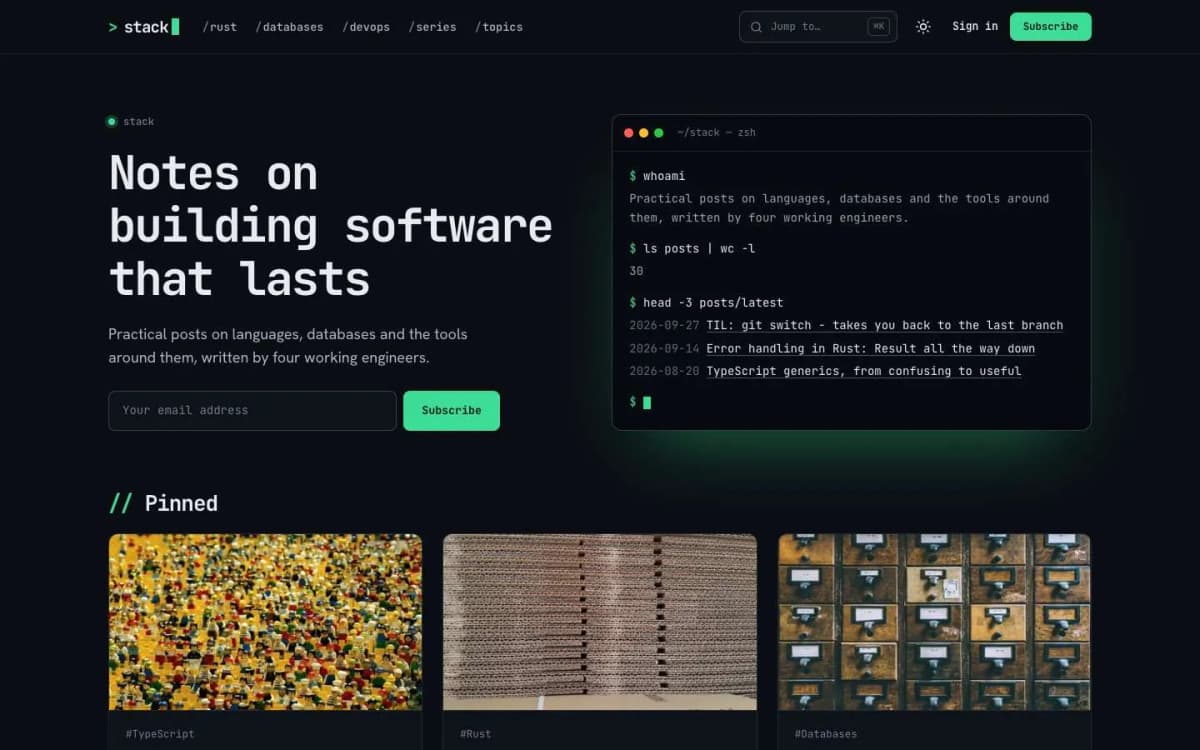
Stack is a dark, terminal-inspired Ghost theme for developer blogs.
Code blocks with a title bar. Add code with Ghost's code card (type three backticks and the language, then Enter) and Stack adds a title bar with the language label, line numbers on blocks of three lines or more, and a Copy button.
Built-in highlighting. JavaScript, TypeScript, Python, Rust, Go, SQL, shell, Dockerfile, YAML, JSON, CSS, HTML and diff are highlighted with no extra scripts to load.
File names. Make the first line a comment that starts with file:, for example // file: src/main.rs or # file: deploy.sh. Stack moves it into the title bar and removes it from the code.
Shell prompts that do not copy. In bash blocks, start each command with $. The prompt shows in the accent colour, and Copy leaves it out.
Diffs. Use the diff language. Lines starting with + are green, lines starting with - are red.
Post series. Create an internal tag that starts with #series, for example #series Postgres in practice, give it a description, and add it to every part. Each part shows a series box with all parts, the current one marked, and "Part 2 of 3". A Series page lists every series, and the homepage can too.
Command palette. Readers press Ctrl/Cmd + K or / to jump to any post, topic or page, switch colour mode, sign up or open the RSS feed. The last row opens Ghost's full search.
Linkable headings and a contents list. A # link on every heading, and a contents list beside long posts that follows the reader.
A homepage that looks like home. A terminal window types your site description, post count and newest posts. Pinned cards show your featured posts, and all posts are listed as compact rows grouped by year.
Two post layouts. The full post with contents list, and Note, a narrow, image-free layout for short posts and TILs.
Details. Dark by default with light and system modes; Series, Topics and Writers pages; membership page, styled paywall, sign-in, sign-up and account pages; reading progress, image lightbox, tables, callouts and toggle cards; self-hosted JetBrains Mono and Hanken Grotesk fonts; full translation support; 17 theme settings; no jQuery.
Read a few posts on the Stack live demo and press Ctrl/Cmd + K.
What Stack does not do
- It is not a documentation system. If you need versioned docs with a sidebar tree for a software product, use a documentation tool. Stack is a blog.
- No interactive code playgrounds. Code is displayed, not run. Embed a playground from another service if you need one.
- Highlighting covers the listed languages. Other languages still display cleanly with the label and copy button, without colour.
Running a developer blog on Ghost
- Write in Markdown if you like. Ghost's editor accepts Markdown shortcuts as you type, and has a Markdown card.
- Plan series up front. A three-part tutorial with a clear series name gets more readers to part three than three unrelated posts.
- Use the Note layout for short posts. Small, frequent posts ("today I learned…") keep a blog alive between big tutorials.
- Send a newsletter. Developers subscribe to blogs that teach them things; Ghost sends each post by email if you want.
- Consider a paid tier for deep content. Full courses, source code downloads or early access. See how to sell online courses with Ghost.
Writing code-heavy posts that rank
- Answer one specific question per post. "Fixing N+1 queries in Prisma" beats "Database tips".
- Put the working solution near the top, then explain.
- Show the error message as text. People search for exact error strings.
- Keep code complete enough to run, with the file name shown.
- Update old posts when libraries change; note the version you tested.
Other themes to consider
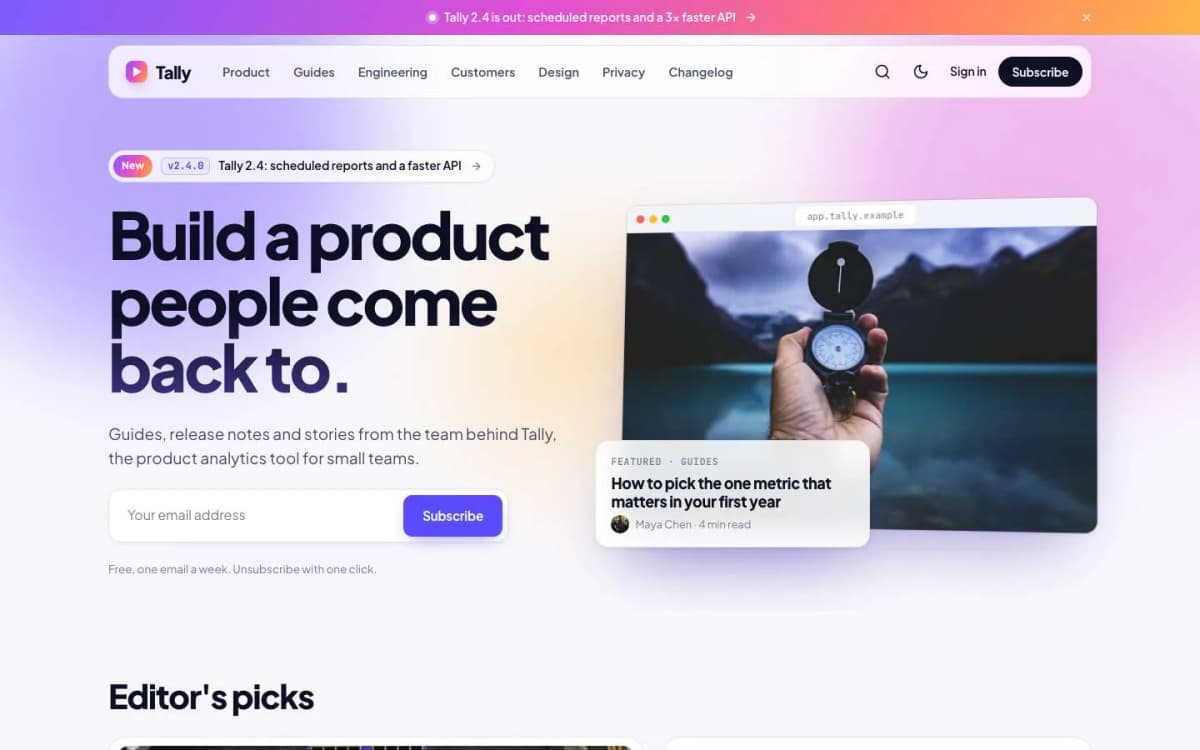
- Launch: for a product or startup blog with a changelog and release notes rather than tutorials. Read the best Ghost theme for a SaaS blog.
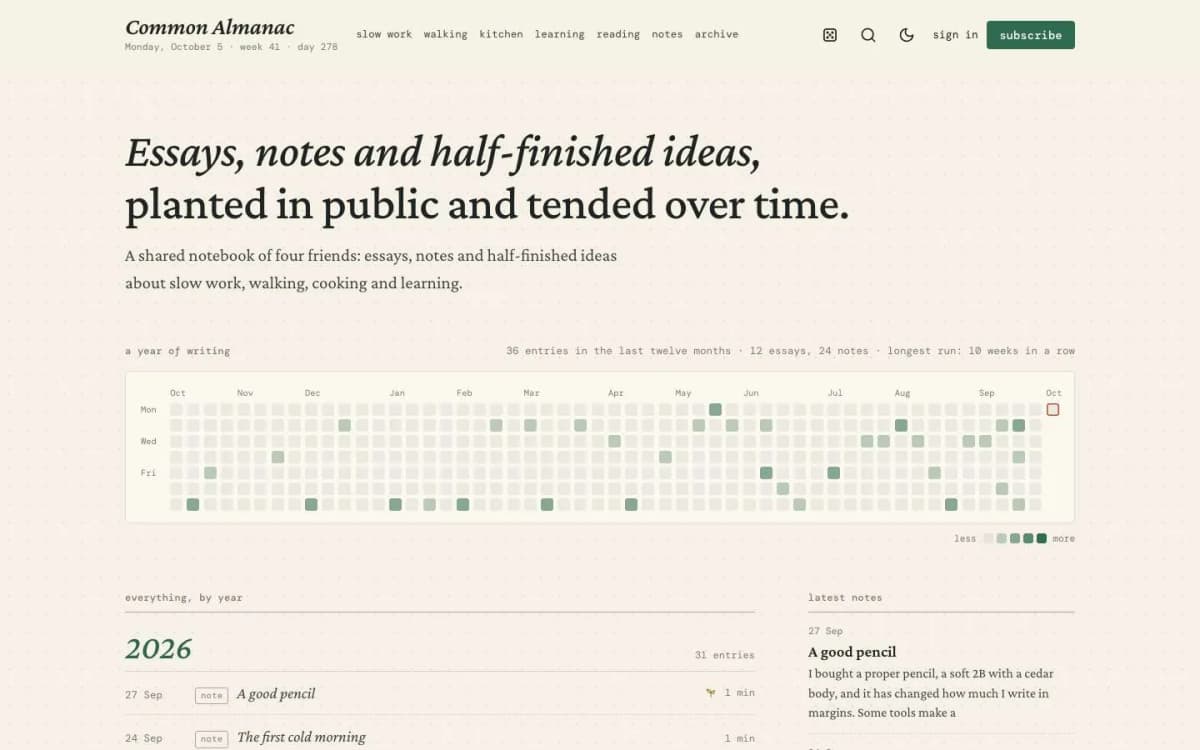
- Almanac: for a personal notebook or digital garden mixing essays and notes.
- See them all on our Ghost themes page.
Keeping code examples correct over time
Developer posts age faster than most content. Libraries change, commands are renamed and screenshots go out of date. A few habits help:
- state the versions you used at the top of each tutorial;
- keep example code in a repository and link to it, so readers can run it and you can test it;
- revisit your most-read tutorials every few months and update them, adding a short note with the date;
- when a post is badly out of date, say so at the top and link to the newer approach rather than silently deleting it.
Readers forgive an old post that admits its age. They do not forgive one that wastes an afternoon.
Promoting technical posts
Share posts where developers gather: relevant forums, newsletters and communities. Answer comments and questions, and link related posts together so readers can follow a topic.
Accessibility in technical posts
Write alt text for diagrams and screenshots, avoid putting code inside images, and keep enough contrast in code themes. Readers using screen readers, and anyone copying code, will thank you.
Bottom line
A developer blog lives or dies on its code blocks. Stack gives you highlighting with no extra scripts, file names, line numbers, diff colours, prompt-free copy, post series and a command palette, in a dark, fast theme, for $59.
Try it: open the Stack demo, then get Stack. Prefer us to set it up with your topics and series? Our Ghost theme install and setup service does that.
Frequently asked questions
Ghost's code card stores your code and its language, but highlighting depends on the theme or on a script you add. Stack has highlighting built in for JavaScript, TypeScript, Python, Rust, Go, SQL, shell, Dockerfile, YAML, JSON, CSS, HTML and diff, with no extra scripts to load.
Make the first line of the code a comment that starts with file:, for example // file: src/main.rs. Stack moves it into the title bar and removes it from the code.
Yes. In bash blocks, start each command with $. Stack shows the prompt in the accent colour and leaves it out when readers press Copy.
Create an internal tag that starts with #series, such as #series Postgres in practice, and add it to every part. Each part shows a series box with all parts and 'Part 2 of 3', and a Series page lists every series.