A software company's blog has two jobs. It brings in readers who might become users, through useful guides and stories. And it proves the product is alive: a steady stream of release notes tells prospects and customers that someone is building, fixing and listening.
Most startup blogs do the first job badly and skip the second. Release notes end up in a separate changelog tool, guides end without a clear next step, and screenshots float on the page without context. Ghost can do both jobs in one place if the theme is built for it. This guide covers what a SaaS blog needs, and how our theme, Launch, handles it.
What a SaaS or startup blog needs
A homepage that sells the product a little
Your title, what the product does in one line, a signup form, and your best story. Visitors from search should understand within seconds that there is a product behind the articles.
A changelog that lives on your site
A timeline of releases with version numbers, dates and screenshots, on your own domain, linked from your app and your marketing site. Each release should also be a post you can send as an email to users.
Clear release notes
Readers scan release notes for what is new, what got better and what was fixed. Coloured labels make that instant.
Screenshots that look like the product
A raw screenshot on a white page looks unfinished. A browser frame with your app's address in the bar gives it context.
A call to action after every post
Every guide should end with the next step: start a trial, book a demo, join the waitlist.
Comparison tables
"Us vs them" and plan comparison tables are common in SaaS content. Ticks and crosses should be clear and accessible.
An announcement bar
For launches, webinars and price changes, a dismissible bar across the top.
How Launch handles it
Launch is a bright Ghost theme for SaaS and startup blogs.
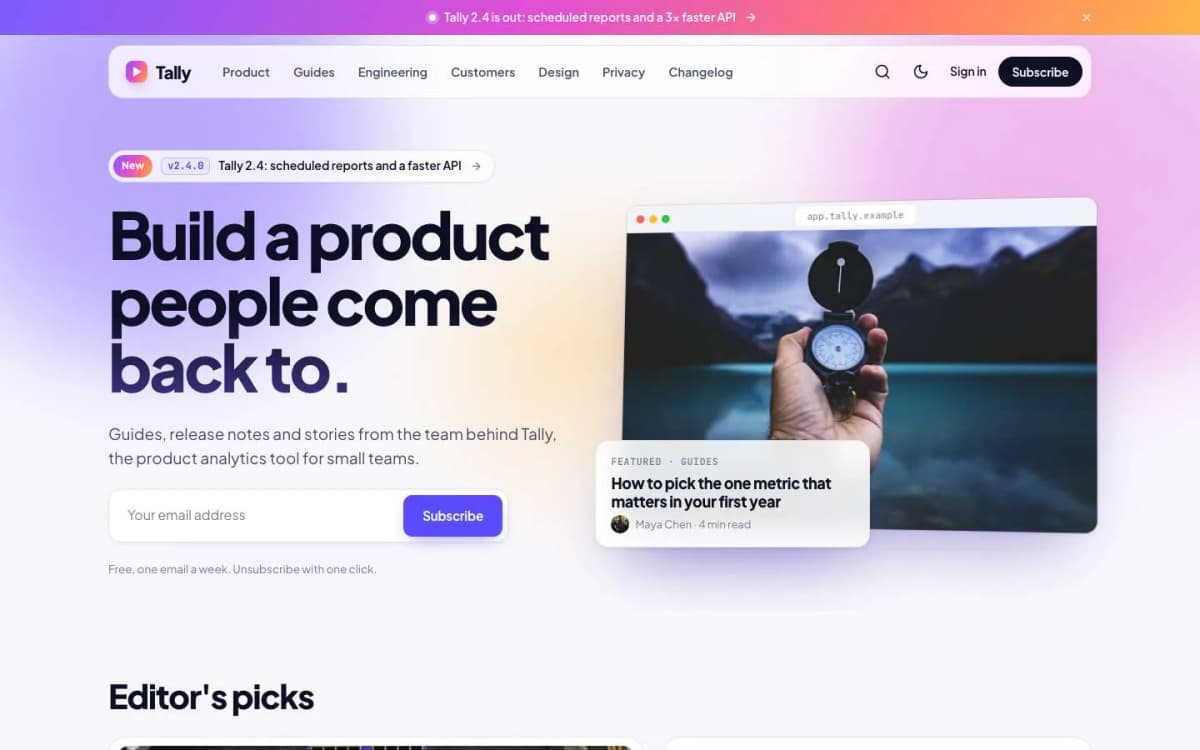
Gradient homepage hero. Your title, site description and a signup form beside your newest featured post shown inside a tilted browser window. Below: editor's picks, a releases row and topic chips.
A real changelog. Add an internal tag like #v 2.4.0 to a release post (any version text works, such as #v 3.0 beta) and choose the Release notes template. The post gets a version badge on its card and header, the homepage shows a "New" pill and adds it to the releases row, and a Changelog page lists every release on a timeline with version, date, framed screenshot and summary.
New, Improved and Fixed labels. In release notes, a bulleted list where each item starts with New:, Improved: or Fixed: becomes coloured labels in green, blue and amber. The words are translatable.
Browser frames. Screenshots in release notes, and in any post with the internal tag #frame, get a browser window around them with three dots and your product's address in the bar, set in the theme settings.
Call-to-action card after every post. Title, text, button and link from the theme settings, pointing wherever you want.
Comparison tables. In any table, cells containing only ✓ or ✗ (or Yes and No) become green ticks and grey crosses, centred, with "Included" and "Not included" for screen readers.
Announcement bar. Appears when you set the text, with an optional link. Readers who close it do not see the same message again; change the text and it shows again for everyone.
Long-form helpers. A numbered table of contents on long posts, plus galleries, callouts, toggle cards and code blocks.
Memberships. A membership page with tiers and a monthly/yearly switch, a styled paywall, sign-in, sign-up and account pages, useful if you sell a newsletter or course on the side.
Details. Light by default with a deep-blue dark mode; Changelog, Topics and Writers page templates; self-hosted Plus Jakarta Sans and JetBrains Mono fonts; full translation support; 19 theme settings; no jQuery.
Look at the changelog on the Launch live demo.
What Launch does not do
- It is not your product's documentation. Use a docs tool for reference documentation with versions and a sidebar tree.
- No in-app widget. The changelog lives on your site; it does not pop up inside your application.
- No product analytics. Use your analytics tool to track which posts lead to signups.
A content plan for a SaaS blog
- Ship release notes every time. Even small releases. Consistency is the signal.
- Write one guide per real customer question. Support tickets are your best keyword list.
- Tell customer stories with permission and specifics: the problem, what they did with your product, what changed.
- Write honest comparison posts for the alternatives people search for. Use the tick/cross tables.
- Send release notes to users by email. Ghost can send any post as a newsletter to the right segment.
- End every post with the CTA card. Point it at the one action that matters this quarter.
Other themes to consider
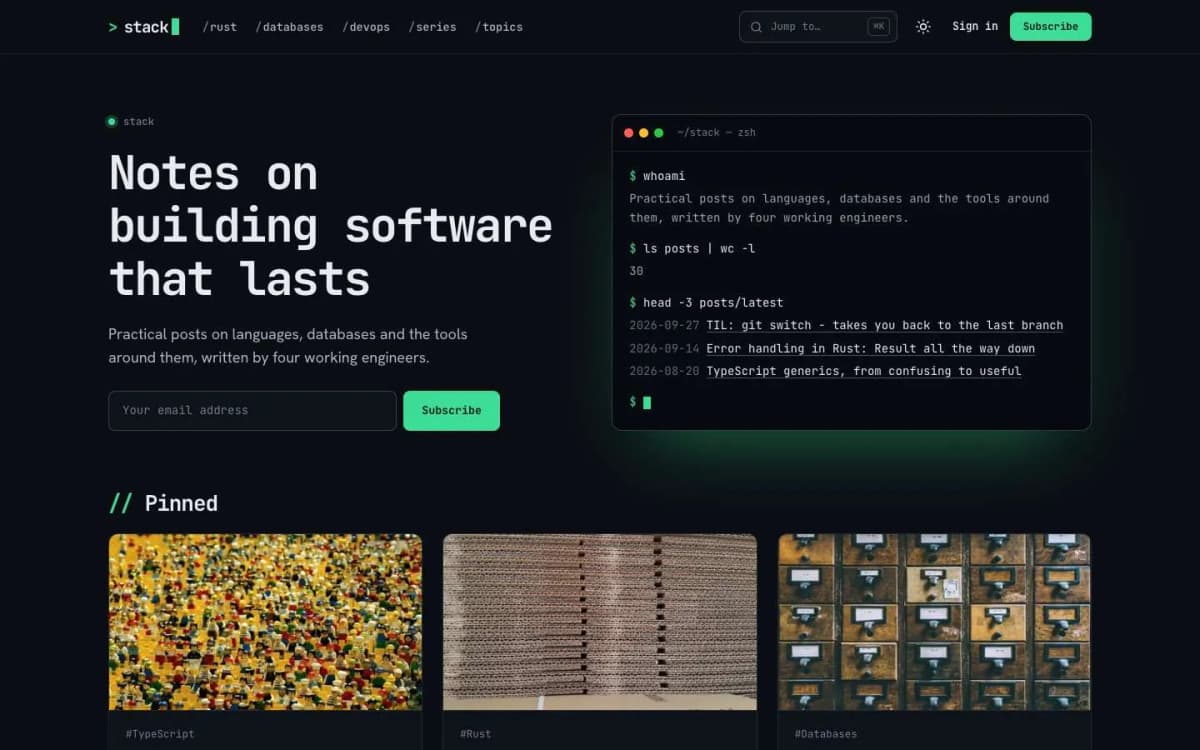
- Stack: for an engineering blog with code-heavy posts. Read the best Ghost theme for a developer blog.
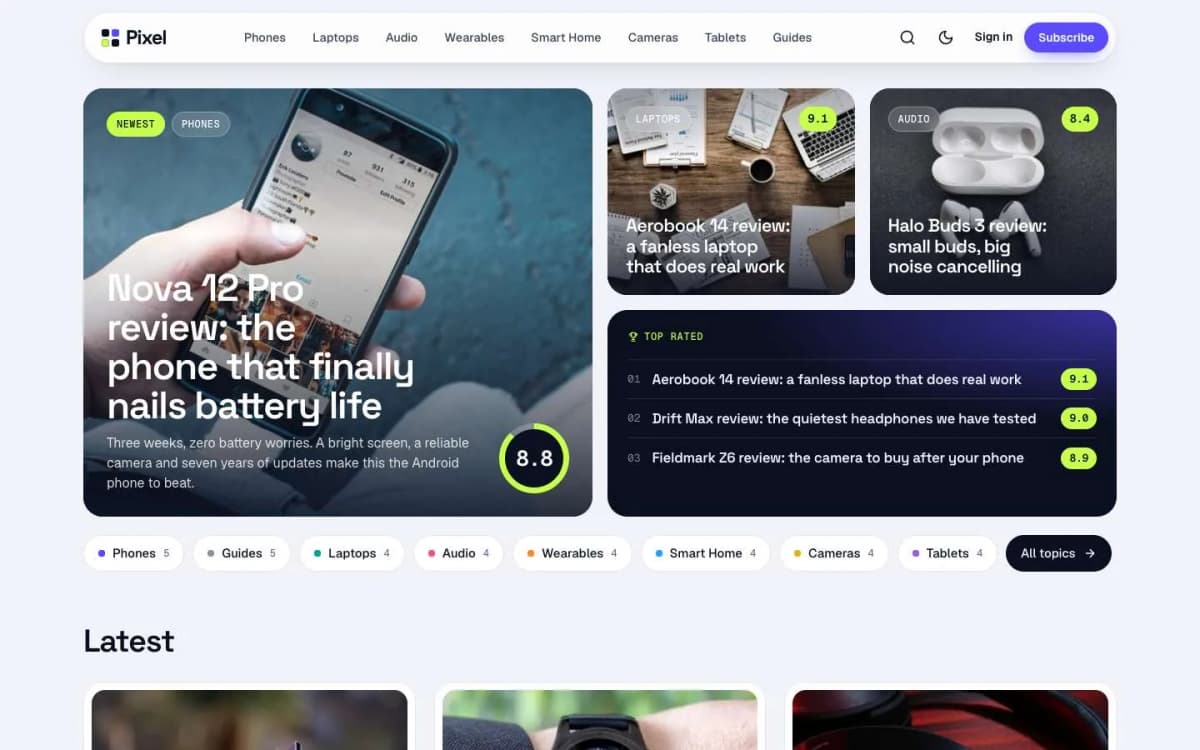
- Pixel: if your content is mostly product reviews.
- Compare all themes on our Ghost themes page.
Writing release notes people read
Release notes are product marketing that customers actually ask for. A format that works:
- Lead with the benefit. "Export reports to Excel" beats "Added XLSX export endpoint".
- Show it. A screenshot or short screen recording for every visible change.
- Group small items. Fixes and improvements can go in a short list at the end.
- Say who it is for. If a feature is only on certain plans, say so.
- Link to the docs for anything that needs explaining.
- Keep a steady rhythm. Regular entries, even small ones, show the product is alive.
Connecting the blog to sign-ups
A SaaS blog only pays for itself if readers become users. A few practical steps:
- end every post with a call to action that matches the post, such as a free trial for product posts or a newsletter signup for general articles;
- add UTM parameters to links from the blog to your sign-up page, so your analytics show which posts bring sign-ups;
- link from help and comparison posts to the specific feature page, not just the homepage;
- use Ghost's newsletter to send product updates to people who are not yet customers.
Who should write
The best SaaS blog posts are written by people close to the product: founders, engineers, support staff and customers. Give each a staff account in Ghost so their name and photo appear on their posts. Readers trust a post signed by the engineer who built the feature more than an anonymous announcement, and staff learn to explain the product clearly.
Measuring the blog
Track which posts bring trial sign-ups, which help existing customers and which earn links. Write more of what works, and update or retire posts that do not.
Bottom line
A startup blog should bring in readers and prove the product is moving. Launch gives you a product-style homepage, a real changelog with version badges, labelled release notes, framed screenshots, comparison tables and a CTA after every post, all in Ghost, for $59.
See it working: open the Launch demo and get Launch. Need the blog connected to your product site or moved from another platform? Our Ghost theme install and setup service can help, and we build custom web apps too.
Frequently asked questions
Yes, with Launch. Add an internal tag like #v 2.4.0 to a release post and choose the Release notes template. The post gets a version badge, appears on the Changelog page timeline and shows as New on the homepage.
In a Release notes post, write a bulleted list where each item starts with New:, Improved: or Fixed:. Launch removes the prefix and shows a coloured label. The words are translatable, so a German site can use Neu:, Verbessert: and Behoben:.
Yes. Launch adds a call-to-action card after every post, with the title, text, button and link set in the theme settings, so it can point to your product's signup page.
Both work. A subfolder such as yoursite.com/blog keeps everything under one domain but needs a proxy setup in front of Ghost. A subdomain such as blog.yoursite.com is simpler. Decide early and keep it.