If you teach a skill, you have probably looked at course platforms: monthly fees, transaction fees, a separate login for your students, and a separate place to send newsletters. Many creators end up with three or four tools that do not talk to each other.
Ghost can replace most of that for many courses. It already has your newsletter, member accounts and Stripe payments. What it lacks is course structure: lessons in order, chapters, progress, a way to check understanding. With the right theme, that structure comes from the content you already write.
This guide explains how to run courses on Ghost, using our theme Syllabus, and when you should use a dedicated course platform instead.
When Ghost is a good course platform
Ghost works well when:
- your lessons are mostly text, images and video;
- you sell access, by membership or by tier, rather than individual one-off course purchases with complex bundles;
- you want one place for your audience, newsletter and courses;
- you value low fees: Ghost takes no percentage of subscription revenue.
Use a dedicated learning platform instead if you need graded exams, certificates, assignments marked by instructors, cohort scheduling or compliance reporting.
How courses work in Syllabus
Syllabus maps course structure onto things Ghost already has, so there is nothing new to learn in the editor.
A course is a tag
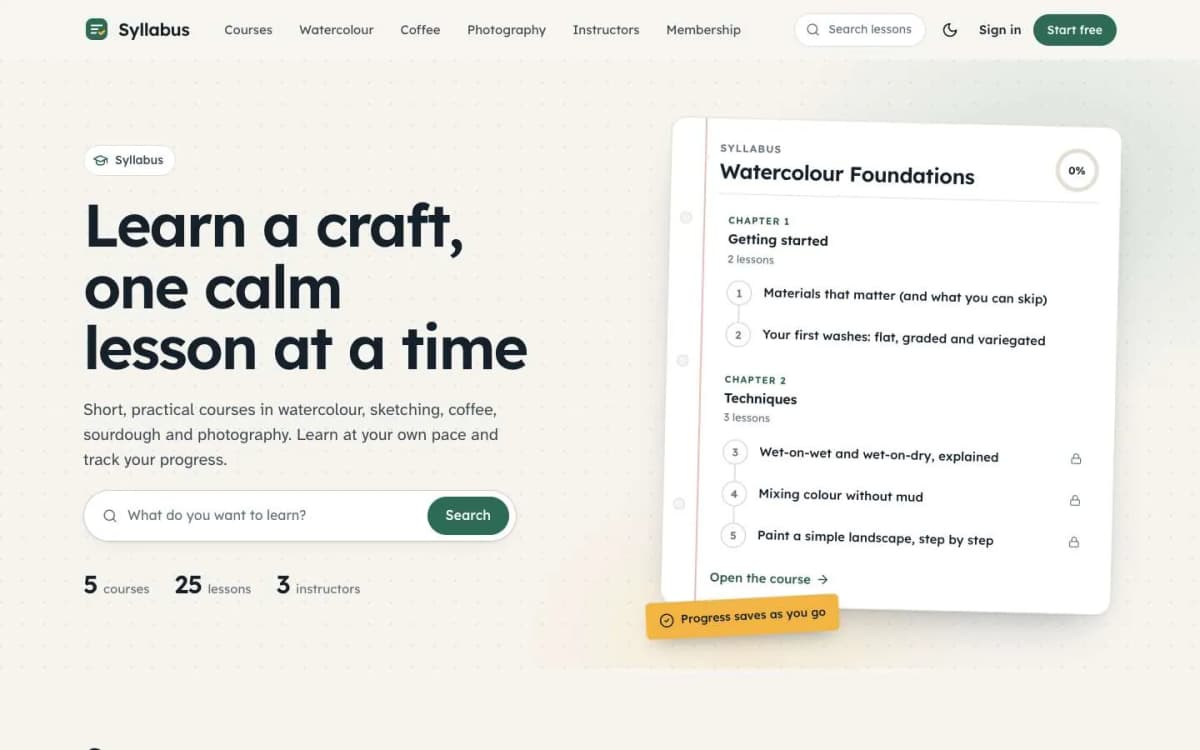
Create a public tag for the course, for example "Watercolour Foundations", with a description, an image and an accent colour. Its tag page becomes the course page, with a hero, facts (lessons, chapters, reading time), a Start or Continue button, the full curriculum and an instructor card. Each course has its own colour, used on its cards, outline, progress ring and links.
A lesson is a post
Write each lesson as a post with the course tag first. Lessons appear in publish-date order, oldest first, and previous/next links stay inside the course, ending with an end-of-course link.
Chapters come from internal tags
Add an internal tag that starts with #chapter to each lesson, for example #chapter Getting started. Lessons next to each other with the same chapter are grouped and numbered. Internal tags never show to readers.
Lesson pages that feel like a course
Each lesson has a course outline sidebar, "Lesson 2 of 4", the chapter in the breadcrumb and an "On this page" list. On phones, a lesson bar opens a slide-in outline.
Progress without accounts
Readers mark each lesson complete with a button at the end. The outline, course page and course cards then show ticks and a progress ring, and the homepage shows a "Continue learning" card for the last lesson opened. Progress is stored in the reader's browser: no account, nothing sent to a server. The trade-off is that it does not follow a reader to another device.
Quick checks
Add a heading that starts with "Quick check" near the end of a lesson. Under it, write each question as a paragraph followed by a bulleted list of answers, and make the right answer bold. Syllabus turns each list into buttons: readers pick an answer, see right or wrong and get a score with a Try again button. The heading word follows your site's language.
Paid lessons
Set members-only or paid access on any lesson. Readers without access see a lock in the outline and the paywall on the lesson; members see them unlocked. A common pattern is free first lessons and paid access to the rest.
Pricing your course on Ghost
Ghost sells tiers, not individual products. That shapes your offer:
- One course, one tier. "Watercolour Foundations: $X a month or $Y a year." Simple and effective for a single flagship course.
- All-access membership. One paid tier unlocks every course. Good once you have several courses; members stay for the next one.
- Free tier as the funnel. Free members get the first lessons and your newsletter. Many paid members start here.
If you want to sell a course once for a fixed price with lifetime access, you can use a yearly tier with a clear explanation, or sell outside Ghost and invite buyers as complimentary members. Our guide to Ghost memberships with Stripe explains tiers, trials and offers.
Setting up a course: step by step
- Install Syllabus and set your colours, hero title and hero text.
- Create the course tag with description, image and colour.
- Outline the course as chapters and lessons on paper first. Short lessons (five to ten minutes) get finished more often than long ones.
- Write lessons in order, adding the course tag first and the
#chaptertag. - Add a quick check to lessons where understanding matters.
- Set access: first lesson or chapter free, the rest paid.
- Create the Courses and Instructors pages using Syllabus's page templates.
- Test as three people: a visitor, a free member and a paid member. Check the locks, the paywall and the progress ring.
- Announce by newsletter to your existing list, with the first lesson free.
Video lessons
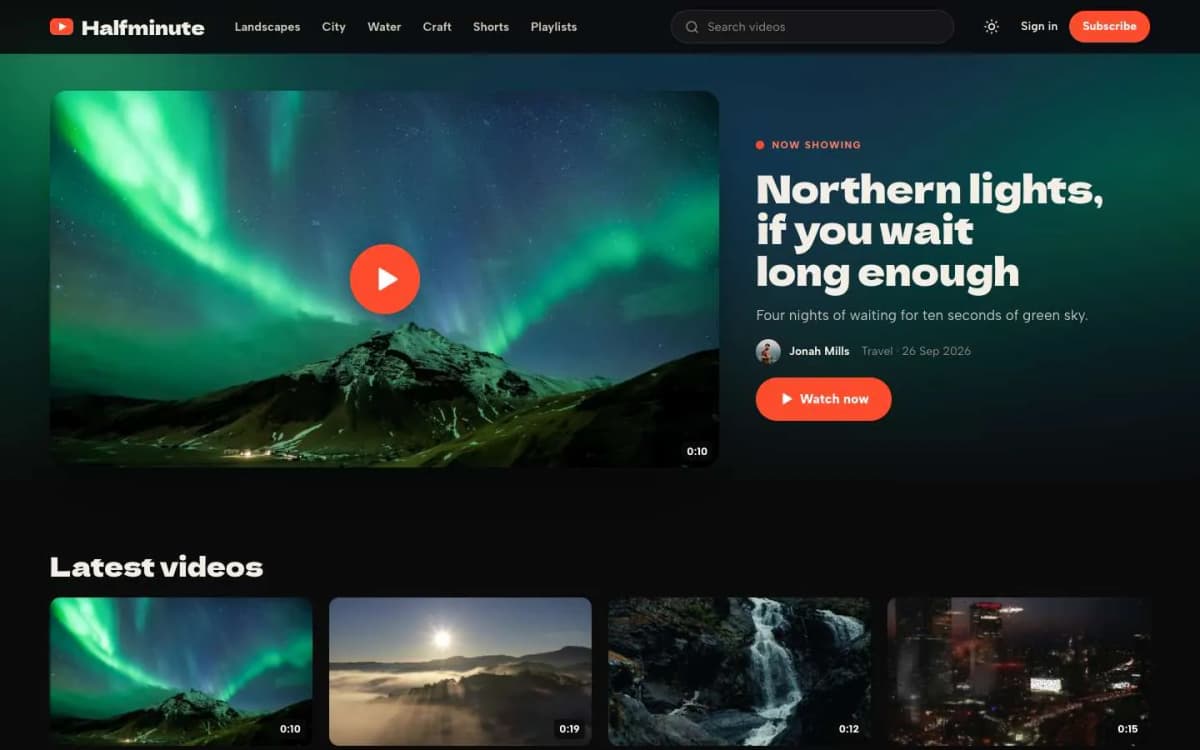
Ghost's video card holds uploaded videos, and you can embed videos from a video host. For a course with many hours of video, a dedicated video host usually gives better playback and keeps your Ghost storage small. If your course is mainly video and you want a watch-page experience with chapters and "Up next", look at Reel, our theme for video creators.
What Syllabus does not do
- No graded exams or certificates. Quick checks are for self-testing.
- No cross-device progress. Progress lives in the browser.
- No video hosting. Use Ghost's video card or a video host.
- No per-course checkout. Access is by Ghost tier.
If those matter, you may need a dedicated learning platform, or a custom build. Our Learnova app kit (coming soon) is designed for full online course businesses with certificates and instructor dashboards.
Marketing a course you host yourself
Course marketplaces bring some buyers; your own site depends on your audience. A few approaches that suit Ghost:
- Teach in public. Publish free lessons or articles on the course topic, so people find you through search and get a taste of your teaching.
- Build the email list first. A free newsletter on the topic is the best launch channel you can have.
- Run a launch window. Open enrolment with an offer for a limited time, using Ghost's offers.
- Collect and publish real feedback from early students, with their permission.
- Add a course to an existing membership rather than selling it separately, if you already have paying members.
Supporting students
Students who finish courses recommend them. Answer questions quickly, update lessons when something changes, and add a short welcome email that tells new students where to start and how to get help.
Updating lessons
Tools and methods change. Review each course once or twice a year, update lessons that are out of date and tell students what changed in a short email.
Bottom line
For many teachers, Ghost plus Syllabus is enough: courses from tags, lessons from posts, chapters, progress, quick quizzes and paid access, all in the same place as your newsletter, with no platform taking a cut. Try it before you sign up for another monthly course tool.
See a course in action: open the Syllabus demo and get Syllabus for $59. Want help structuring your first course? Our Ghost theme install and setup service sets up the theme, courses, chapters and tiers.
Frequently asked questions
Yes, for text, image and video lessons with paid access. With Syllabus, each public tag is a course and its posts are the lessons, in publish order. Ghost handles memberships and payments. You will not get graded exams or certificates.
No. Syllabus stores progress in each reader's browser, with no account needed and nothing sent to a server. It does not follow a reader to another device, which keeps it simple and private.
Add a heading that starts with Quick check, write each question as a paragraph followed by a bulleted list of answers, and make the right answer bold. Syllabus turns it into clickable buttons with a score and a Try again button.
Ghost's video card can hold uploaded videos, or you can embed videos from a video host. For large libraries, a dedicated video host is usually better for bandwidth and playback.