A food blog is not a normal blog. Most readers do not read it from top to bottom. They search for "lentil soup", land on your post, scroll past the story to the ingredients, and then try to cook from a phone that keeps dimming its screen while their hands are covered in flour. A theme that treats a recipe like any other article makes that experience worse, no matter how pretty it is.
This guide covers what a recipe site actually needs from a Ghost theme in 2026, how Ghost compares with WordPress for food bloggers, and where our own theme, Saffron, fits. We built Saffron, so we will be clear about what it does not do as well.
Why food bloggers are looking at Ghost
Ghost started as a publishing platform for writers and newsletters, and that is exactly what many food bloggers have become. The recipe is the product, but the relationship lives in the inbox: a weekly email with what to cook this weekend, a seasonal menu, a members-only collection of family recipes.
Ghost gives you three things in one place that a WordPress food blog usually stitches together from several plugins:
- Publishing with a clean editor that handles photos and galleries well.
- A newsletter sent from the same site, to the same members, with no separate email service to sync.
- Paid memberships through Stripe, with Ghost taking no cut of your subscription revenue.
The trade-off is that Ghost has no plugin store. There is no "install a recipe card plugin" button. Anything a recipe site needs, from ingredient lists to print buttons, has to come from the theme. That is why the theme matters more on Ghost than on almost any other platform.
What a recipe site needs from a Ghost theme
When we designed Saffron we wrote down what a reader does with a recipe, step by step, and built the theme around it. Use this list to judge any food blog theme, ours included.
1. A recipe card the reader can find fast
Readers want to skip to the recipe. A "Jump to recipe" button at the top of the post saves them from scrolling through your story, and keeps them on your site instead of bouncing back to Google. The recipe itself should look different from the article: ingredients in one block, steps in another, the key facts (serves, prep time, cook time, difficulty) visible at a glance.
2. Tools for cooking, not just reading
This is where most blog themes stop and where a food theme should start:
- Tick-offs. Tap an ingredient when it is in the bowl, tap a step when it is done. If the reader's phone locks or they leave the page, their ticks should still be there when they come back.
- A servings scaler. "Serves 4" is useless when you are cooking for six. Plus and minus buttons that update every quantity, including fractions like ½ and ¾, save a lot of mental arithmetic.
- Cook mode. A switch that keeps the screen awake while cooking. Small feature, big difference.
- Print. Some people still cook from paper. A print button should print the recipe only, not your header, comments and twelve photos.
3. A way to browse by craving
Food readers browse by mood: weeknight, baking, vegetarian, soup. The theme should turn your tags into obvious entry points on the homepage, and give you a recipe index (an A-to-Z list with a filter) for people who know what they want.
4. Memberships that feel like part of the kitchen
If you plan to sell a members-only recipe collection or a paid newsletter, the paywall and membership page should match the rest of the site. A generic grey "this post is for paying subscribers" box undercuts the brand you have built.
5. Speed on a phone
Food photos are large, and most recipe traffic comes from phones. Self-hosted fonts, no jQuery and lazy-loaded images keep pages light. Check any demo on your own phone, on mobile data, before you buy.
How Saffron handles each of these
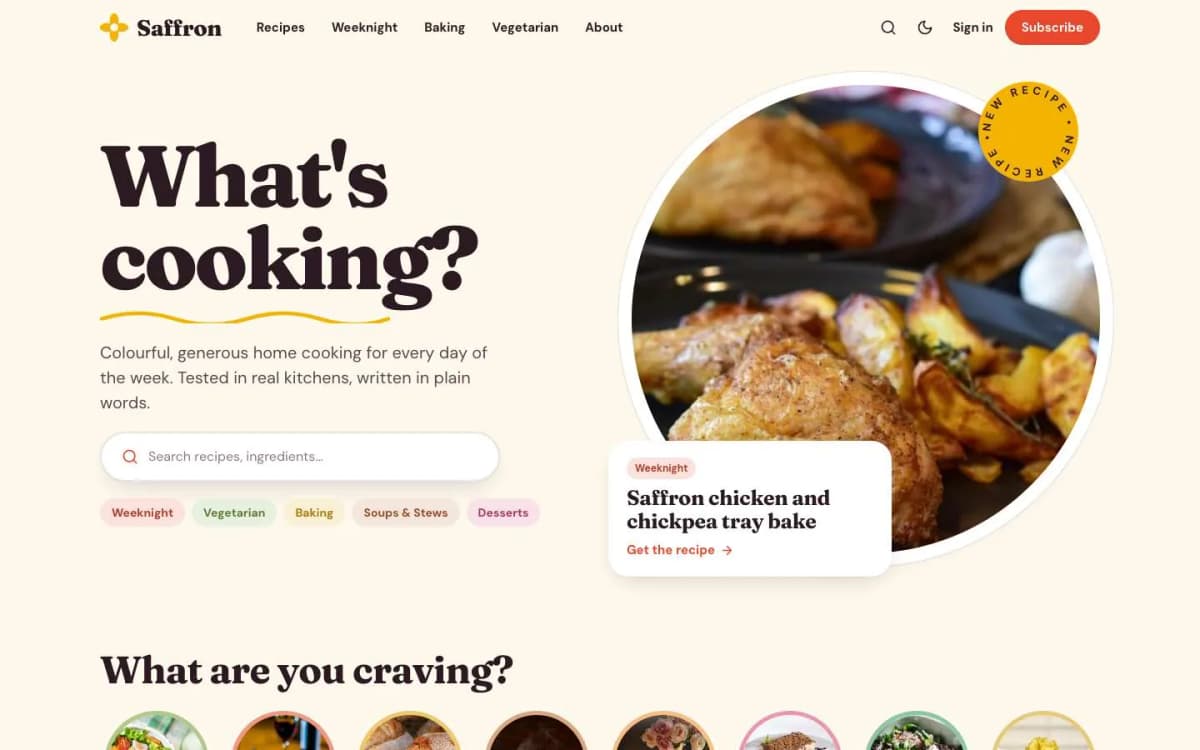
Saffron is a bright, warm theme built only for food blogs and recipe newsletters. Here is how it maps to the list above.
The smart recipe card is built from plain content. You do not need special cards or shortcodes. In the normal Ghost editor you add a heading that starts with "Ingredients", a line of facts such as Serves 4 · Prep 15 min · Cook 40 min · Level Easy, a bulleted list of ingredients that start with their quantity, then a "Method" heading and a numbered list. Saffron finds that block and turns it into a recipe card. The words it looks for come from the translation file, so a Spanish or French site can use its own words.
The reader tools are all there. Tick-offs for ingredients and steps are remembered on each reader's device. The servings scaler starts from the number after "Serves" and shows friendly fractions. Cook mode keeps the screen awake in browsers that support it. "Jump to recipe" and "Print recipe" appear only on posts that contain a recipe, and printing from the button prints only the card.
Browsing is built in. The homepage has a hero with your newest recipe on a round plate, round "What are you craving?" buttons made from your tags, a "Fresh from the kitchen" grid and a sideways-scrolling row of featured recipes. A recipe index page lists every post from A to Z with letter buttons and a filter box. A Cooks page shows your contributors.
Memberships match the design. There is a membership page with your tiers and a monthly/yearly switch, a styled paywall for members-only and paid recipes, and sign-in, sign-up and account pages, all in the same warm style.
It stays light. Fonts are self-hosted, there is no jQuery, and there are 18 theme settings so you can change the hero text, sections and colours without touching code. Light mode comes first, with dark and system modes and a reader toggle.
You can click through every page on the live Saffron demo before you buy.
What Saffron does not do
Being honest about limits saves you a refund request later.
- No Recipe structured data. Saffron does not output the schema that lets Google show cooking time, calories or star ratings next to your recipe in search results. Ghost adds standard article data to every post, but not recipe data. If rich results are central to your traffic strategy, a WordPress site with a dedicated recipe plugin is still stronger on that one point.
- No ratings or reviews. Readers cannot leave a star rating on a recipe. Ghost has comments for members, which you can switch on.
- No nutrition calculator. You can write nutrition facts in the post, but Saffron will not calculate them.
If those are deal-breakers, Saffron is not the right theme. If your strategy is "grow a loyal audience by email and sell a membership", Ghost plus Saffron covers almost everything with far less maintenance than a plugin-heavy WordPress site.
Other Ghost themes worth considering for food
- Ghost's free themes are a fine place to start if you are testing the waters. They are well made, but they treat a recipe like any other article.
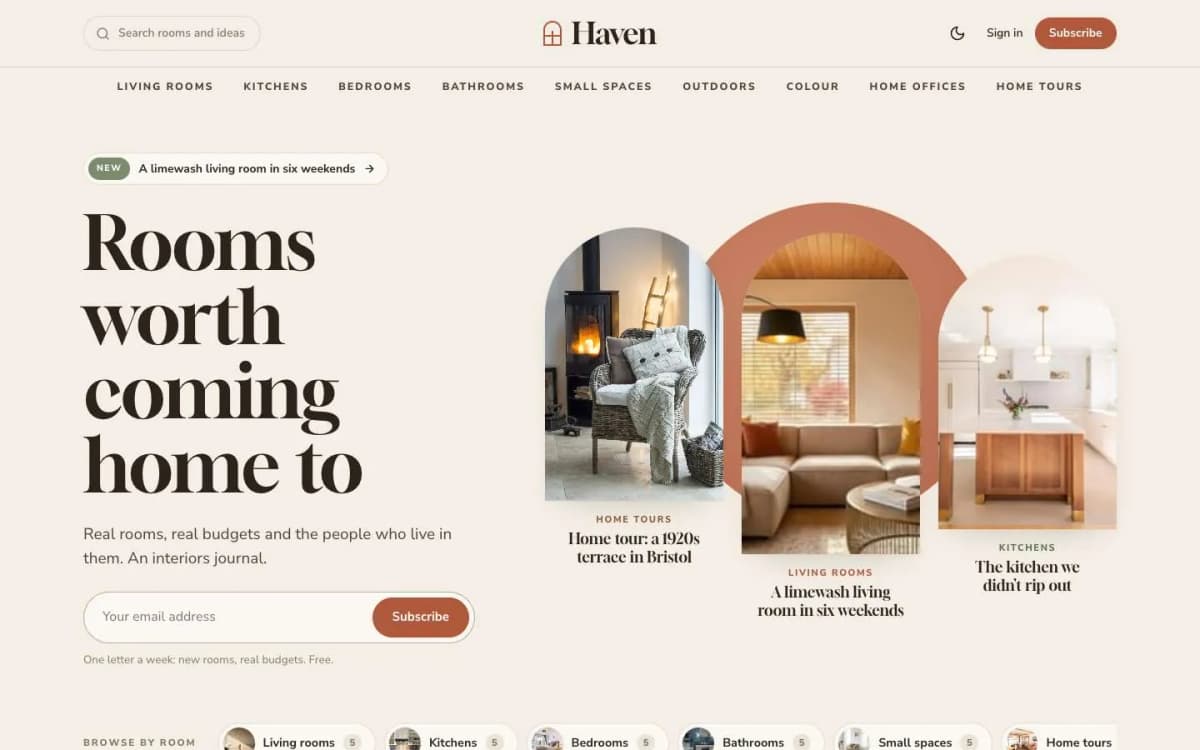
- Haven, our interiors theme, suits a lifestyle blog where food is one topic among home, garden and entertaining. It has no recipe card.
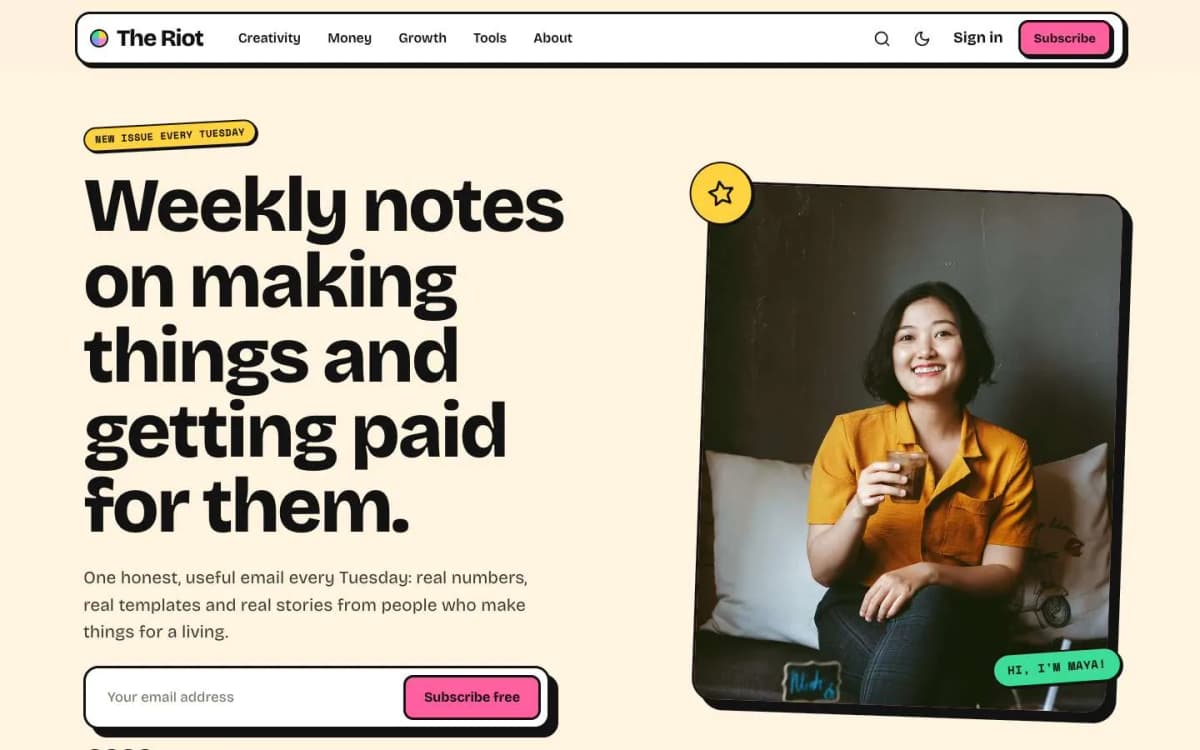
- Riot suits a personality-led food newsletter where the writer is the brand and recipes are only part of each issue.
You can compare all of them on our Ghost themes page.
Setting up a food blog on Ghost: a short checklist
- Pick your hosting. Ghost(Pro) is the simplest; check that your plan allows custom themes. Self-hosting is cheaper at scale but means you maintain a server. We compare both in Ghost(Pro) vs self-hosted Ghost.
- Plan your tags before you publish. Five to eight tags (Weeknight, Baking, Vegetarian, Soups & Stews, Desserts) become your craving buttons. Give each a square image and a colour.
- Write recipes in the same pattern every time. Story first if you like, then the Ingredients heading, the facts line, the ingredient list, the Method heading and the steps.
- Mark four to eight favourites as Featured so the homepage row is never empty.
- Connect Stripe if you plan paid tiers. Our guide to Ghost memberships with Stripe walks through it.
- Send your first newsletter before you think you are ready. A list of 50 people who cook your food is worth more than a perfect homepage.
Bottom line
The best Ghost theme for a food blog is the one that helps readers cook, not just read. Look for a recipe card, tick-offs, a servings scaler, cook mode, print-only-the-recipe, browse-by-tag and memberships that match your brand. Saffron does all of that from plain editor content, at $59, and is honest about what it does not do: recipe rich results, ratings and nutrition.
Want to see it with your own recipes? Open the Saffron demo, then get Saffron. If you would rather not set it up yourself, our Ghost theme install and setup service puts it on your site with your colours, tags and first recipes in place.
Frequently asked questions
Yes, if the theme does the work. Ghost has no plugin system like WordPress, so recipe features have to live in the theme. Saffron builds its recipe card from normal editor content: an Ingredients heading, a facts line, a bulleted list and a numbered method.
No. Saffron does not output Recipe structured data, so Google will not show cooking times or ratings for your recipes in search. Ghost still adds standard article data to every post. If recipe rich results matter more to you than reader tools, a WordPress recipe plugin is the better fit today.
Yes. Ghost has memberships and Stripe payments built in. Saffron adds a membership page with a monthly/yearly switch and a styled paywall, so free readers see the start of a paid recipe and an invitation to subscribe.
Saffron costs $59 for a regular licence, which covers one website and includes 12 months of updates and support.