Ghost has paid subscriptions built in. There is no plugin to buy, no separate membership platform to sync and no percentage taken from your revenue. You connect Stripe, decide what members get, and Ghost handles signups, payments, access and the emails that go with them.
It is simple, but it is easy to get the details wrong: a paywall in the wrong place, tiers that confuse readers, or a membership page that looks nothing like the rest of your site. This guide walks through the setup in order and covers the decisions that matter.
Before you start
You need three things:
- A Ghost site. Either Ghost(Pro), the official hosting, or a self-hosted Ghost install. On Ghost(Pro), check that your plan includes paid subscriptions and custom themes before you build your offer around them.
- A Stripe account in the name of the person or company that will receive the money. Stripe needs to support the country where that business is registered.
- A clear idea of what people pay for. "Support my work" converts poorly on its own. "The full recipe archive", "the Friday deep-dive", or "every lesson in the course" converts better because it is concrete.
Step 1: Turn on memberships and connect Stripe
In Ghost Admin, open Settings and find the Membership section. From there you can choose who can sign up (anyone, invite only, or nobody) and connect Stripe.
Connecting Stripe uses Stripe Connect: you click the connect button, sign in to Stripe (or create an account), and authorise Ghost. Ghost then creates the products and prices in your Stripe account for you. Test mode is available, so you can try the whole flow with Stripe's test cards before you take real money.
Two settings are worth checking straight away:
- Default post access. New posts can default to public, members only or paid members only. Most publications keep public as the default and lock posts one by one.
- Commenting. Ghost has native comments for members; decide whether everyone, paid members only, or nobody can comment.
Step 2: Design your tiers
Ghost calls membership levels tiers. There is always a free tier, and you can add one or more paid tiers, each with a monthly and a yearly price.
Keep it simple. The most common working structures are:
- Free + one paid tier. Free members get the newsletter; paid members get everything. This is the easiest to explain and the easiest to run.
- Free + two paid tiers. A standard tier and a premium tier with something extra, such as a community, a monthly call or physical goods. Only add the second tier when you know what goes in it.
For each paid tier, write a short list of benefits in Ghost. These appear in the signup pop-up and on theme membership pages, so write them as outcomes ("Every recipe in the archive") rather than features ("Access to paid posts").
On yearly pricing, offering a yearly price below twelve times the monthly price is common; decide what discount you can afford to give in exchange for a year of commitment.
Step 3: Decide what goes behind the paywall
Each post has an access setting: public, members (free and paid), paid members, or specific tiers. This is where most of the strategy lives.
- Keep your best introductions public. The posts that rank in search and get shared should be readable by everyone, with a signup ask at the end.
- Use "members" for the email-first content. Free signups are your future paying members. A members-only post rewards people for joining without asking for money yet.
- Lock the deep, repeatable value. Archives, full courses, tools, templates, bonus episodes.
Ghost also lets you place a public preview inside a locked post: everything above the divider shows to everyone, and the paywall appears below it. A good preview gives a real taste (the first two steps of a tutorial, the opening of an essay) and makes the value of the rest obvious.
Step 4: Offers and trials
Ghost supports offers: discounts on a tier, for a first payment, a number of months or forever, shared through a link. Use them for launches, for a newsletter anniversary or for a partner audience.
You can also set a free trial on a paid tier. Trials work well when the value builds over time, like a course or a weekly briefing, and less well when one visit delivers everything.
Step 5: Make the membership pages look like your publication
This is the step most people skip. Out of the box, Ghost's Portal pop-up handles signup, sign-in and account management, and it works with any theme. But a membership offer sells better when it has its own page, in your design, with your words.
All of our Ghost themes include:
- A membership page that lists your tiers with a monthly/yearly switch, with the page body below for a FAQ.
- A styled paywall that matches the theme, for members-only and paid posts.
- Sign-in, sign-up and account pages, where signed-in members see their plan, renewal date and card, with links to manage billing and newsletters.
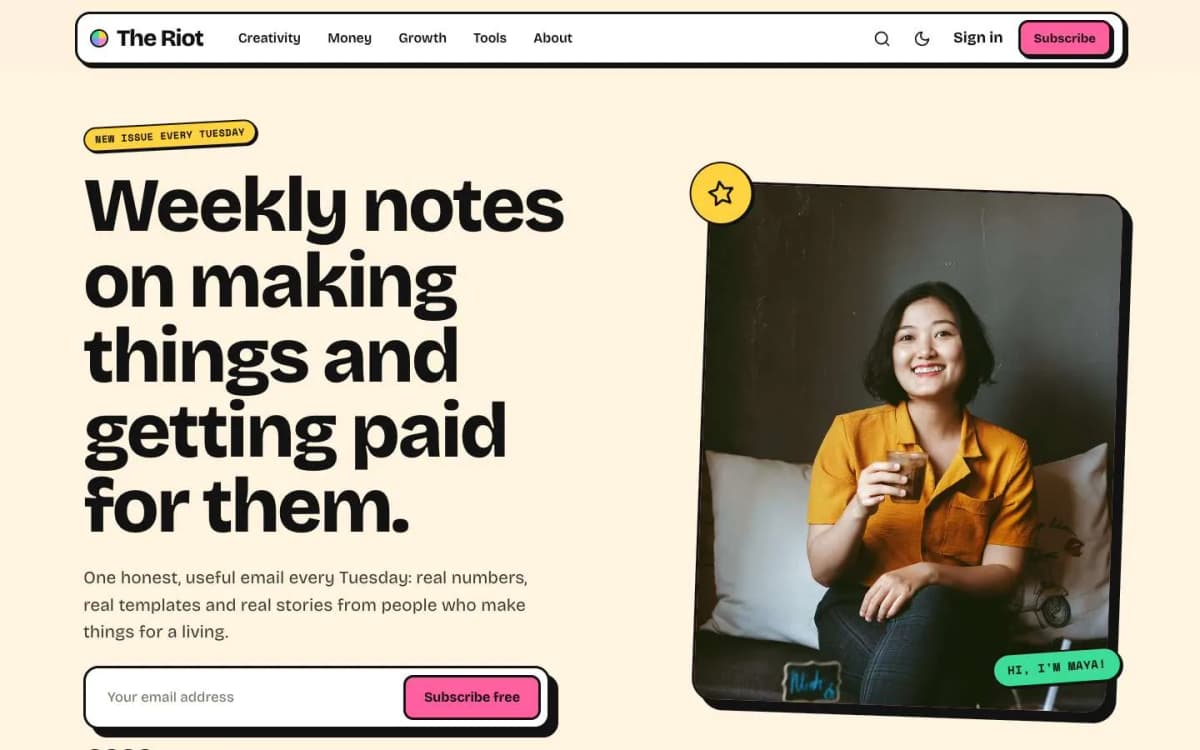
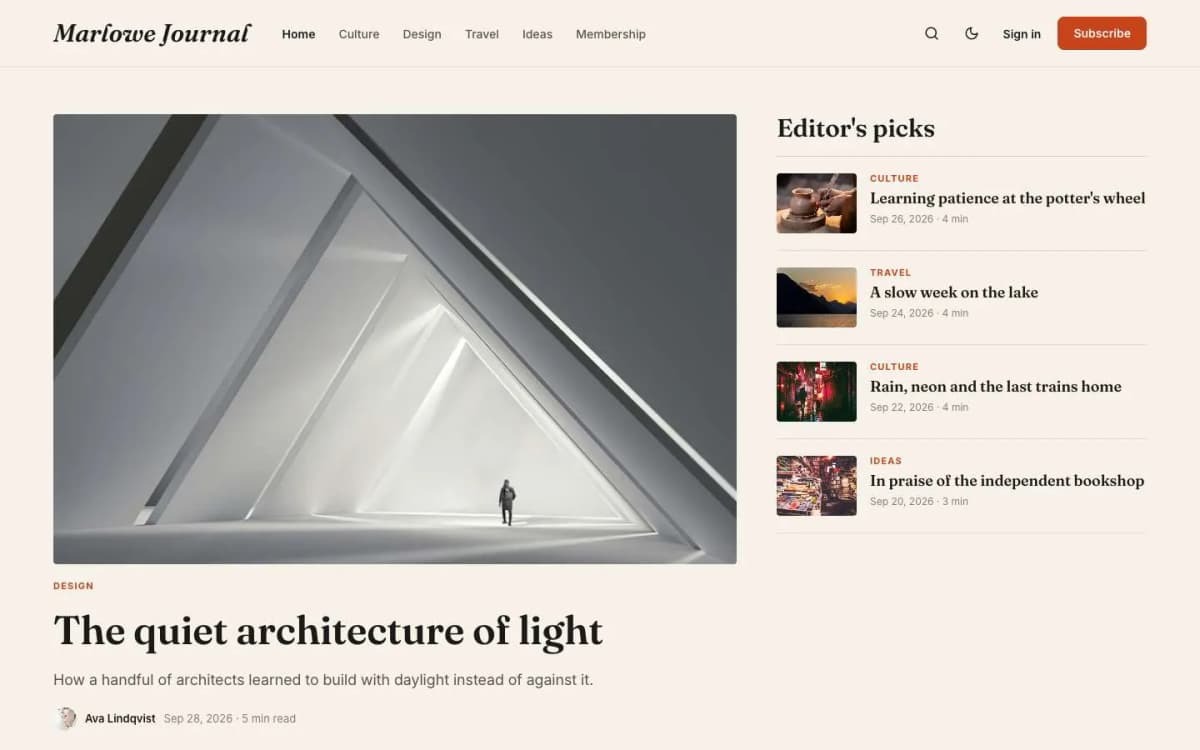
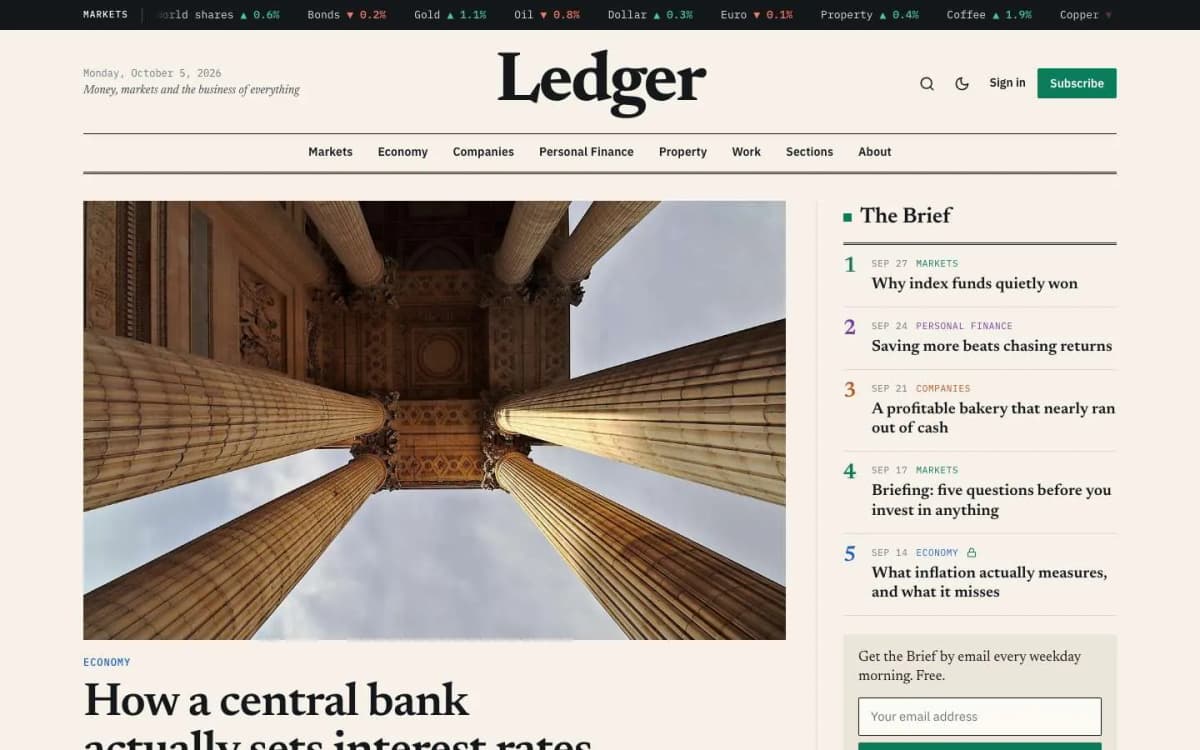
For example, Riot is built for creator newsletters selling a paid tier, Ledger for finance and business briefings, Marlowe for independent magazines, and Syllabus for courses where members unlock lessons.
Step 6: Test the whole journey
Before you announce anything, run through every path in Stripe test mode:
- Sign up as a free member from a post.
- Upgrade to paid with a test card, monthly and yearly.
- Open a paid post while signed out, signed in as free, and signed in as paid.
- Cancel, and check what the member sees afterwards.
- Open the account page and change newsletter preferences.
- Check the emails Ghost sends at each step.
When we build and test our themes, we run these flows end to end on every demo, because a broken upgrade path costs real money quietly.
Common mistakes
- Locking everything. If search engines and new readers cannot see your best work, nobody arrives at the paywall in the first place.
- Too many tiers. Every extra choice slows a buyer down.
- No reason to upgrade today. Name the next paid post, the next bonus, or a limited offer.
- Ignoring free members. Most paid members start as free members who read you for weeks first. Send them your best work.
- Forgetting taxes. Depending on where you and your readers are, you may need to charge or report sales tax or VAT. Stripe has tools for this; check with an accountant.
How long does setup take?
Connecting Stripe and creating tiers takes under an hour. Writing a clear offer, choosing which posts to lock and making the membership pages match your brand takes longer, and that is the part that decides whether people pay.
Taxes on memberships
Selling memberships may create tax obligations depending on where you and your readers are. Stripe's tax tools can help calculate and collect tax in some countries. Check with an accountant before you launch.
Bottom line
Ghost makes paid memberships straightforward: connect Stripe, create simple tiers, lock the right posts, test every path, and give the offer a page that looks like your publication. The platform takes no cut, so every improvement to your offer goes straight to your income.
Want it done properly the first time? Pick a theme with membership pages built in from our Ghost themes, or let us set it up: our Ghost theme install and setup service includes configuring tiers and checking the Stripe connection end to end.
Frequently asked questions
No. Ghost does not take a cut of subscription payments. You pay Stripe's normal processing fees, and if you use Ghost(Pro) you pay for your hosting plan.
Yes. Ghost lets you add a free trial period to a paid tier, and you can create offers such as a discount for the first year that you share with a link.
Ghost's paid memberships run through Stripe, so you need a Stripe account. Businesses in countries Stripe does not support often set up a company in a supported country. Free memberships and newsletters work without Stripe.
Ghost's core membership features work with any modern theme through the Portal pop-up. A theme with its own membership page, paywall design and account pages makes the paid offer look like part of your publication rather than a generic overlay.