Interiors readers come for three things: to see the transformation, to borrow the colours, and to know what it really cost. A generic blog theme can show photos, but it makes readers scroll up and down to compare before and after, guess at paint colours and dig through paragraphs for the budget.
Ghost is a good platform for interiors, décor and renovation writers: great with images, quick on phones, and with a newsletter and memberships built in for selling planners, courses or members-only tours. This guide covers what a home blog needs from a Ghost theme, and how our theme, Haven, handles it.
What an interiors blog needs
Before and after, side by side
The single most shared kind of interiors post is a makeover. A slider that lets readers drag between the two photos is far more satisfying than two images stacked.
Colours readers can take away
"What paint is that?" is the most common comment on interiors posts. Showing the palette, with codes readers can copy, answers it before it is asked.
Project facts
Room, location, size, budget, time, style. Readers want to compare projects with their own home and budget.
Home tours
A tour of a whole home needs structure: a list of rooms, a way to jump between them, and the project facts.
A warm, calm look
Interiors sites should feel like a lovely room: warm colours, soft shapes, generous space.
How Haven handles it
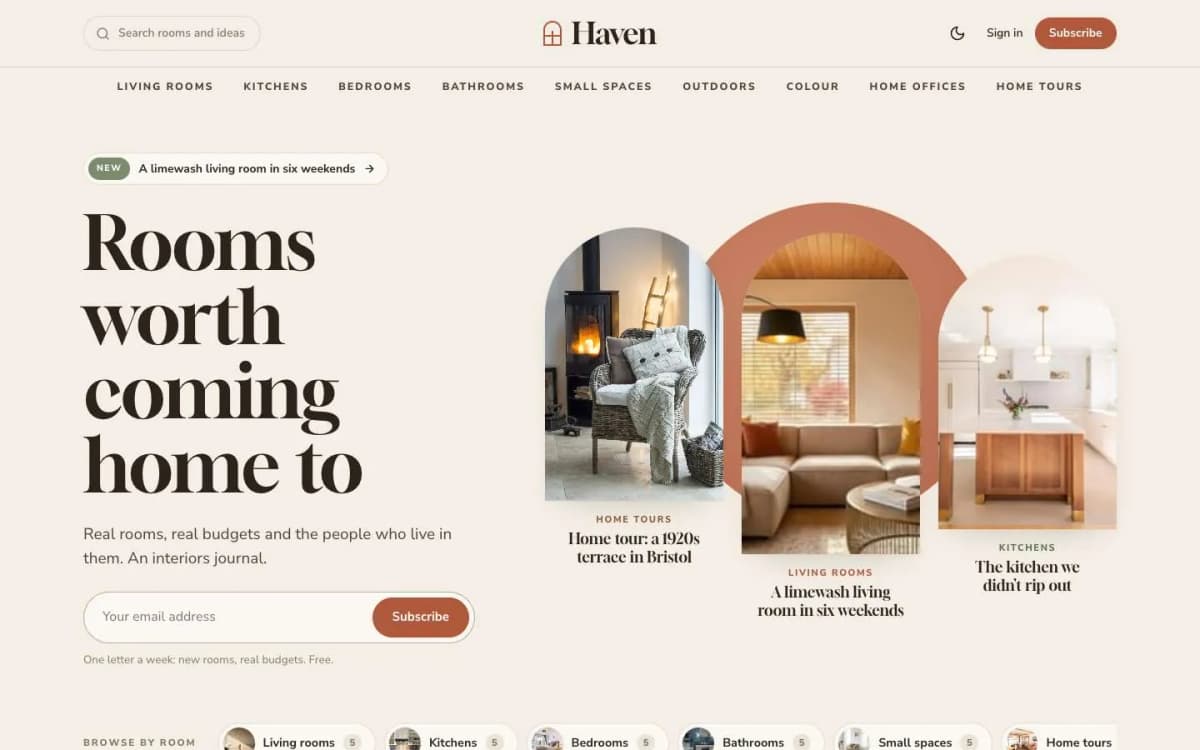
Haven is a warm Ghost theme for interiors and home-décor writers.
Before/after sliders. Add a gallery with exactly two photos, the before photo first, and start the caption with "Before", for example "Before and after: the same corner, six weekends apart". Readers drag the handle, swipe on a phone or use the arrow keys. The slider nudges once when it comes into view so readers know it moves.
A palette from every photo. Every post with a feature image shows "Colours in this room": five colours picked from the photo in the reader's browser, with a lift for saturated colours so a terracotta cushion is not lost beside a big grey wall. Readers click a colour to copy its code.
Your own paint list. Write a bulleted list where each item starts with a colour code, such as #D8C7B0 Oat — the walls, two coats, and Haven turns it into arched paint cards.
A project card from internal tags. Add #where, #size, #room, #budget, #time and #style tags (for example #budget £3,200, #time Five weeks) and Haven shows a card under the post photo with an icon for each.
Home tours. Add #tour and choose the Home tour template: the photo becomes a tall arched window beside the title, the project card sits under the byline, and every heading appears in a sticky "Rooms in this tour" list that marks the room you are reading. Tours get their own row on the homepage and a badge on their cards.
Arches everywhere. An arched trio and a setting sun on the homepage, arch-topped card photos and a wide arched post photo. Prefer something else? The Image shape setting switches everything to Rounded or Square at once.
A moodboard homepage. Posts in masonry columns that keep their places when more stories load, plus round "Browse by room" photos under the hero.
More. Rooms page of arched doorways and a Contributors page; styled product cards for "shop the look"; a drop cap on every post; light by default with a warm walnut dark mode; membership page, paywall, sign-in, sign-up and account pages; self-hosted Gloock and Nunito Sans fonts; full translation support; 17 theme settings; no jQuery.
Drag a slider on the Haven live demo.
What Haven does not do
- No paint brand integrations. Palettes are picked from photos or written by you; they are not matched to a paint maker's catalogue.
- No shop. Product cards link out to retailers or your store.
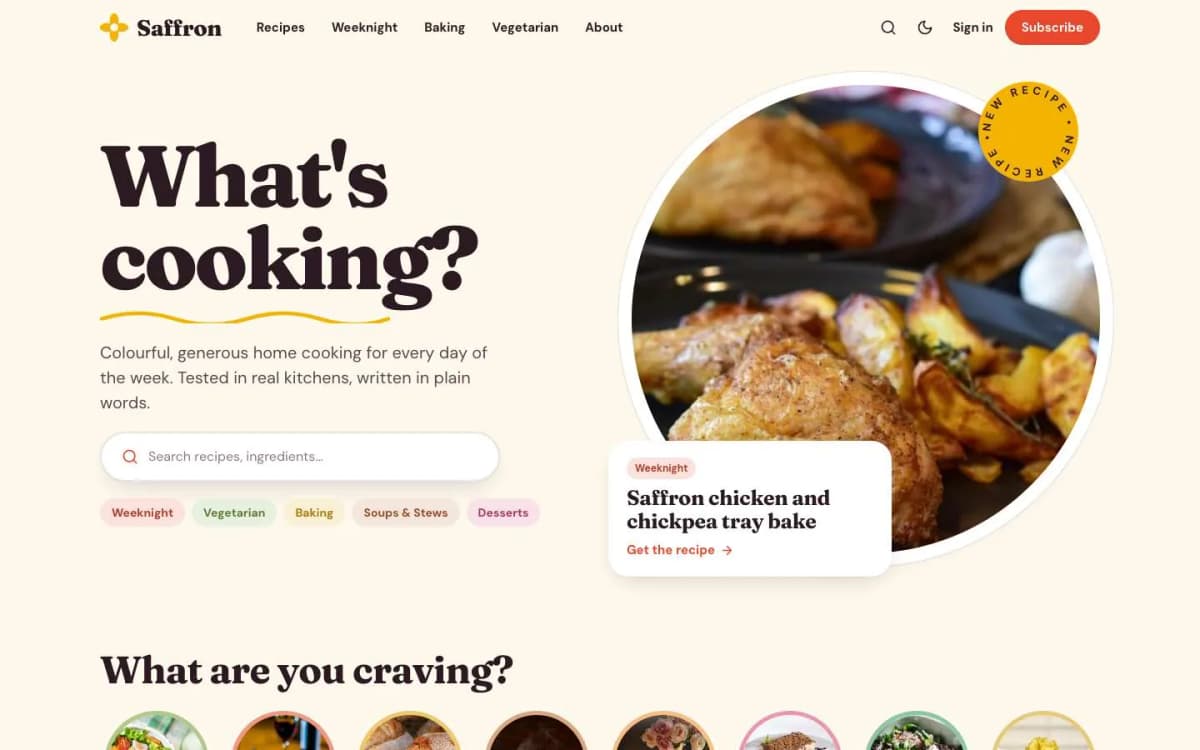
- Not for recipes. For food content, use Saffron.
Writing interiors posts readers save
- Shoot before and after from the same spot, same lens, similar light. The slider makes any mismatch obvious.
- Always share the budget and time, even roughly. It is what readers trust most.
- Name your paints in a swatch list, with where each was used.
- Structure tours by room with one heading per room; Haven builds the room list from them.
- Use alt text that describes the room and the change.
- Sell something useful to members: a renovation planner, a paint guide or members-only tours. See Ghost memberships with Stripe.
Other themes to consider
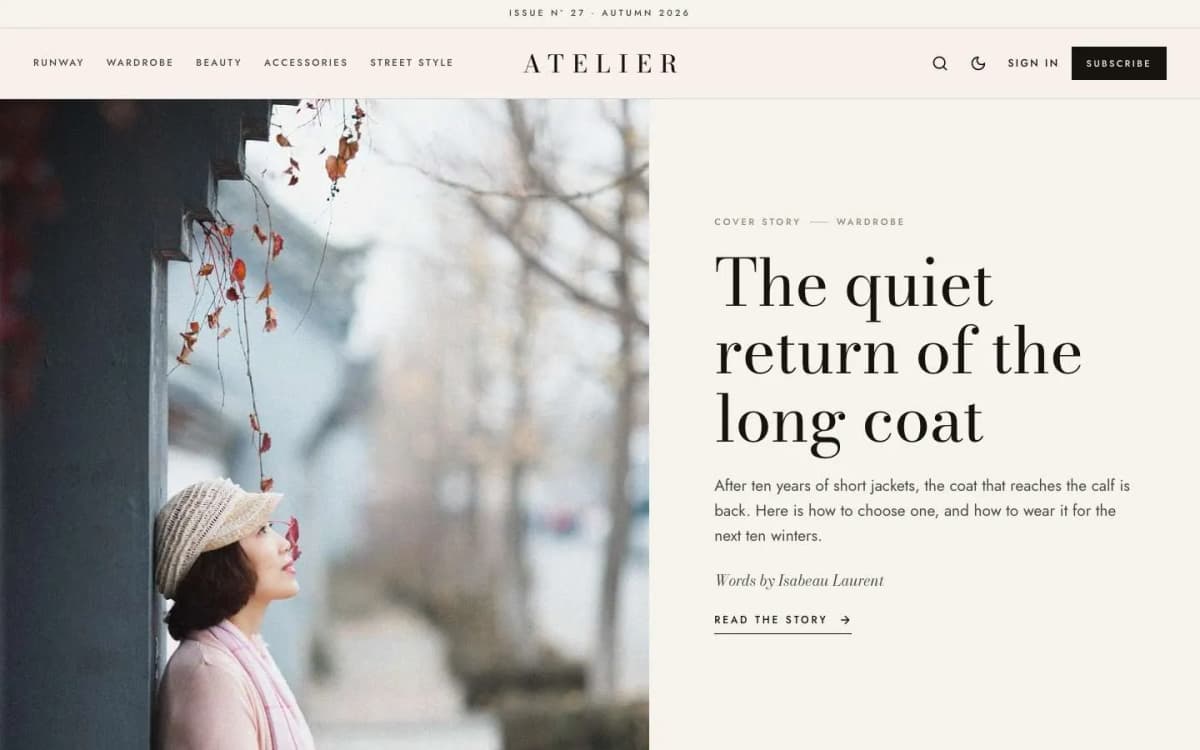
- Atelier: an editorial fashion and lifestyle magazine with lookbooks. See the best Ghost theme for a fashion magazine.
- Saffron: for food and recipes.
- See all of them on our Ghost themes page.
Planning a home tour post from start to finish
Home tours are the posts interiors readers share most, and they are easier to produce well with a plan.
- Get permission first. Agree with the homeowner what can be shown, whether their name and town appear, and whether any rooms are private.
- Shoot in daylight. Natural light shows colours honestly. Shoot each room from the doorway and from the far corner, then detail shots of materials and objects.
- Note the details while you are there. Paint names, flooring, where the furniture came from, the year of the work, the budget band if the owner is happy to share it. These become the project facts readers want.
- Shoot the same angles before and after, if it is a renovation, so the comparison lines up.
- Write the story, not just the inventory. What the owner wanted, what was hard, what they would do differently.
- Edit to a sequence. Walk readers through the home in the order a visitor would see it.
- Credit everyone: photographer, designer, makers.
Making interiors content work in search
People search for interiors ideas in specific ways: "small bathroom ideas", "sage green kitchen", "how to choose a rug size". A few habits help your posts get found:
- Give practical posts plain, descriptive titles, and use Ghost's separate search title if you want a more poetic headline on the page.
- Fill in alt text on every image with what it shows, for example "narrow galley kitchen with sage green cabinets and brass handles". It helps people using screen readers and helps image search.
- Group related posts with tags, such as Kitchens, Bathrooms and Small spaces, and write a short description for each tag.
- Link from new posts to older related ones, so readers and search engines find your archive.
Turning readers into members
Interiors readers often want the details behind the pictures: sources, paint colours, floor plans and budgets. Those details make a natural members-only section at the end of a post, using Ghost's members-only content setting. Keep the photographs and the story free, and offer the source list to free members in exchange for their email. That builds a list you own, which you can later grow into paid guides or consultations.
Seasonal content
Plan posts around seasons and holidays, when readers look for refresh ideas: outdoor spaces before summer, guest rooms before the holidays, storage and organisation at the start of the year. Publish a few weeks before the season, when people start searching, and update and re-share last year's popular seasonal posts.
Bottom line
An interiors blog needs before/after sliders, colours readers can copy, project facts and structured home tours, in a warm, calm design. Haven does all of that from plain editor content and a few internal tags, for $59.
See a makeover in Haven: open the Haven demo and get Haven. Want it set up with your rooms and first tour? Our Ghost theme install and setup service can do it.
Frequently asked questions
Add a gallery with exactly two photos, the before photo first, and write a caption that starts with the word Before. Haven turns it into a slider readers can drag, swipe or move with the arrow keys.
Haven picks five colours from each post's feature image in the reader's browser, and readers can click a colour to copy its code. You can also write your own paint list: a bulleted list where each item starts with a colour code becomes arched paint cards.
Add internal tags such as #budget £3,200, #time Five weeks, #room Kitchen, #where Bristol, UK, #size 96 m² and #style Painted Shaker. Haven shows them in a project card under the post photo.
Yes. The Image shape setting switches every card photo, arch and post photo to Arch, Rounded or Square at once.