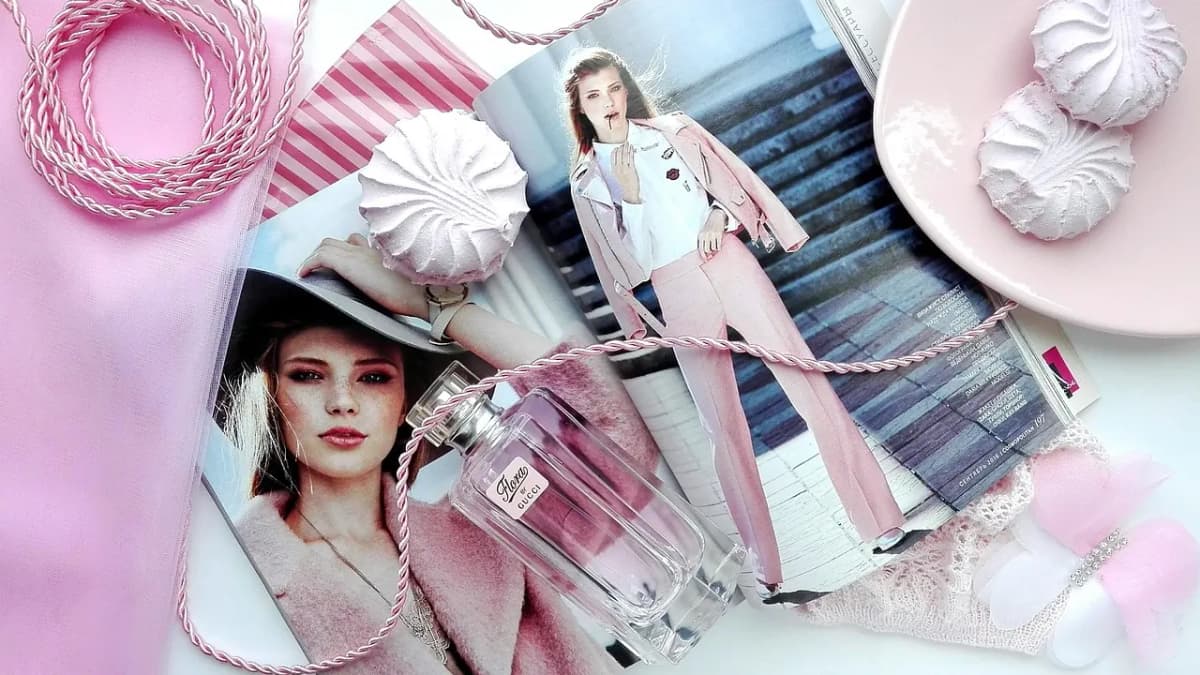
Fashion readers have high standards for how things look, and they expect a fashion publication to feel like a magazine they would pay for: generous white space, elegant type, big photographs and a slow, confident rhythm. A general-purpose blog theme, with its sidebars and small thumbnails, undercuts the work before anyone reads a caption.
Ghost suits independent fashion, beauty and style publications: it is quick, it handles large images well, and it has a newsletter and memberships built in. This guide covers what a fashion publication needs from a Ghost theme, and how our theme, Atelier, handles it.
What a fashion publication needs
An editorial cover
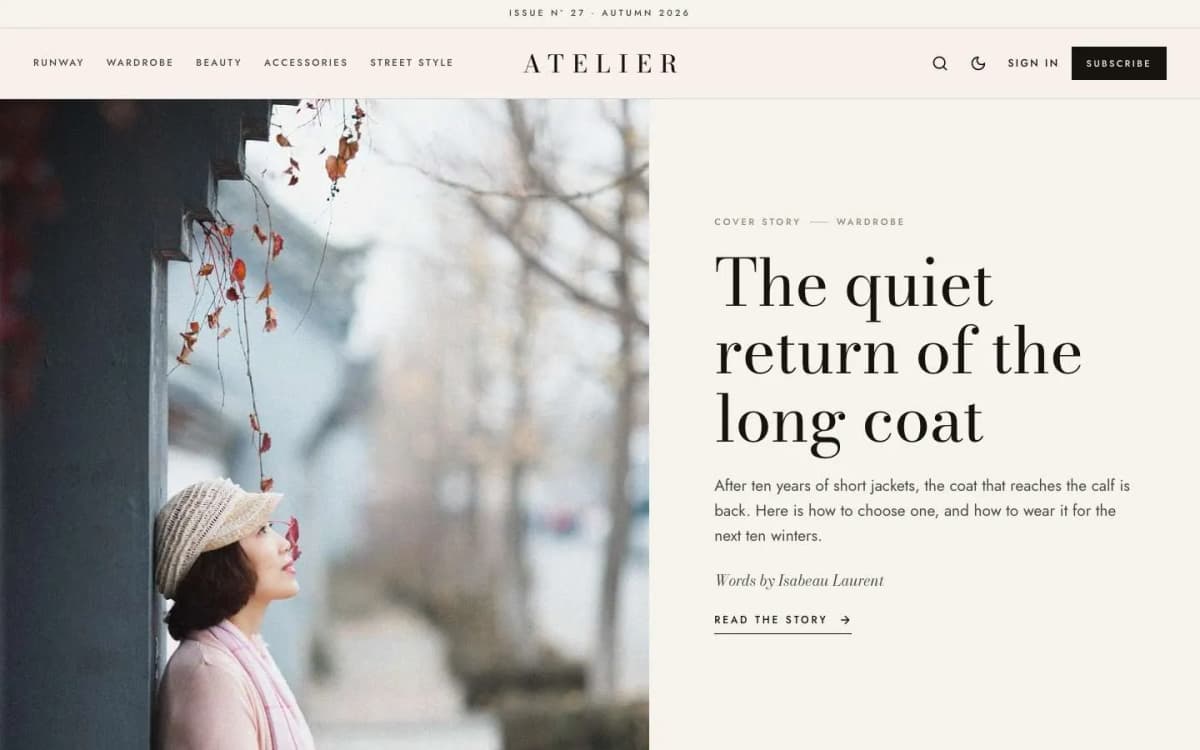
The homepage should open like a magazine cover: one story, one big image, one large headline.
Lookbooks
Collections and outfits are told in sequences of images. A lookbook layout that numbers each look, runs images large and lets readers swipe through a series is essential.
Shop the look
Readers want to buy what they see. A tidy grid of products with images, short descriptions and links, inside the story, without breaking the design.
Print-like typography
A high-contrast serif for headlines, a drop cap, centred pull quotes. Typography carries a lot of the luxury signal.
Seasons and issues
Fashion runs on seasons. An issue line ("Issue Nº 27 · Autumn 2026") gives the site the rhythm of a print title.
How Atelier handles it
Atelier is an editorial fashion and style magazine theme for Ghost.
Cover story. Your newest story as a split-screen cover: image on one side, a large serif headline on the other.
The Lookbook row. A side-scrolling row of your featured stories with large numerals, arrows, a counter and a progress line. Readers drag with a mouse or swipe.
A slow marquee of your topics, or your own text, under the cover.
A staggered grid of portrait cards with centred captions for the latest stories, with Load more.
Split-screen story header. The feature image fills one half of the screen; the title sits in the other.
Lookbook post template. Choose Lookbook and the feature image becomes a full-screen cover with the title on top. Every image card is numbered Look 01, Look 02 and so on. Gallery cards become film strips that readers drag or swipe. The word "Look" follows your site's language.
Shop the look. Two or more product cards in a row become a numbered product grid labelled "Shop the look". A single product card stays centred in the text.
Print details. A drop cap at the start of each story, centred pull quotes between hairlines, and an issue line above a three-part header with a centred, wide-tracked wordmark.
More. Sections and Contributors pages with portrait tiles; membership page with tiers and a monthly/yearly switch; styled paywall; sign-in, sign-up and account pages; light, dark and system modes; reading progress, lightbox, galleries, tables and toggle cards; self-hosted Bodoni Moda (with italics) and Jost fonts; full translation support; 18 theme settings; no jQuery.
Browse the Atelier live demo, especially a lookbook story.
What Atelier does not do
- No shop. There is no basket or checkout. Link to your store or to retailers.
- Not for fast news. If you publish many short items a day, Gazette suits better.
- Not for scored reviews. For product reviews with scores, see Pixel.
Making money from a fashion publication on Ghost
- Affiliate links in Shop the look grids, clearly disclosed.
- A newsletter with the week's stories and edits, sent from Ghost.
- Paid membership for members-only lookbooks, trend reports or styling advice. See our Ghost memberships guide.
- Brand partnerships, presented in the same editorial style and labelled.
Publishing tips for style writers
- Shoot or choose upright images for covers. Atelier's split-screen layouts love portrait photos.
- Plan lookbooks as sequences. Order looks deliberately; the numbering makes the order visible.
- Write short, specific product descriptions in Shop the look: material, fit, why it works.
- Change the issue line each season. It costs nothing and gives the site a sense of time.
- Feature six to eight stories so the Lookbook row is always full.
- Fill in alt text for every image: it helps accessibility and image search.
Other themes to consider
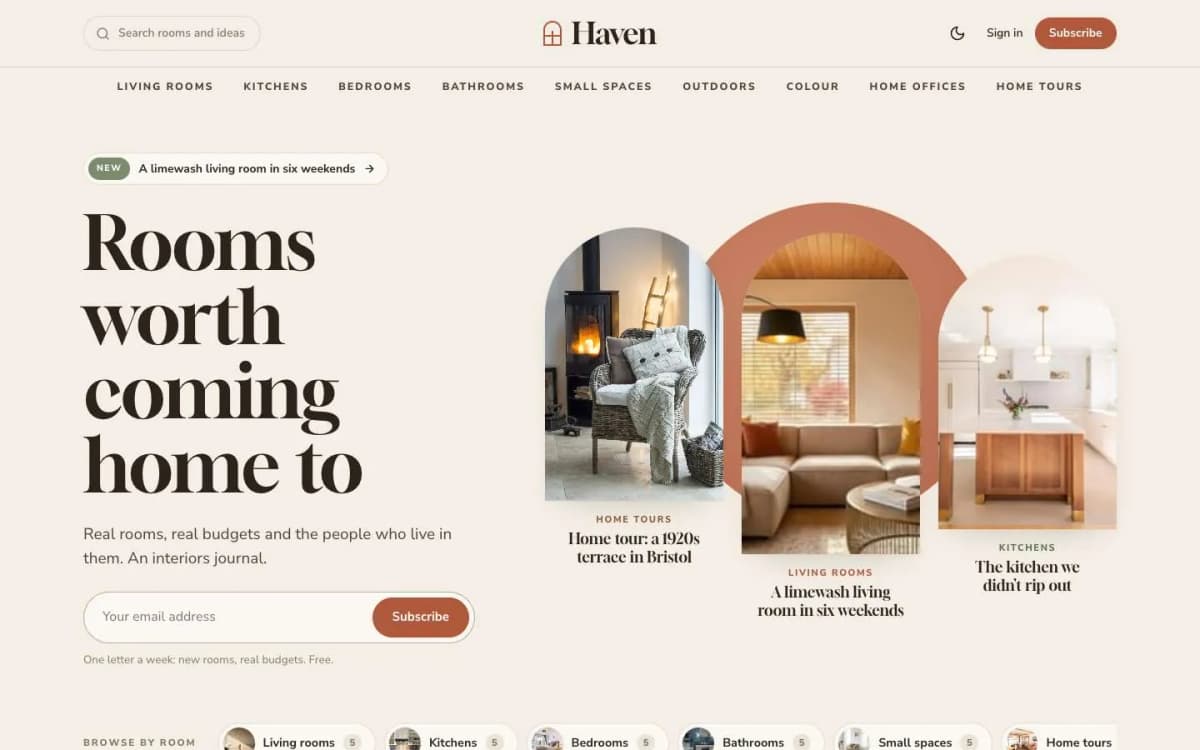
- Haven: for interiors and home style. See the best Ghost theme for an interiors blog.
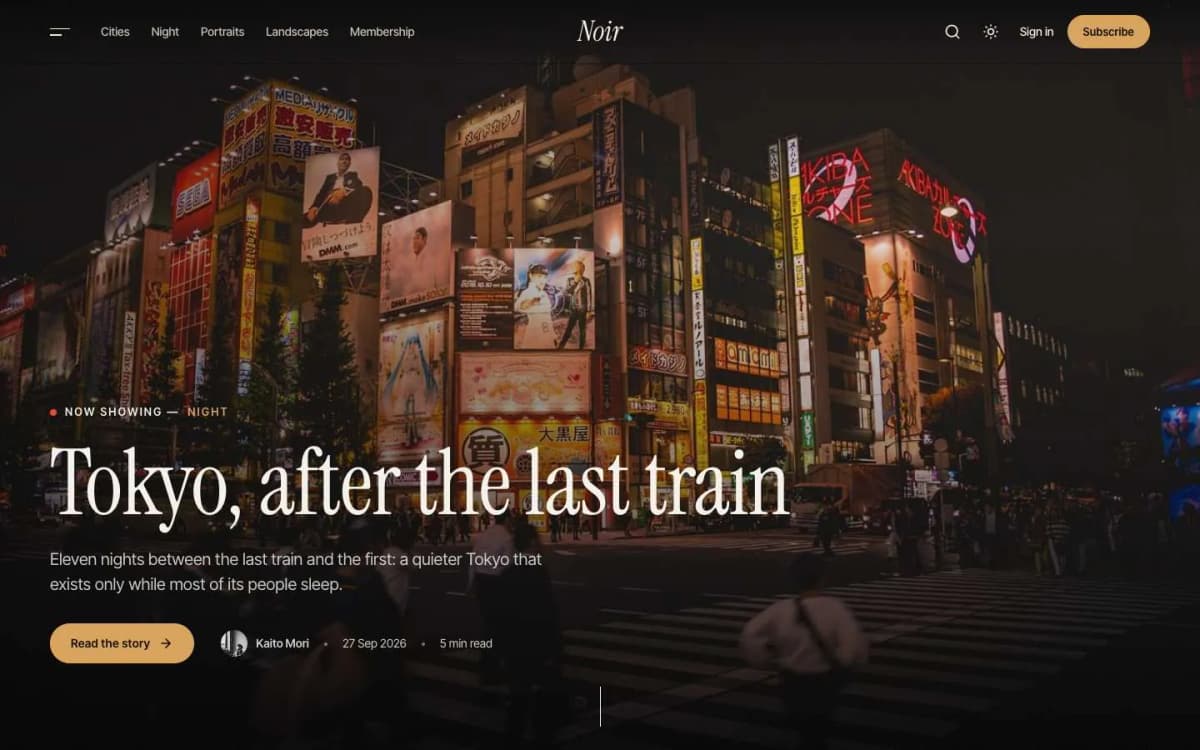
- Noir: for dark, cinematic photo stories.
- Compare all themes on our Ghost themes page.
Planning a lookbook story from shoot to publish
Lookbooks are Atelier's signature, and they work best when planned before the photos are taken.
- Decide the sequence. A lookbook is read in order. Plan an opening look, a build, and a closing look that leaves an impression.
- Shoot for the layout. The cover works best with a large, upright photo. Individual looks can be wide or upright; upright images are centred and never taller than the screen.
- Write short captions. One or two lines per look: the pieces, a styling note, where to find them.
- Add a film strip with a gallery card for detail shots or behind-the-scenes images.
- Close with Shop the look. Put two or more product cards one after another at the end, each with an image, a short description and a link.
- Feature the story so it appears in the homepage Lookbook row.
Writing for a fashion audience online
Fashion readers skim images and read words selectively. A few habits help:
- Lead with the idea, not the product. "How to wear one colour head to toe" is a story; "New season knitwear" is a catalogue.
- Keep paragraphs short between images, so the layout breathes.
- Use pull quotes for interviews with designers and stylists; Atelier centres them between hairlines.
- Credit everyone: photographer, stylist, model, brands. It is good practice and good for sharing.
- Date seasonal pieces through the issue line and the text, so older stories still make sense.
Search and fashion content
Fashion search traffic tends to come from specific questions ("what to wear to a garden wedding", "how to style wide-leg trousers") and from image search. Answer the question clearly near the top, use descriptive titles rather than clever ones for the posts you want found, and fill in alt text for every image with what it actually shows. Ghost lets you set the search title and description for each post separately from the headline, so a poetic headline can still have a practical search title.
Working with brands
Fashion publications often collaborate with brands, and readers expect honesty about it. Label sponsored stories and gifted items clearly in the post, using a tag such as Partnership so the label is consistent. Disclose affiliate links in the post and on an about page. Keep editorial choices your own: readers return to a fashion title for its taste, and a page that reads like an advert spends that trust.
Building a fashion newsletter
Ghost sends every post as an email if you want it to, but fashion readers often prefer a curated weekly letter: one lead story, a few looks, a short list of things worth buying and a note from the editor. Keep images light so the email loads quickly, write descriptive alt text, and link each look back to the full story on the site, where the large photography and lookbook layout do their work.
Bottom line
A fashion publication needs to feel like a magazine you would buy: an editorial cover, lookbooks, shop-the-look grids and print-quality type. Atelier does that out of the box, for $59.
See the lookbook: open the Atelier demo and get Atelier. Want it styled to your brand? Our Ghost theme install and setup service sets it up for you, and a custom Ghost theme is available if you need something unique.
Frequently asked questions
Choose the Lookbook template in the post settings. The feature image becomes a full-screen cover, and each image card in the post is numbered Look 01, Look 02 and so on. A gallery card becomes a film strip readers drag or swipe.
Add two or more product cards one after another in the editor, each with an image, title, short description and a button linking to the shop. Atelier places them in a numbered grid labelled Shop the look.
No. Atelier links to products in other shops, which suits affiliate links and your own store. It has no basket or checkout.
Yes. The thin line above the header shows the text of the Issue label setting, for example Issue Nº 27 · Autumn 2026. Leave it empty to hide it.