Learnova
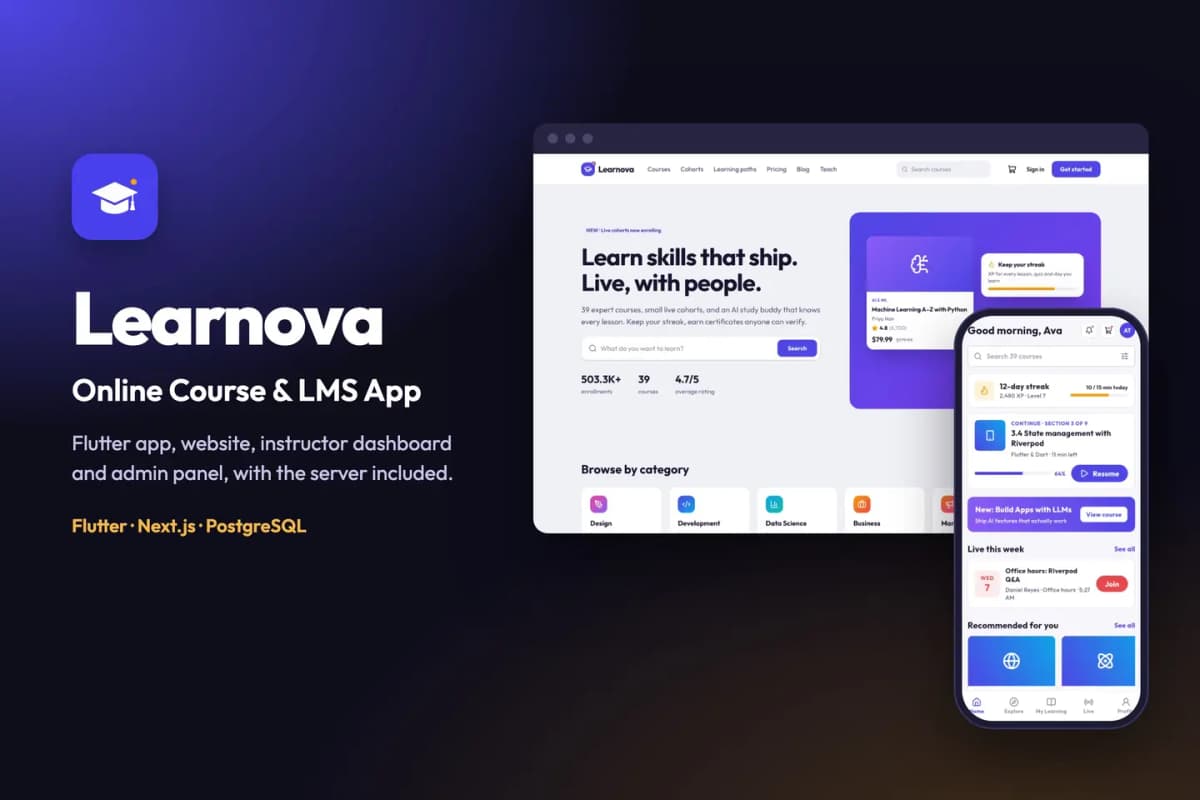
Online course kit: course catalogue, video lessons, quizzes, progress and certificates you can verify online.
// overview
About Learnova
Start your own online course business: learners buy courses, watch video lessons, take quizzes, earn certificates and subscribe to an all-access plan; instructors publish and earn; you run it all from one admin panel. Learnova is a complete kit: a Flutter app for iOS and Android, a website, an Instructor dashboard, an Admin panel, and the server that runs them. Install it with one Docker command and rebrand it with one more.
Live demo
- Website: learnova-demo.apps.codememory.com
- Instructor dashboard and Admin panel: Sign in → "Try the live demo" → Instructor or Admin (one click, no password, read-only)
- Student: Sign in → "Try the live demo" → Student (your own fresh copy of the demo learner)
- Android app (APK): download the demo APK
- Documentation: read the docs online
On the demo, purchases run in demo mode (no real payment), the instructor and admin cannot save changes, and the lesson videos are short placeholder clips.
Mobile app (Flutter)
- Personal home feed, explore by category, search with filters, learning paths and course bundles
- Course pages with free preview lessons, curriculum, instructor and reviews; wishlist and cart
- Checkout with coupons, wallet balance and bank transfer; orders, receipts and refund requests
- Video lessons with adaptive (HLS) streaming, playback speed, transcripts and offline downloads
- Quizzes with results and review, assignments with file upload, notes and lesson Q&A
- AI study buddy that answers from the lesson (works with any OpenAI-compatible API; off until you add a key)
- Live classes and cohorts with a calendar, reminders and replays
- Certificates with a public verify link, XP, levels, daily streaks, badges and a leaderboard
- Learnova Plus subscription through in-app purchases (RevenueCat)
- Sign in with Google, Apple or email (Firebase), guest mode, account deletion and data export
- Push notifications, maintenance mode, force update, light and dark themes
Website (Next.js)
- Landing page, catalogue with filters, course, category and instructor pages, learning paths, cohorts, pricing, blog and help center
- Checkout with Stripe, PayPal, Razorpay, Paystack, Flutterwave or bank transfer, plus coupons, gift cards and tax rules
- Full-screen course player with curriculum, notes, Q&A, transcripts and quizzes
- My learning, certificates with a public verify page, orders, refunds and Plus management
- SEO-friendly URLs, sitemap, cookie consent, and a one-click demo sign-in that works inside the preview frame
Instructor dashboard
- Course builder: sections, video upload (turned into streaming video by the worker), quizzes, assignments, pricing and coupons
- Students, Q&A inbox with AI-drafted answers, assignment grading
- Live classes calendar with meeting links (Zoom, Google Meet, Teams…)
- Earnings, payout requests, reviews and analytics (watch time, completion, where learners drop off)
Admin panel
- Dashboard with revenue and approval queue; course review with change requests
- Categories, instructors and applications, students, orders and refunds, payouts
- Coupons, Plus plans, gift cards, review moderation, certificates, blog, banners, push notifications, pages and FAQ
- Reports (revenue, enrolments, instructors, subscriptions, tax) with CSV export
- Settings: general, learning and payouts, payment gateways, email, languages, currency and tax, Plus, live classes, AI, storage
- Roles and staff with a permission matrix, audit log, and a Setup page that shows which keys are missing
Built for buyers
- Nothing is blocked on a key: purchases run in demo mode, email prints to the log, and AI is off until you add its key
- One-command install: Docker stack with the website, worker, PostgreSQL and MinIO storage; sample data on first run
- Setup check:
pnpm run doctorand the admin Setup page test every connection - One-command rebrand: name, app id, brand colour, website font and icon
- Step-by-step documentation in HTML and PDF, with every key explained
Requirements
- A Linux server (2 CPU, 4 GB RAM) with Docker, and a domain name
- Flutter 3.44 or newer; Android Studio; a Mac with Xcode for iOS
- A free Firebase project (sign-in and push)
- Optional: RevenueCat, Stripe, PayPal, Razorpay, Paystack, Flutterwave, an OpenAI-compatible AI provider, any SMTP email provider
Third-party services
- Firebase — sign-in and push
- RevenueCat — in-app subscriptions
- Stripe, PayPal, Razorpay, Paystack, Flutterwave — website payments
- OpenAI or another OpenAI-compatible provider — AI study buddy, drafts and transcripts
These services have their own accounts, terms and fees, which are not part of this item.
// features
What's included
- Flutter app for Android and iOS, a website, an Instructor dashboard, an Admin panel and the server
- Video lessons with HLS streaming, transcripts, playback speed and offline downloads
- Quizzes, assignments, notes and lesson Q&A
- Certificates with a public verify page, XP, streaks, badges and a leaderboard
- Learnova Plus subscription through in-app purchases (RevenueCat)
- Website checkout with Stripe, PayPal, Razorpay, Paystack, Flutterwave or bank transfer
- AI study buddy that answers from the lesson (your own OpenAI-compatible key)
- Live classes and cohorts with a calendar, reminders and replays
- One Docker command to install, one command to rebrand
Compatibility & tags
Changelog
v1.0.0 · 2026-10-07
- First release.
// faq
Questions about Learnova
Yes. You get the Flutter app code, the Next.js website, admin panel and API, the database schema and migrations, the Docker setup, the rename tool and the documentation. You run it on your own server with your own Firebase project.
Yes. The [live demo](https://learnova-demo.apps.codememory.com) has one-click demo sign-in for each role, no passwords needed. You can also [download the Android demo app](https://learnova-demo.apps.codememory.com/downloads/learnova-demo.apk).
Yes. Every outside service has a working default: payments run in a clearly labelled demo mode, e-mails go to the log and files go to the bundled storage. Add each key when you are ready.
A Linux server (2 CPU, 4 GB RAM) with Docker and a domain name, Flutter 3.44 or newer with Android Studio, a Mac with Xcode for iOS builds, and a free Firebase project for sign-in and push.
Yes. Our [app kit install](/services/app-kit-install) service sets it up on your server, and [Flutter App from a Kit](/services/flutter-app-customisation) rebrands the apps and publishes them to the App Store and Google Play under your name.
You might also like
all_flutter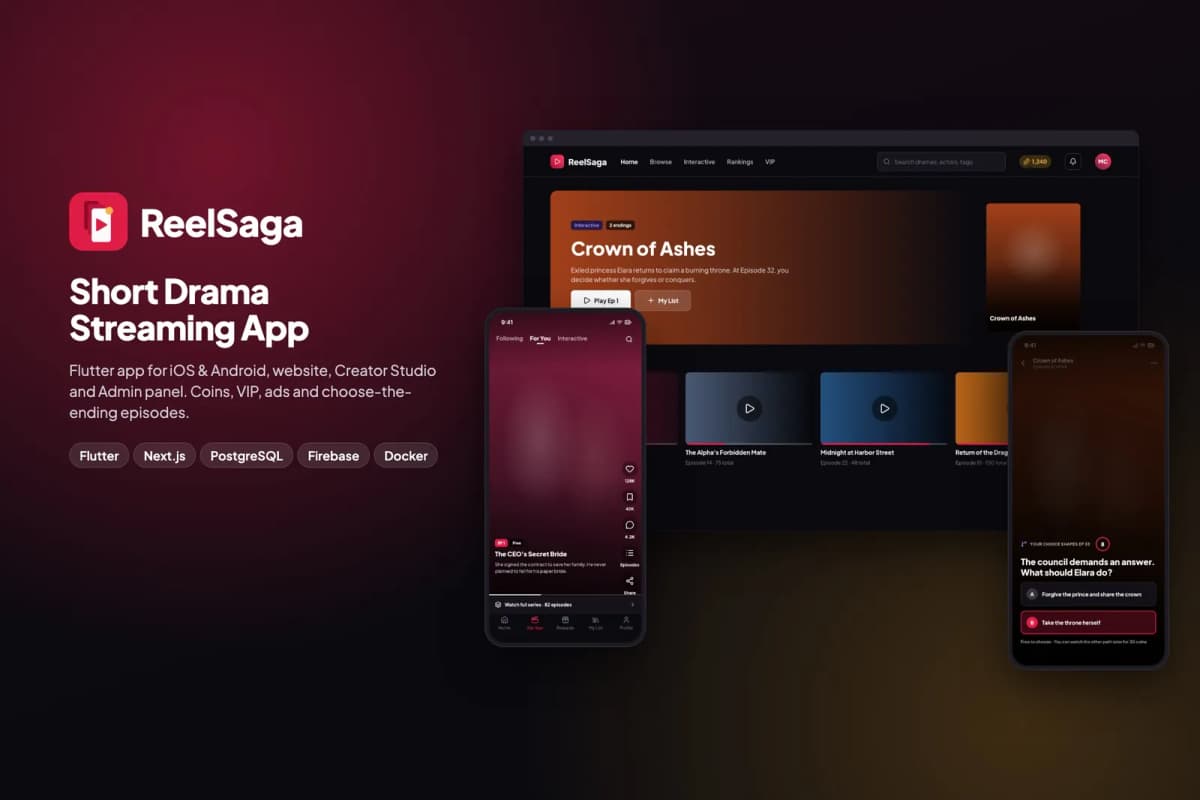 Flutter
ReelSaga
Short drama streaming app kit: vertical episodes, coins, VIP and choose-the-ending stories, with a website, Creator Studio and admin panel.
 Flutter
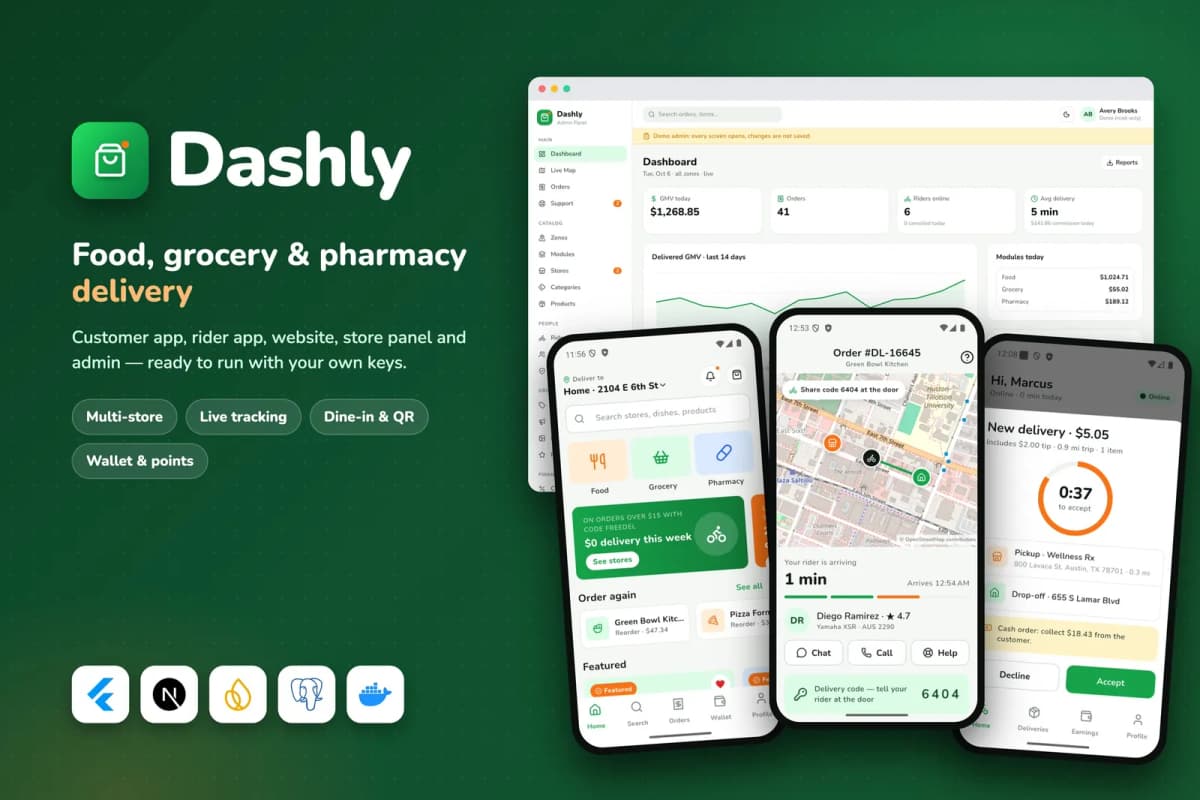
Dashly
Food, grocery and pharmacy delivery platform: customer and rider apps, website, store panel and admin, with a single-restaurant mode.
 Flutter
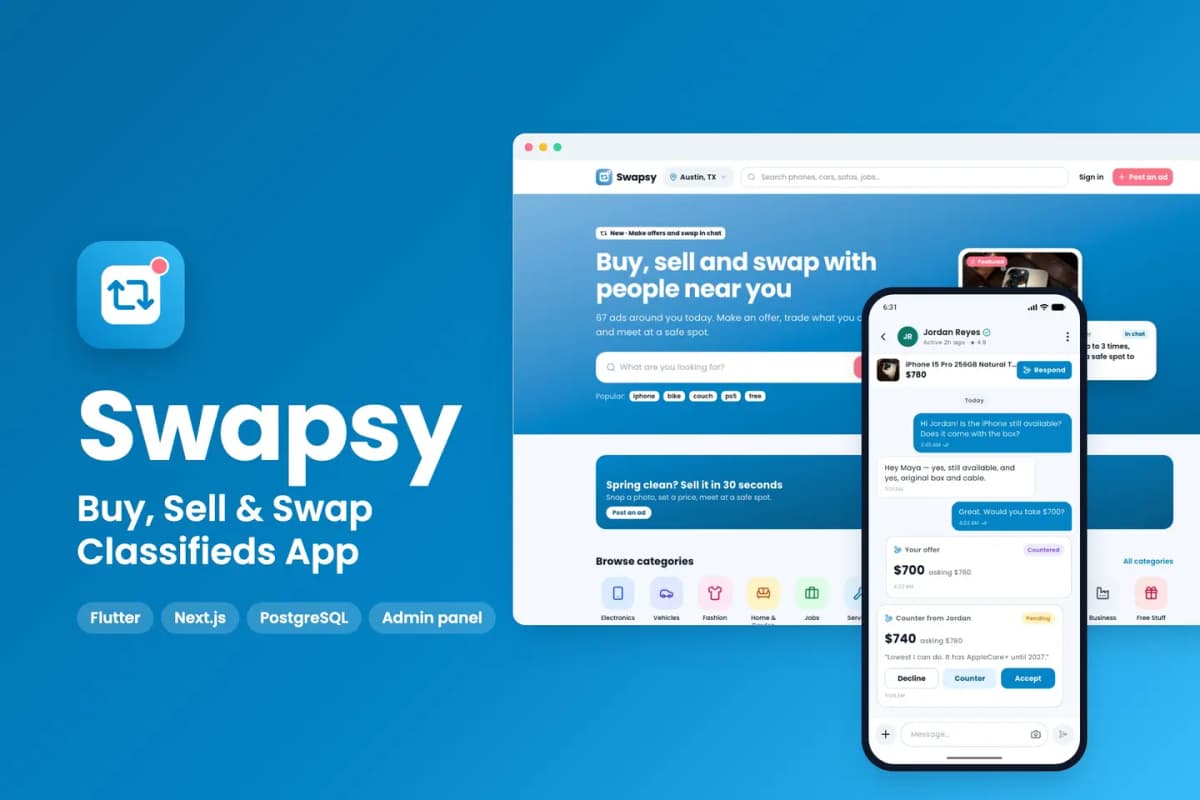
Swapsy
Classifieds app kit to buy, sell and swap locally, with offers and counter-offers inside chat.