Brainrush
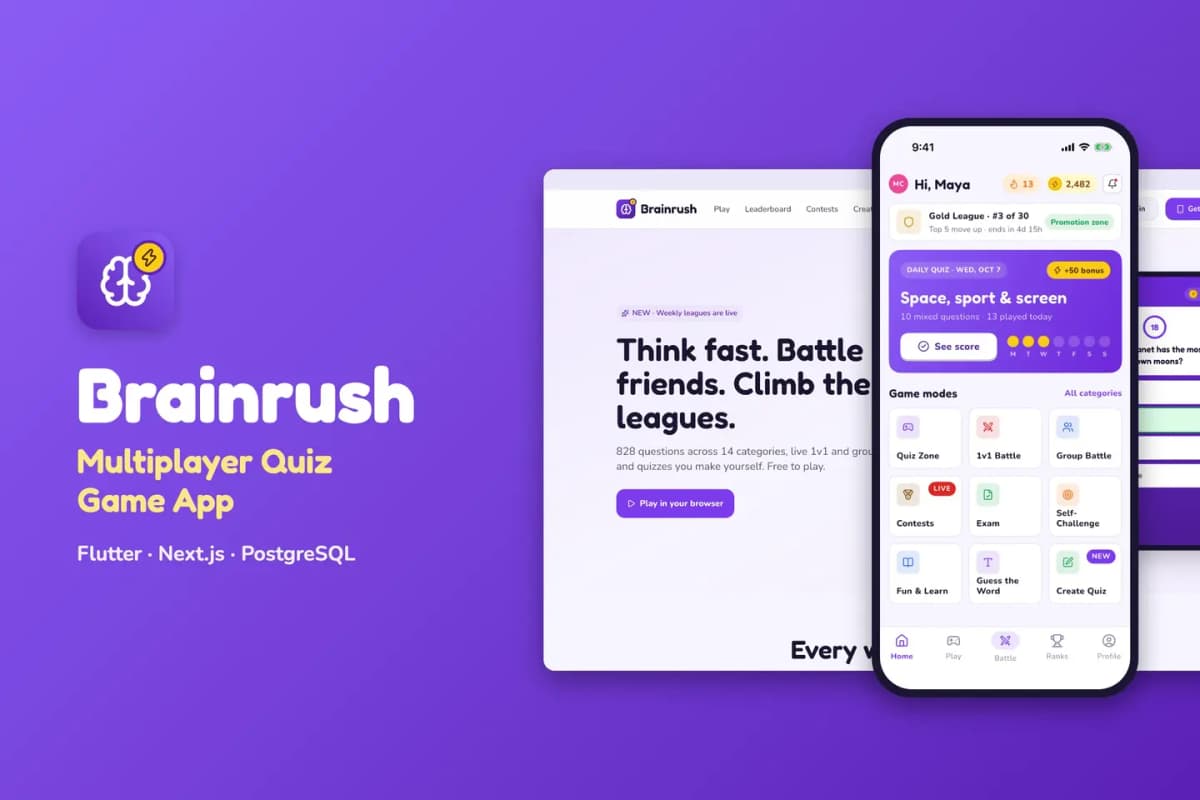
Multiplayer quiz game kit: solo modes, live 1v1 battles, daily challenges, leagues and an admin question bank.
// overview
About Brainrush
Brainrush is a ready-to-run trivia business. You get the mobile app (Flutter, Android and iOS), a website where people play in the browser, the admin panel, the API and the background worker (Next.js, PostgreSQL). Put your own keys in .env, run docker compose up -d, finish the install wizard, and the game is live with 14 categories and about 830 sample questions.
Live preview and demo app
- Website and admin: open the live demo. Sign-in has one-click demo buttons (no passwords): Play as the demo player on
/sign-in, and the read-only demo admin on/admin. - Android app: download the demo APK
- Documentation: read the full docs online (also in the download, as HTML and PDF)
Mobile app (Flutter)
- Sign-in with Google, Apple, email, or as a guest (a guest keeps progress when signing in later)
- 14 categories with topics, levels and stars; premium categories unlocked with coins
- Six question types: multiple choice, true/false, image, audio, maths and guess the word
- Lifelines: 50/50, audience poll, skip, extra time and letter hints; a timer ring with sounds and haptics
- Daily quiz with streaks, streak freezes and a daily leaderboard
- Live 1v1 battles (quick match, play a friend by code, a bot when nobody is free) and group rooms for up to 8 players
- Contests with entry fees and coin prize pools; weekly leagues from Bronze to Diamond with promotion and relegation
- Exams with a code, a time window and a pass mark (for classes and companies)
- Make a quiz and share it by link or QR code; self-challenge; Fun & Learn articles with a quiz each
- Daily, weekly and all-time leaderboards, badges, bookmarks, answer review with explanations
- Coin store with in-app purchases (RevenueCat) and "Remove ads"; rewarded, interstitial and banner ads (Google AdMob)
- Referrals, push notifications and an inbox, offline levels, account deletion; light and dark themes
Website (Next.js)
- Landing page, then play in the browser: categories, levels, the daily quiz and contests with lifelines, a timer and answer review
- Shared quiz pages with "scores to beat" and guest play without sign-up
- Leaderboards, a quiz-maker page, a download page with FAQ, terms and privacy
- Works inside an iframe (one-click demo sign-in without third-party cookies)
Admin panel
- Dashboard with games played, players, revenue and items that need attention
- Categories and topics; question bank with an editor for every type, media upload, CSV import and an AI question generator (Claude, OpenAI or Gemini)
- Daily quiz calendar with auto-fill; contests with prize split and payouts; exams with results release
- Battle rules, league tiers and rewards, badges, Fun & Learn articles
- Coin packs and store products, coin economy rules, ad settings
- Users, leaderboards, question reports, push campaigns (now or scheduled)
- Staff roles (super admin, content editor, moderator, finance, read-only), settings, audit log
- A Setup check that tests every key and service
Built to be easy to own
- Only your keys: every outside service has a working default. Without RevenueCat keys, coin purchases run in a clearly labelled demo mode; ads show Google's test ads; without SMTP, emails go to the log; files go to the bundled MinIO storage; without an AI key the generator says "add your key".
- One command: Docker Compose starts the website, API, worker, PostgreSQL and file storage; migrations run on every start. Optional automatic HTTPS with Caddy.
- Install wizard creates your admin account, sets your app name and loads the sample quizzes.
- Rename tool: one command changes the app name, the Android / iOS package id, the brand colour, the website font and the icon.
- Clean code:
flutter analyzeshows 0 issues; Riverpod state, go_router navigation, lazy.builderlists; TypeScript strict mode with Biome on the web side; automated API and browser tests. - Documentation for beginners: server setup, Firebase, the app, purchases, ads, push, AI, email, renaming, icons and fonts, every key explained, file structure, publishing to the stores, FAQ.
Requirements
- A Linux server (2 CPU, 4 GB RAM) with Docker, and a domain name
- Flutter 3.44 or newer with Android Studio; a Mac with Xcode for iOS builds
- A free Firebase project (sign-in and push notifications)
- Node.js 22 for the rename tool
Services you can connect (all optional except Firebase)
- Firebase — Authentication and Cloud Messaging
- RevenueCat — in-app purchases on the App Store and Google Play
- Google AdMob — rewarded, interstitial and banner ads
- Anthropic, OpenAI or Google Gemini — the AI question generator
- Any SMTP email service; AWS S3 or Cloudflare R2 instead of the bundled MinIO
What is in the download
brainrush_mobile_flutter/— the appbrainrush_web_nextjs/— website, admin, API and workerdeploy/— Docker Compose stack and.env.example;tools/— rename tooldocs/— documentation (HTML and PDF), licence and changelog
// features
What's included
- Flutter app for Android and iOS, a play-in-the-browser website, an admin panel and the API
- 14 categories and about 830 sample questions in six question types
- Live 1v1 battles, group rooms for up to 8 players and a bot when nobody is free
- Daily quiz with streaks, contests with coin prize pools and weekly leagues
- Lifelines, timer, leaderboards, badges and answer review with explanations
- Coin store with in-app purchases (RevenueCat) and Google AdMob ads
- Question bank with CSV import and an AI question generator (Claude, OpenAI or Gemini)
- Exams with a code and a pass mark for classes and companies
- One Docker command to install, one command to rename and rebrand
Compatibility & tags
Changelog
v1.0.0 · 2026-10-07
- First release.
// faq
Questions about Brainrush
Yes. You get the Flutter app code, the Next.js website, admin panel and API, the database schema and migrations, the Docker setup, the rename tool and the documentation. You run it on your own server with your own Firebase project.
Yes. The [live demo](https://brainrush-demo.apps.codememory.com) has one-click demo sign-in for each role, no passwords needed. You can also [download the Android demo app](https://brainrush-demo.apps.codememory.com/downloads/brainrush-demo.apk).
Yes. Every outside service has a working default: payments run in a clearly labelled demo mode, e-mails go to the log and files go to the bundled storage. Add each key when you are ready.
A Linux server (2 CPU, 4 GB RAM) with Docker and a domain name, Flutter 3.44 or newer with Android Studio, a Mac with Xcode for iOS builds, and a free Firebase project for sign-in and push.
Yes. Our [app kit install](/services/app-kit-install) service sets it up on your server, and [Flutter App from a Kit](/services/flutter-app-customisation) rebrands the apps and publishes them to the App Store and Google Play under your name.
You might also like
all_flutter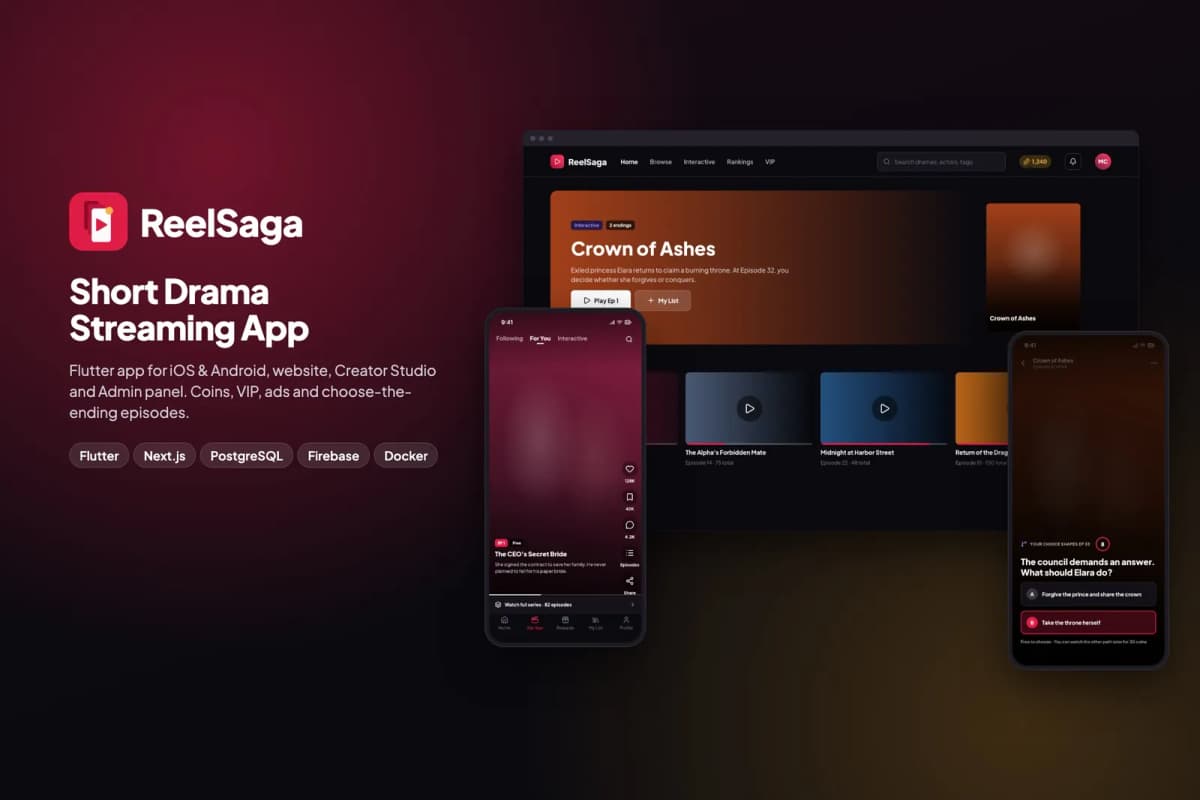 Flutter
ReelSaga
Short drama streaming app kit: vertical episodes, coins, VIP and choose-the-ending stories, with a website, Creator Studio and admin panel.
 Flutter
Dashly
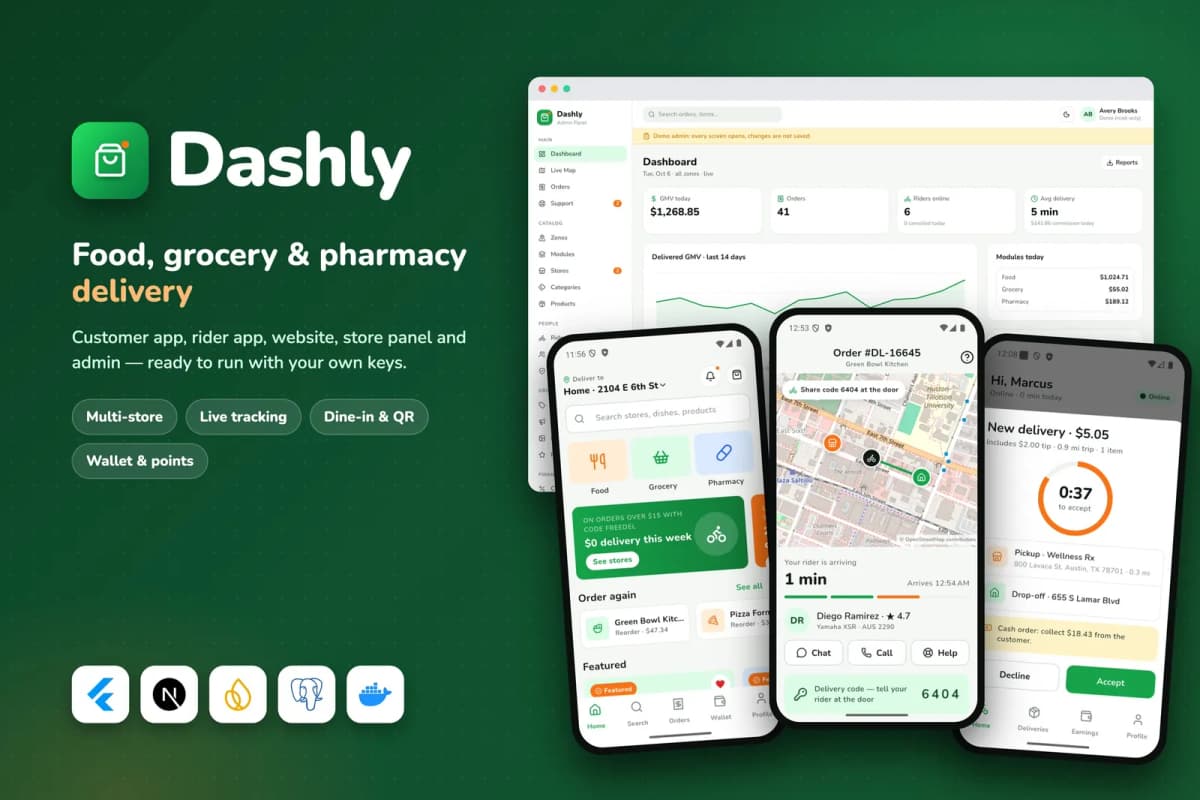
Food, grocery and pharmacy delivery platform: customer and rider apps, website, store panel and admin, with a single-restaurant mode.
 Flutter
Swapsy
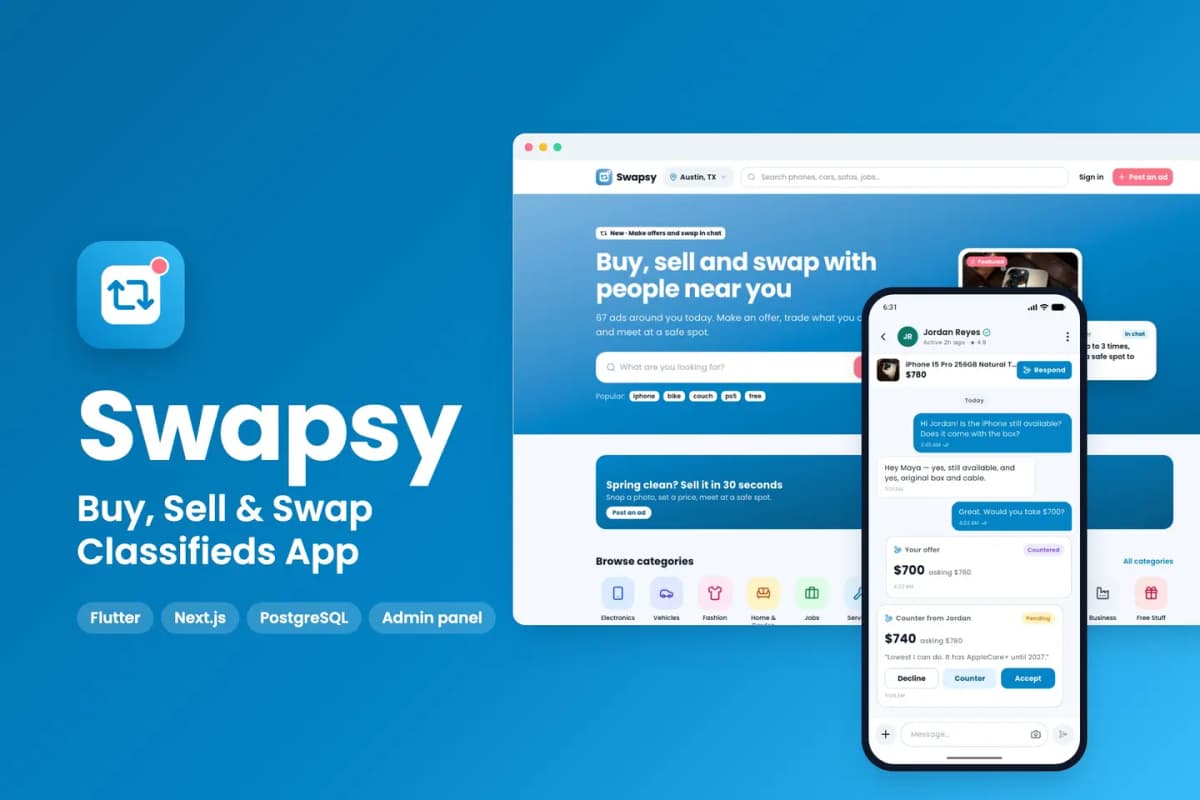
Classifieds app kit to buy, sell and swap locally, with offers and counter-offers inside chat.