Video platforms are excellent at finding you viewers and terrible at letting you keep them. The algorithm decides who sees your next upload, your subscribers are the platform's users, and moving your audience elsewhere is close to impossible. That is why more creators are building a second home they own: a site with their videos, their email list and their paid members.
Ghost already gives you the email list and memberships. What it does not give you is a video experience: watch pages, chapters, playlists, "Up next". Without those, a creator site feels like a blog with videos embedded. This guide covers what a video creator's site needs, and how our theme, Reel, turns Ghost into a channel.
What a creator's video site needs
A stage for every video
The video should be the first and biggest thing on the page, above the title, not wedged between paragraphs.
Chapters
Long videos need chapters. Viewers jump to the part they want; chapters also help search engines understand the content.
Up next and autoplay
Binge-watching is what platforms are good at. Your site needs a rail of what to watch next and a countdown to the next video.
Continue watching
Returning viewers should see where they left off, with progress bars on thumbnails.
Shorts and playlists
Vertical clips need a vertical layout. Series need playlists with a "Play all" button.
Locked videos that still sell
A paid video should not disappear for free visitors. They should see the poster, a lock and a reason to join.
How Reel handles it
Reel is a dark, cinematic Ghost theme for video creators.
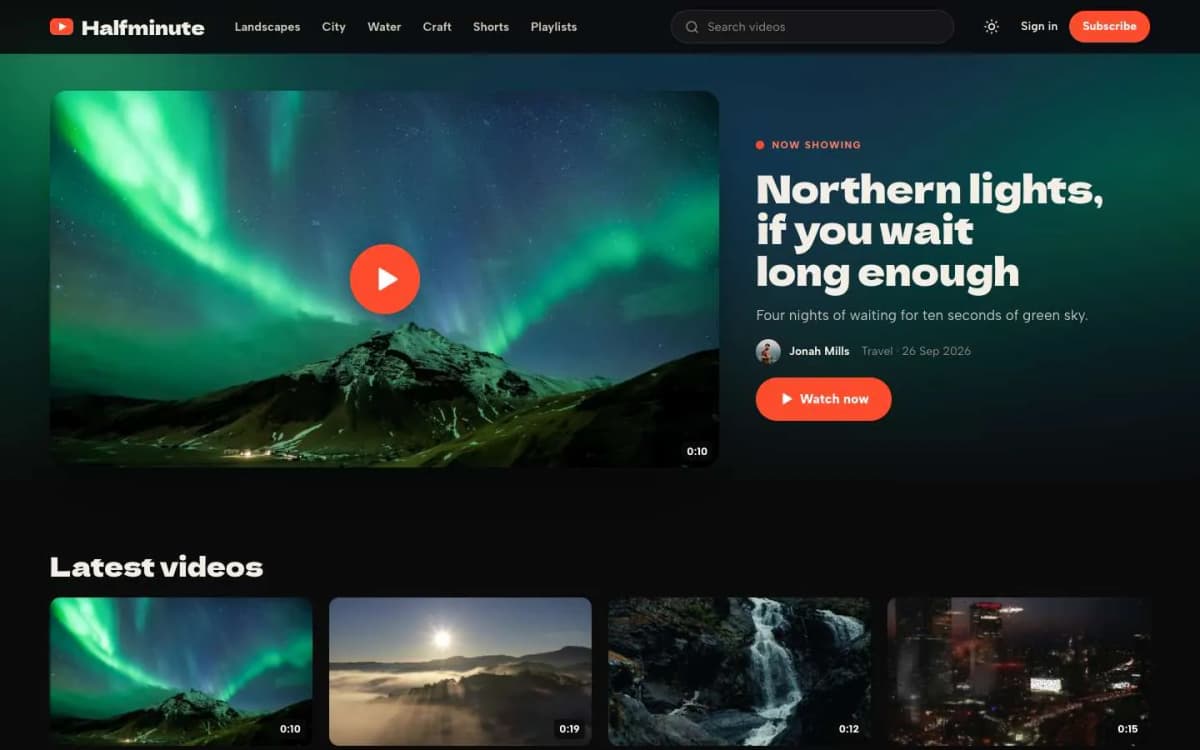
Watch pages. Add a video card anywhere in a post and Reel moves the first one onto a full-width stage above the title, with a glow in the colours of its poster. Posts without video show their feature image on the stage, so text posts fit in too.
Chapters. A bulleted list where every item starts with a time, such as 0:00 Intro and 1:30 The shot, becomes buttons that jump the video to that second. The current chapter lights up during playback.
Up next. A rail beside every video lists more from the same playlist first, then others. When a video ends, a countdown card plays the next one; viewers can cancel.
Lights off. A button (or the T key) dims everything except the video. Esc brings the lights back.
Mini player. A playing video follows the viewer into a corner when they scroll down to read. It is off on phones, where the screen is too small.
Continue watching. Reel remembers which videos each viewer started, in their own browser with no account. The homepage shows a Continue watching row with the time left, every thumbnail gets a red progress bar, and the video shows "Resume from 0:08".
Shorts. Posts with the internal tag #short and the Short template get a vertical stage with the text beside it, and their own row on the homepage.
Playlists. Every tag is a playlist with a numbered list and a Play all button. A Playlists page shows them all as stacked covers.
Duration chips from the video file, or from a tag like #dur 12:47.
Now showing. The newest featured video fills the top of the homepage.
Locked videos. Members-only and paid videos show the poster with a lock and a signup button.
More. Dark by default with a warm light mode; Short, Playlists and Creators templates; membership page with tiers and a monthly/yearly switch; styled paywall; sign-in, sign-up and account pages; self-hosted Dela Gothic One and Albert Sans fonts; full translation support; 16 theme settings; no jQuery.
Press T on the Reel live demo.
What Reel does not do
- No video hosting of its own. Reel works with Ghost's video card. Check your Ghost(Pro) plan's limits, or your server's storage and bandwidth, before uploading a large library.
- No live streaming. Reel plays recorded videos.
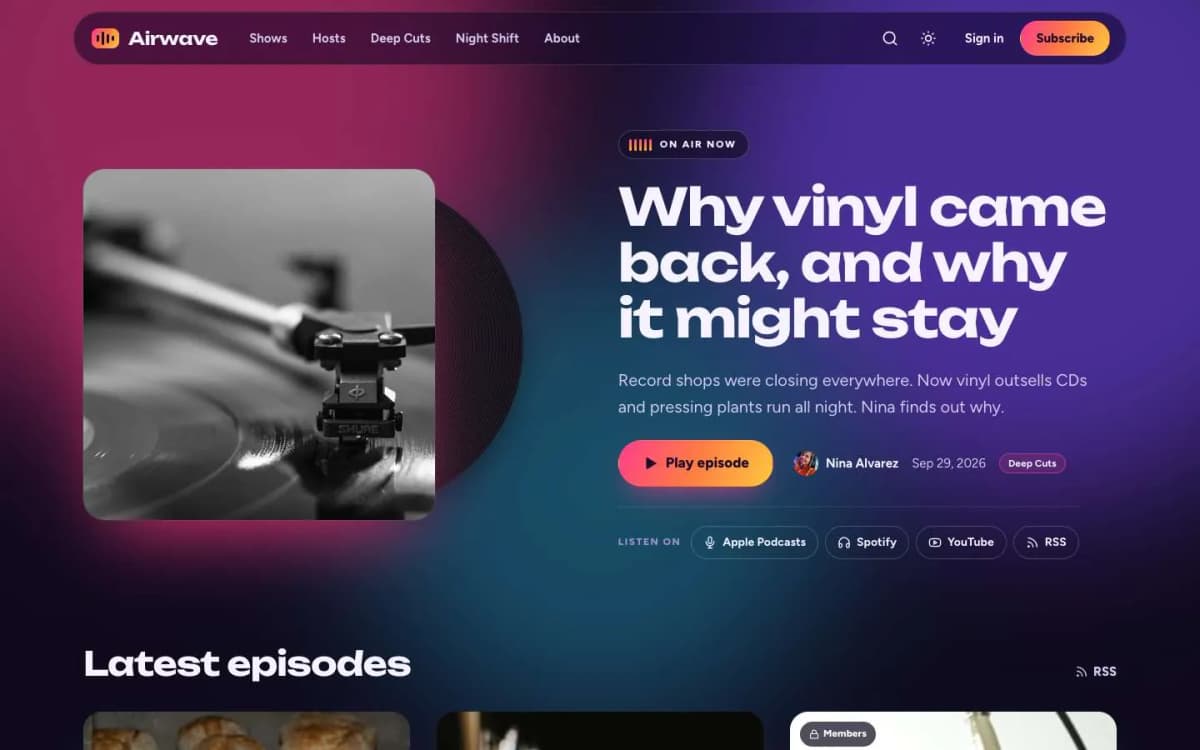
- Not for audio-only shows. Podcasters should look at Airwave.
A plan for creators moving viewers to their own site
- Keep publishing on the big platforms. They are your discovery engine. Your site is where loyal viewers go.
- Post every video on your site too, with chapters and written notes; text helps search.
- Put something only on your site. Extended cuts, behind-the-scenes, early access. That is the reason to visit.
- Mention your site and newsletter in every video. One sentence, every time.
- Collect emails before asking for money. Ghost's newsletter sends each new video to your list.
- Launch one paid tier with a clear promise, such as a monthly members-only video. See Ghost memberships with Stripe.
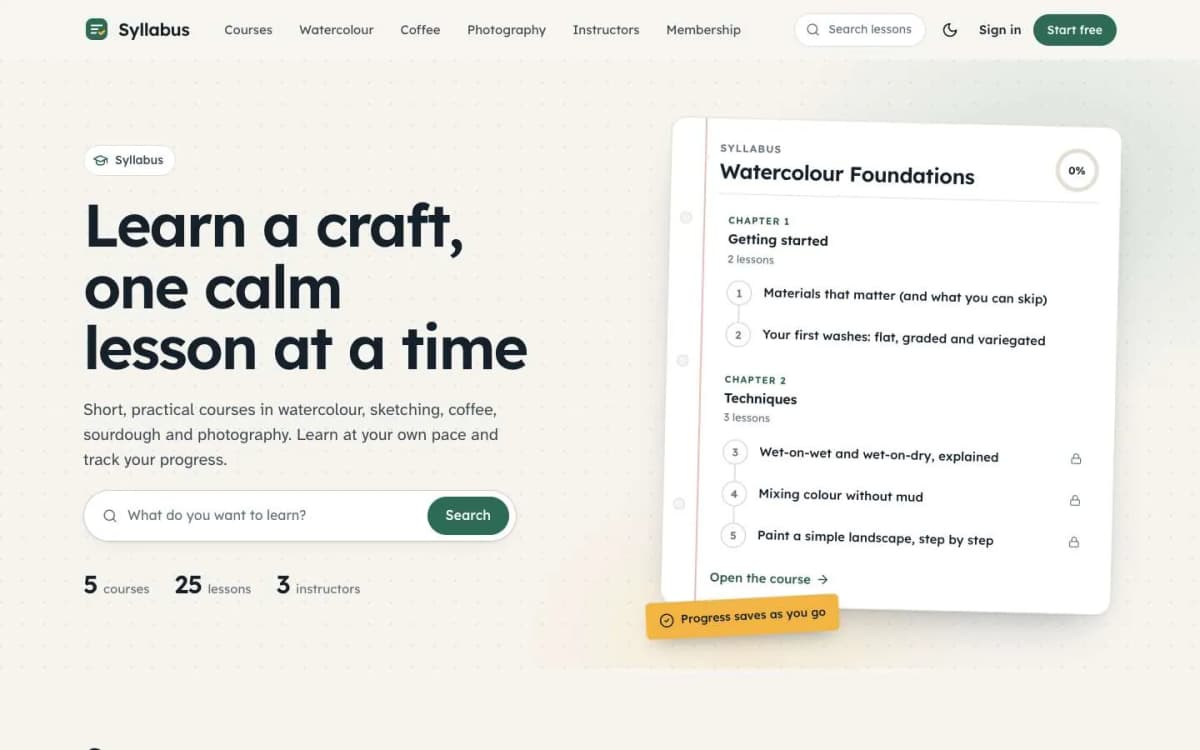
- Teaching? If your videos form a course, look at Syllabus and our guide to selling courses with Ghost.
Hosting the video files
A video site needs the videos to live somewhere. On Ghost you have a few options, each with trade-offs:
- Upload to Ghost. Ghost's video card accepts uploaded video files. It is the simplest option, but large files use storage and bandwidth, and there is no automatic conversion to smaller versions for slow connections.
- Embed from YouTube or Vimeo. Paste a link and Ghost embeds the player. YouTube is free but shows its own branding and suggestions; Vimeo's paid plans give you a cleaner player and privacy settings that limit where videos can be embedded.
- A dedicated video host. Services built for creators and businesses convert videos for every device and connection, and give you a clean player. They cost money but handle the hard parts.
For members-only videos, remember that Ghost controls who can see the post, not who can reach the video file. If a video is hosted publicly, someone with the link can share it. For paid content, choose a host that can restrict playback to your domain.
A weekly publishing routine
A sustainable routine for a solo creator:
- Day 1: publish the main video post with a written summary, chapters and links.
- Day 2: cut one or two short clips for social media that link back to the post.
- Day 3: send the newsletter with the new video and one older video worth rewatching.
- Day 5: publish a short, members-only extra, such as a behind-the-scenes clip or a longer cut.
Writing a proper summary for each video matters. It helps people decide to watch, gives search engines text to understand, and makes your archive useful to readers who prefer to skim.
Making videos easy to find
Viewers search for videos in different ways, so give each post several ways to be found:
- a clear title that says what the video covers, not just a clever phrase;
- a written summary of a few paragraphs, which also helps people who prefer reading;
- chapters with descriptive names;
- tags for series and topics, so related videos group together on tag pages;
- a transcript or captions for longer videos, which helps accessibility and gives search engines more to understand.
Bottom line
A creator site should feel like a channel: a stage for every video, chapters, Up next, Continue watching, shorts, playlists and locked videos that sell. Reel turns Ghost into exactly that, with your own email list and memberships underneath, for $59.
See your channel in Reel: open the Reel demo and get Reel. Want it set up with your playlists and first videos? Our Ghost theme install and setup service handles it.
Frequently asked questions
Yes. Mark a video post as members-only or paid. With Reel, locked videos show their poster with a lock and a signup button, so free visitors see what they are missing.
Add a bulleted list where every item starts with a time, such as 0:00 Intro and 1:30 The shot. Reel turns it into buttons that jump the video to that point, and the current chapter lights up while the video plays.
No. Reel keeps each viewer's place in their own browser. The homepage shows a Continue watching row with the time left, and the video offers a Resume button.
Reel works with Ghost's video card. Ghost(Pro) plans have upload limits, and large libraries use a lot of storage and bandwidth, so check your plan or hosting before uploading many long videos.