WordPress powers a huge share of the web, and it can do almost anything if you add enough plugins. Ghost does a narrower set of things: publishing, newsletters and paid memberships. It does them very well, with less to maintain.
We build sites on both, and we make Ghost themes, so we have a view, but the honest answer to "Ghost or WordPress?" depends on what your site actually does. This guide compares them on the points that decide it.
The short answer
Choose Ghost if your site is mainly writing, a newsletter, or a paid publication: a blog, a magazine, a newsletter business, a podcast or video creator's home, a course built from lessons. You want it fast, simple and low-maintenance, and you want memberships without stitching plugins together.
Choose WordPress if your site needs things beyond publishing: a full online shop, bookings, a directory, a forum, a learning management system with certificates and quizzes, or a specific plugin your business depends on.
Now the details.
Publishing and the editor
Both have modern block-style editors. Ghost's editor is focused on writing: text, images, galleries, embeds, callouts, toggles, audio, video, buttons and bookmark cards. It is quick and distraction-free.
WordPress's block editor is more of a page builder. That is powerful for landing pages and complex layouts, and more to learn for someone who just wants to write.
Verdict: Ghost for writers; WordPress for people who want to build pages visually.
Newsletters
This is Ghost's biggest advantage. Every Ghost site is also a newsletter platform: readers subscribe on your site, and each post can be sent as an email to your members, from the same place, with no separate email service to connect and no list to sync. You can run several newsletters from one site and let members choose which they get.
WordPress can do newsletters with plugins or by connecting an email service, but it is a separate system to maintain and pay for.
Verdict: Ghost, clearly.
Paid memberships
Ghost has memberships built in: free and paid tiers, monthly and yearly prices, trials, offers and post-level access, paid through Stripe. Ghost takes no percentage of your revenue. Our guide to setting up Ghost memberships with Stripe walks through it.
WordPress can do memberships through plugins, some of them excellent, but you are combining a membership plugin, a payment plugin and an email tool, and keeping them compatible through updates.
Verdict: Ghost for subscriptions to content. WordPress if memberships are tied to e-commerce, courses with certificates or a community platform.
Speed and maintenance
Ghost is a single, focused application. There are no plugins to update, no plugin conflicts, and much less that can break. Sites are fast by default when the theme is well built.
WordPress speed depends heavily on the theme and plugins. A lean WordPress site is fast; a site with forty plugins often is not. Plugins also need updating, and outdated plugins are a common route for attacks.
Verdict: Ghost, unless you have someone who maintains WordPress well.
Flexibility and plugins
WordPress wins here, and it is not close. Tens of thousands of plugins cover e-commerce, bookings, forms, directories, events, translations and more. If you need it, someone has probably built it.
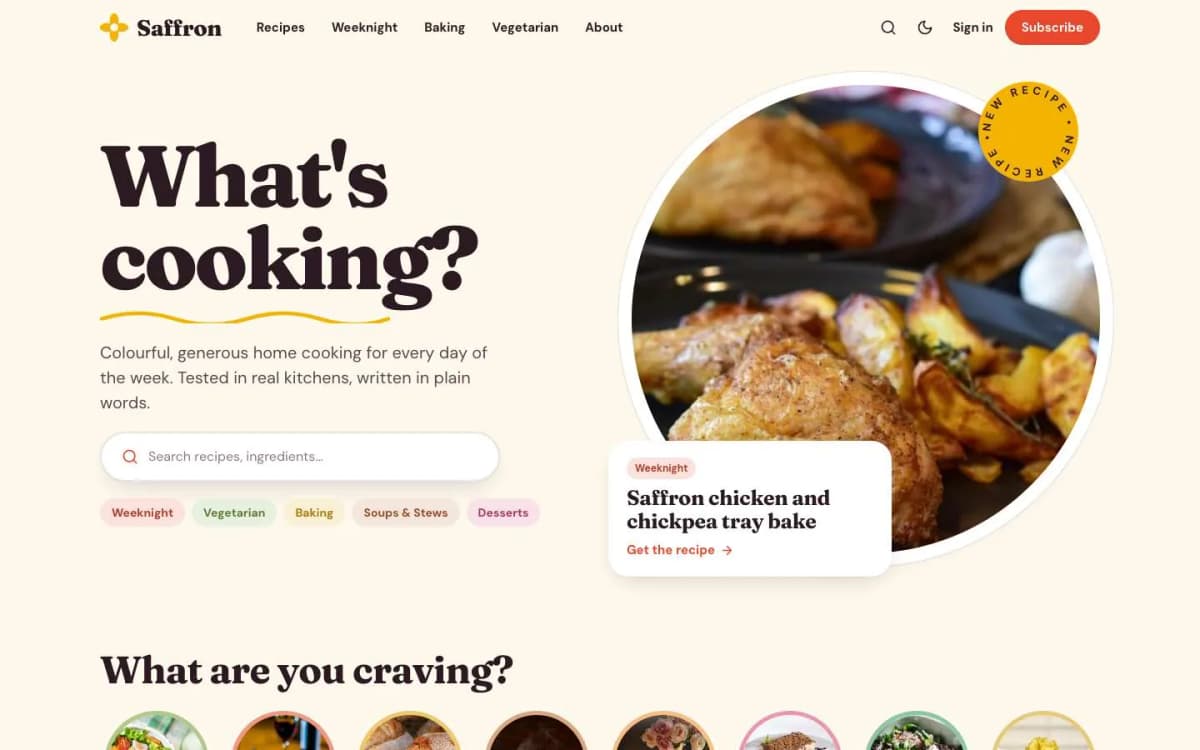
Ghost has no plugin store. Features come from Ghost itself, from integrations with outside services, or from the theme. This is why Ghost themes do more than WordPress themes usually do: in our Ghost themes, Saffron builds recipe cards with a servings scaler, Syllabus builds courses with progress tracking, and Gazette adds a live blog, all from plain editor content.
Verdict: WordPress for breadth; Ghost if a theme covers what you need.
E-commerce
WordPress with WooCommerce is a full online shop. Ghost is not a shop: it sells memberships, not products. You can link to a separate store or embed product buttons, but if selling physical products is the core of your site, use a commerce platform or WordPress. See what an e-commerce website costs in 2026.
Verdict: WordPress (or a dedicated shop platform).
SEO
Both handle SEO well. Ghost includes the essentials out of the box: clean URLs, sitemaps, canonical tags, structured data for articles, social cards and per-post meta titles and descriptions. WordPress gets the same with an SEO plugin, plus more advanced options.
The bigger SEO factors on both are content quality, site speed and links. Ghost's speed advantage helps; WordPress's specialist plugins help in niches such as recipe rich results.
Verdict: a draw for most sites.
Hosting and cost
- Ghost(Pro) is official managed hosting with a monthly fee by plan. Check which plan allows custom themes and paid memberships before you choose.
- Self-hosted Ghost runs on your own server for the cost of the server and your time. We compare both in Ghost(Pro) vs self-hosted Ghost.
- WordPress hosting ranges from very cheap shared hosting to expensive managed hosting, plus the cost of premium plugins and themes over time.
Neither platform takes a cut of membership revenue; payment processors charge their normal fees.
Themes
WordPress has a vast theme market, from free themes to big multipurpose themes with dozens of demos. Ghost has far fewer themes, but they tend to be focused and fast.
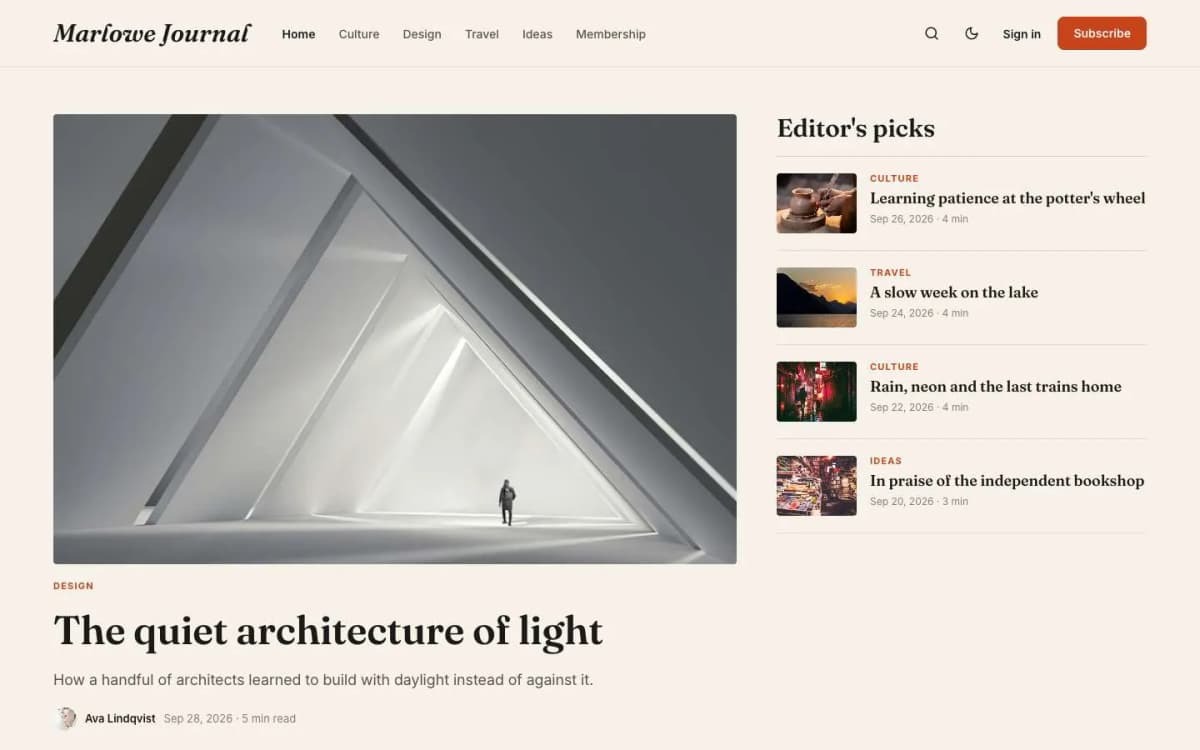
Our Ghost themes are each built for one kind of publication: Marlowe for magazines and newsletters, Riot for creator newsletters, Ledger for finance briefings, Wander for travel, and seventeen more, each $59 with a live demo.
Moving from WordPress to Ghost
If you are already on WordPress and the newsletter-and-membership side is what you care about most, moving is realistic. Ghost's official migration plugin exports posts, pages, tags and images. What does not carry over: plugins, shortcodes, page-builder layouts and some custom fields. Read our step-by-step guide to migrating from WordPress to Ghost.
A decision checklist
Answer yes or no:
- Is most of the site articles, issues or episodes? (Ghost)
- Do you want to send posts as a newsletter? (Ghost)
- Do you want paid subscriptions without extra plugins? (Ghost)
- Do you sell physical products? (WordPress or a shop platform)
- Do you need bookings, a directory or a forum? (WordPress)
- Do you rely on a specific WordPress plugin? (WordPress)
- Do you want as little maintenance as possible? (Ghost)
Real situations, and our usual recommendation
- A writer starting a paid newsletter: Ghost.
- A local business that needs a brochure site with a contact form: either works; a simple static site is often cheaper still.
- A shop with hundreds of products: WordPress with WooCommerce, or a hosted shop platform.
- A magazine with several writers and members: Ghost.
- A site that needs a booking system, directory or forum: WordPress, or custom software if the plugins do not fit.
Cost over three years
Compare hosting, plugins, themes and maintenance time over three years, not just the first month. WordPress can be cheap to start and expensive to maintain; Ghost often costs more per month but needs less upkeep.
Bottom line
Ghost is the better choice for writers, newsletters and member-funded publications that want speed and simplicity. WordPress is the better choice when the site is really an application with many moving parts. Pick the platform that matches the job, not the one with the bigger market share.
Leaning towards Ghost? Browse our Ghost themes, each with a live demo, or let us install and set one up for you. Need a shop or something more custom? Our website packages cover that too.
Frequently asked questions
For publishing, newsletters and paid memberships, Ghost is simpler, faster and needs less maintenance. For sites that need e-commerce, bookings, directories or hundreds of plugins, WordPress is more flexible. The better platform is the one that matches what your site does.
Ghost is open-source software you can self-host for the cost of a server. Ghost(Pro), the official hosting, is a paid monthly service. Neither takes a percentage of your membership revenue.
Yes. Ghost provides a WordPress migration plugin that exports your posts, pages, tags and images for import into Ghost. Plugins, shortcodes and page-builder layouts do not carry over and need to be checked.
No, not in the WordPress sense. Ghost has built-in features (SEO, newsletters, memberships, comments), integrations with outside services, and themes. Features a WordPress site would add with plugins usually come from the theme or an integration.