Most podcasters already have a podcast host. It stores the audio, builds the RSS feed that Apple Podcasts and Spotify read, and counts downloads. So why do so many shows also run a website on Ghost?
Because a feed is not a relationship. Listeners who find you in an app belong to that app. Listeners who join your email list, read your show notes, or pay for bonus episodes belong to you. Ghost gives you the website, the newsletter and paid memberships in one place, and a good podcast theme turns that website into somewhere people actually want to press play.
This guide explains how the pieces fit together, what to look for in a Ghost podcast theme, and where our theme, Airwave, fits in.
Your host and Ghost do different jobs
Get this clear first, because it decides everything else.
Your podcast host (whichever one you use) is the distribution engine. It holds the audio files, generates the podcast feed with the tags podcast apps expect, submits to directories, and reports downloads. Ghost does not do these things out of the box, and you should not try to make it.
Ghost is the home base. Each episode gets a post with show notes, links, a transcript if you have one, and a player. Every visitor can subscribe to your newsletter. Members can get bonus episodes, early access or an ad-free archive. And because Ghost takes no percentage of subscription revenue (you pay Stripe's fees), memberships are a direct income line rather than a platform cut.
The usual setup: publish the episode on your host, then publish a post in Ghost with the host's embed player, or upload the audio file to Ghost's audio card for episodes that only live on your site, such as bonus episodes for members.
What a podcast website needs from a theme
Play has to be the first thing
A podcast site that makes visitors hunt for the player loses them. The newest episode should lead the homepage, with one obvious way to start listening. On each episode page, the player should be near the top, not buried under three paragraphs of notes.
"Listen on" links for the apps people already use
Many visitors will not listen on your website. They want to follow the show in their own app. Clear links to Apple Podcasts, Spotify, YouTube and RSS, on every page, turn a website visit into a subscriber in the app of their choice.
Episode lists that work like a catalogue
Listeners binge. Episode cards with play buttons, a compact episode list for long back catalogues, and a way to group episodes by show or season make the archive useful.
Hosts with faces
People listen to people. A hosts row on the homepage, a hosts page and a page per host with their episodes help new listeners connect a voice to a person.
Memberships that sell the extras
If you plan bonus episodes or an ad-free tier, the paywall and membership page need to feel like part of the show, not a bolt-on.
How Airwave handles it
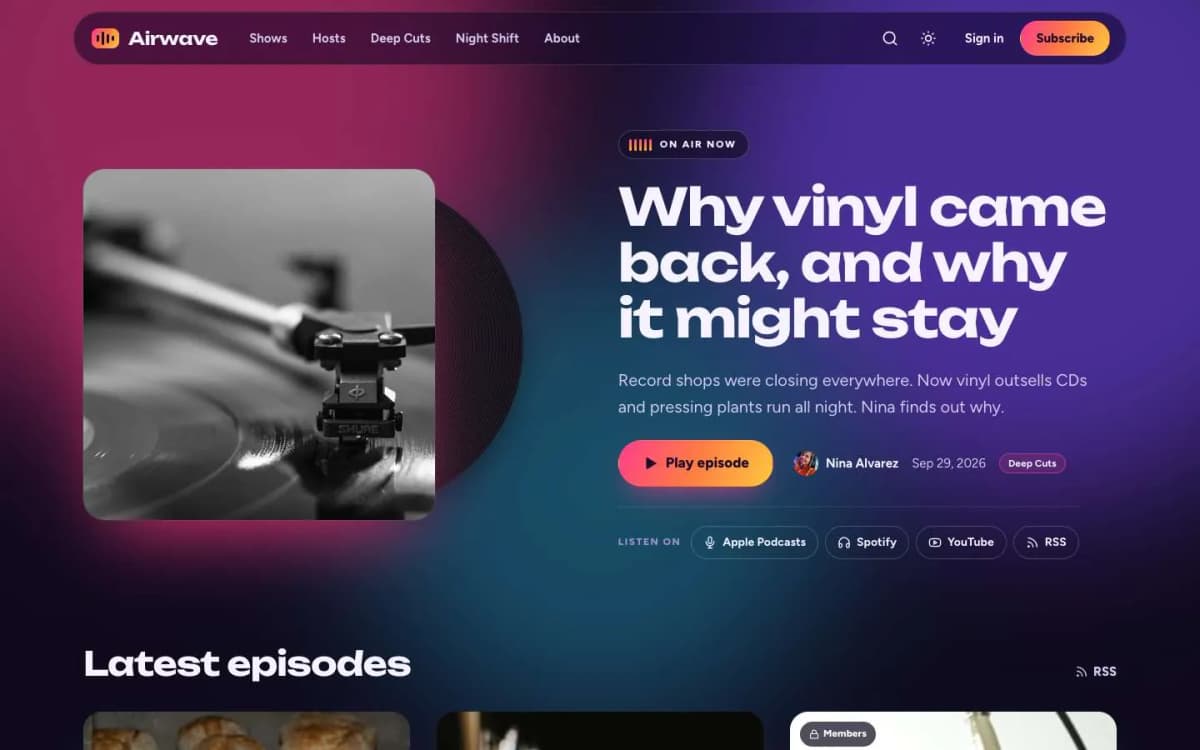
Airwave is a vibrant, gradient-glow Ghost theme for podcasts, radio shows and audio newsletters. Here is how it covers the list above.
Episodes lead. The homepage hero is built around your newest episode. Cover art has a vinyl record that slides out and spins while an episode plays, which is a small touch that makes the site feel like it is about sound.
One-click play. A "Play episode" button at the top of each post drives the audio player in the show notes. The player itself is Ghost's own audio card, restyled as a big, glowing player, so there is nothing extra to install.
"Listen on" links everywhere. Apple Podcasts, Spotify, YouTube and RSS links are set once in the theme settings.
A real catalogue. Episode cards with play buttons, a compact episode list, and a Shows page that turns every tag into a colour tile with its cover image, so a network with several shows or seasons stays organised.
Hosts. A hosts row, a Hosts page and host pages with gradient portrait rings.
Memberships. A membership page with tiers and a monthly/yearly switch, a styled paywall for members-only and paid episodes, and sign-in, sign-up and account pages.
Details. Soft animated colour auras and equaliser touches that respect the reader's reduced-motion setting, a text-only post template for announcements, dark first with light and system modes, reading progress, an image lightbox, self-hosted fonts, 19 theme settings and no jQuery.
Click through it on the Airwave live demo.
What Airwave does not do
- It is not a podcast host. Airwave displays episodes; the audio files come from Ghost's audio card or your host's player. Keep your host for distribution and stats.
- No private podcast feed. Members listen to bonus episodes on your website. If you want members to get bonus episodes in their own podcast app through a private feed, you will need a host or service that provides private feeds.
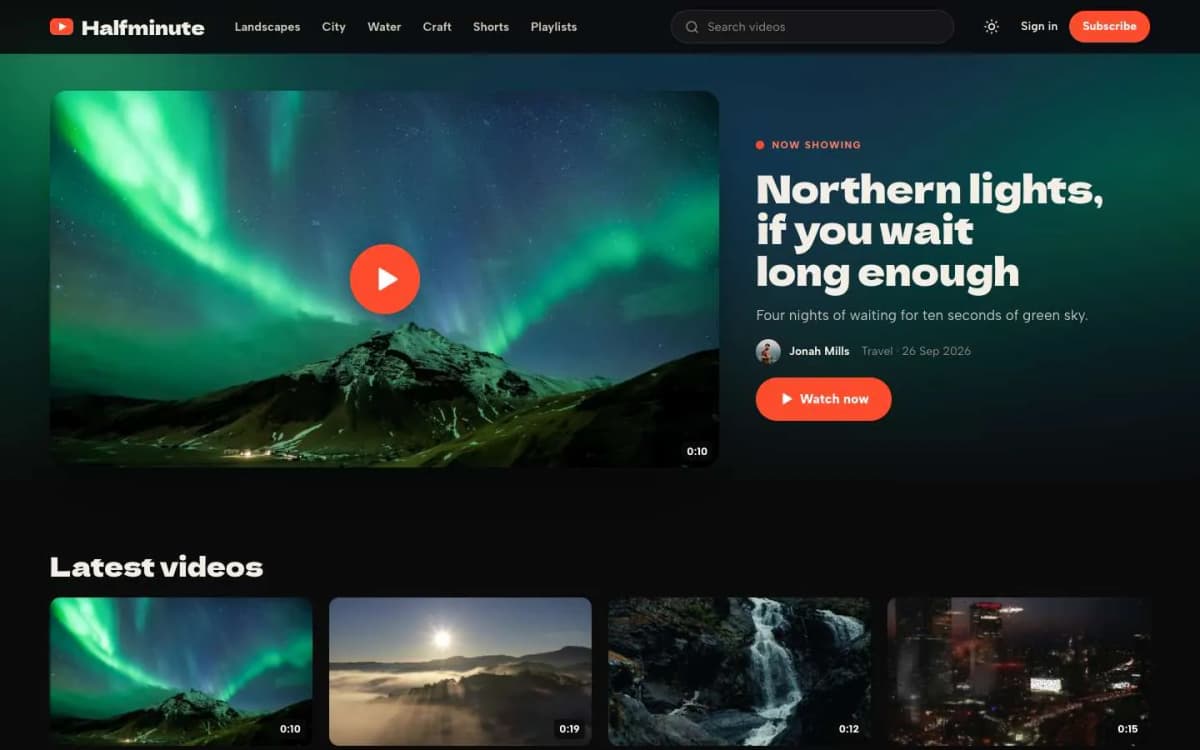
- No video-first layout. If your show is a video podcast and YouTube is the main channel, look at Reel, our theme for video creators, which builds a watch page around each video.
A simple launch plan for a podcast site on Ghost
- Decide your tags. One tag per show or season. They become the Shows page tiles, so give each a cover image.
- Add your hosts as staff users with a photo and bio. Airwave builds the hosts row from them.
- Set your "Listen on" links in the theme settings.
- Import or recreate your back catalogue. Start with your ten best episodes rather than all two hundred; you can backfill later.
- Write useful show notes. Timestamps, links mentioned, a short summary. This is what search engines index, because they cannot listen to audio.
- Add a signup ask to every episode. Ghost's newsletter is built in; use it to send each new episode with a line or two of context.
- Launch one paid perk. A monthly bonus episode is easier to sustain than a full ad-free feed. Our guide to paid memberships with Stripe covers setup.
Show notes and search
A podcast website earns search traffic through text, not audio. Each episode post should have a clear title that describes the topic (not just "Episode 47"), a summary in plain words, and a transcript or detailed notes for the episodes that matter. This is also where Ghost shines: its editor makes long, well-structured notes easy, and its built-in SEO settings let you set the search title and description per post.
Other themes to consider
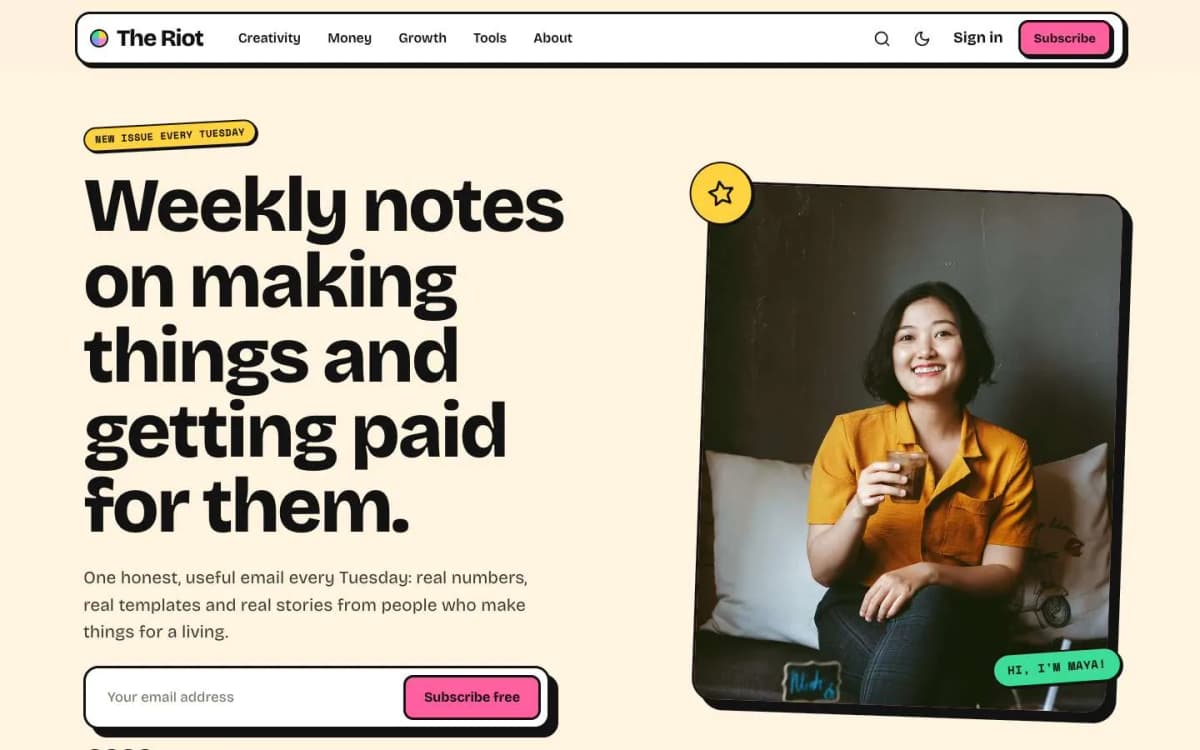
- Riot suits a creator whose podcast is one part of a personal newsletter brand.
- Reel suits video-first shows.
- Ghost's free themes are a reasonable starting point for a text-heavy show that only needs embeds.
Browse every option on our Ghost themes page.
Growing listeners from the website
Link the website in every episode's description and mention it in the show. Give listeners a reason to visit: full show notes, links mentioned in the episode and a signup for extras.
Bottom line
Keep your podcast host for distribution. Use Ghost as the home where listeners become subscribers and members. Choose a theme that puts play first, links to every app, organises episodes into shows, gives hosts a face and sells extras without looking bolted on. That is what Airwave was built for, at $59.
Ready to give your show a proper home? Try the Airwave demo and get Airwave. If you want it set up with your shows, hosts and first episodes, our Ghost theme install and setup service does it for you.
Frequently asked questions
Usually not. Your podcast host creates the podcast RSS feed that Apple Podcasts, Spotify and other apps read, and tracks downloads. Ghost is best used as the website, newsletter and membership home for the show, with episodes embedded or uploaded to each post.
Yes. Ghost has an audio card for uploaded audio files, and you can embed players from most podcast hosts. Airwave styles Ghost's audio card as a large player and adds a Play episode button at the top of each post that drives it.
Yes. Ghost memberships let you mark posts as members-only or paid. A bonus episode post with an audio card behind the paywall is visible only to the right members. Airwave adds a styled paywall and a membership page for this.
No. Airwave is dark first, with light and system modes and a toggle readers can use.