Every Ghost site is also a newsletter platform. There is no separate email tool to connect and no list to sync: readers subscribe on your site, and any post can be sent to their inbox when you publish. That is the main reason many writers, creators and publications choose Ghost.
This guide walks through setting up a Ghost newsletter properly, from the first signup form to your first send, then covers how to grow.
Step 1: Turn on member signups
In Ghost Admin, open the membership settings and choose who can sign up. For a newsletter, choose anyone can sign up. Free members are your newsletter subscribers; paid tiers can come later.
Step 2: Set up the newsletter itself
In the newsletter settings:
- Name and description. Say what it is and how often: "The Sunday Edit: three things worth reading, every Sunday."
- Sender name and reply-to address. Use a name readers recognise. Replies are gold; let them reach you.
- Design. Header image, title style, fonts, whether to show the feature image, the footer text. Keep it simple; email clients are not browsers.
- Default for new members. Decide whether new members are subscribed automatically.
One newsletter or several?
Ghost lets you run several newsletters on one site, and members pick which ones they want. Start with one. Add a second only when you have a clearly different audience or cadence (a daily brief and a weekly long read, for example).
Step 3: Put signup forms where readers are
Your theme decides most of this. Look for:
- a signup form in the homepage hero;
- a newsletter band or box on every page;
- a subscribe box after every post;
- a signup page.
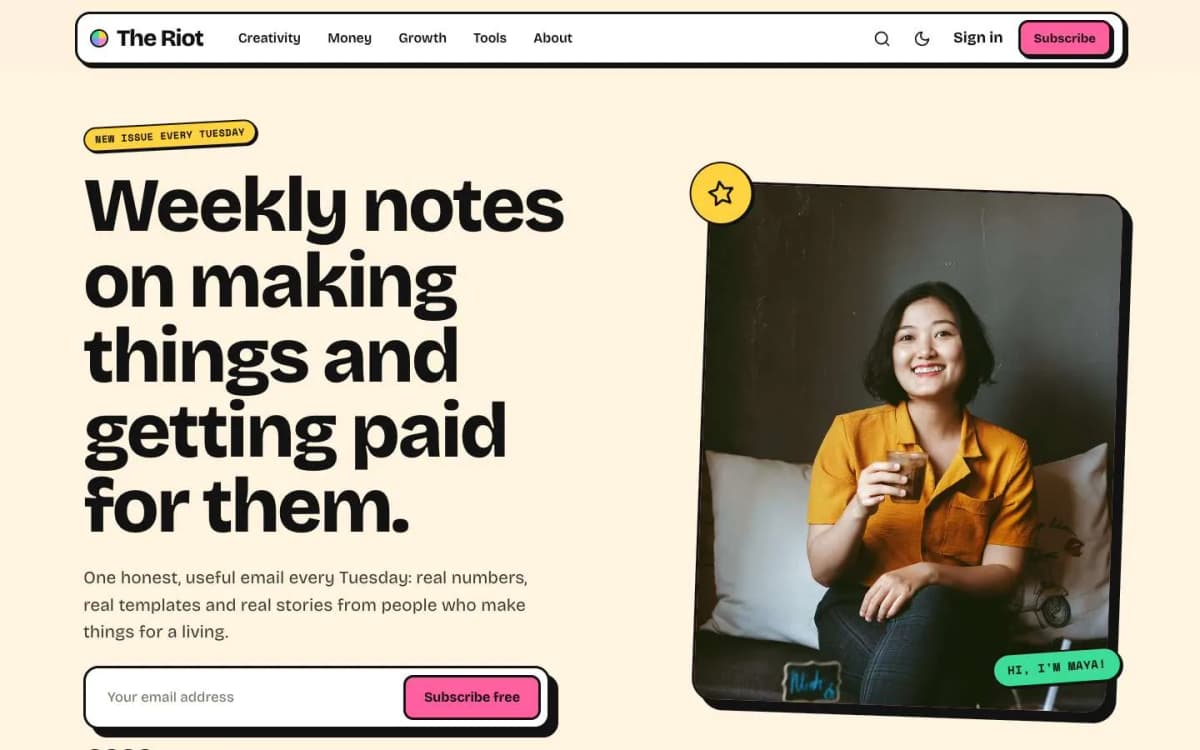
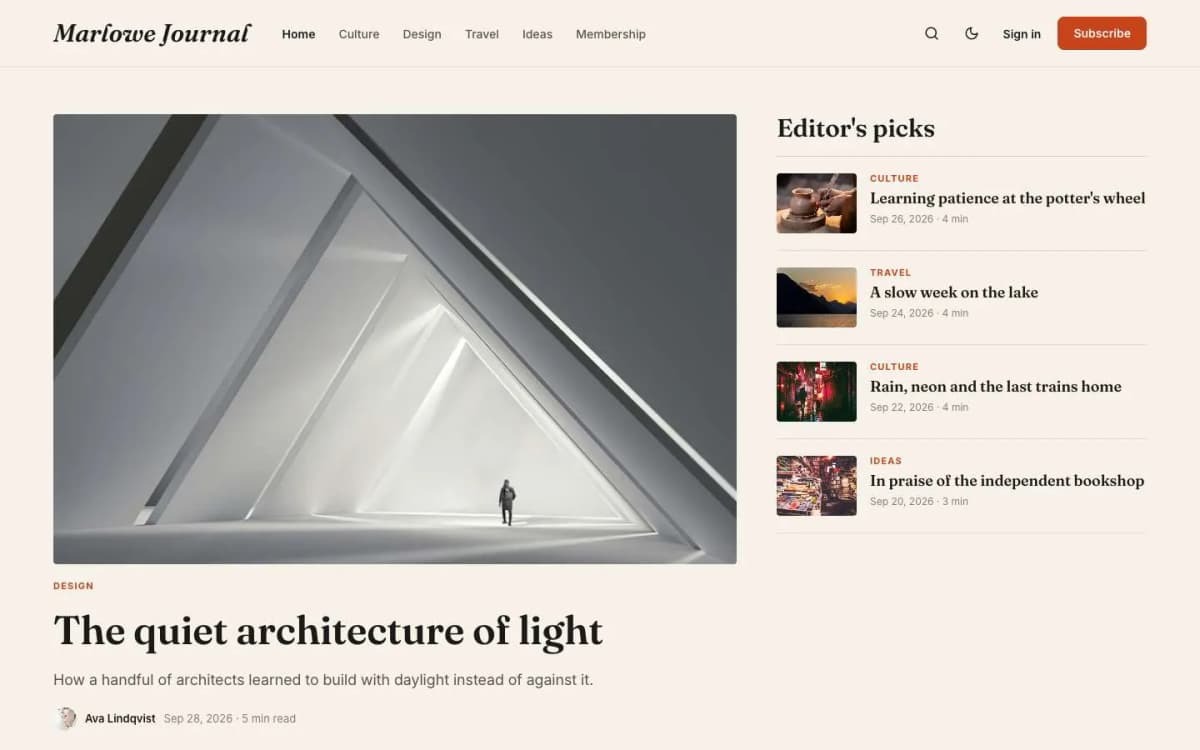
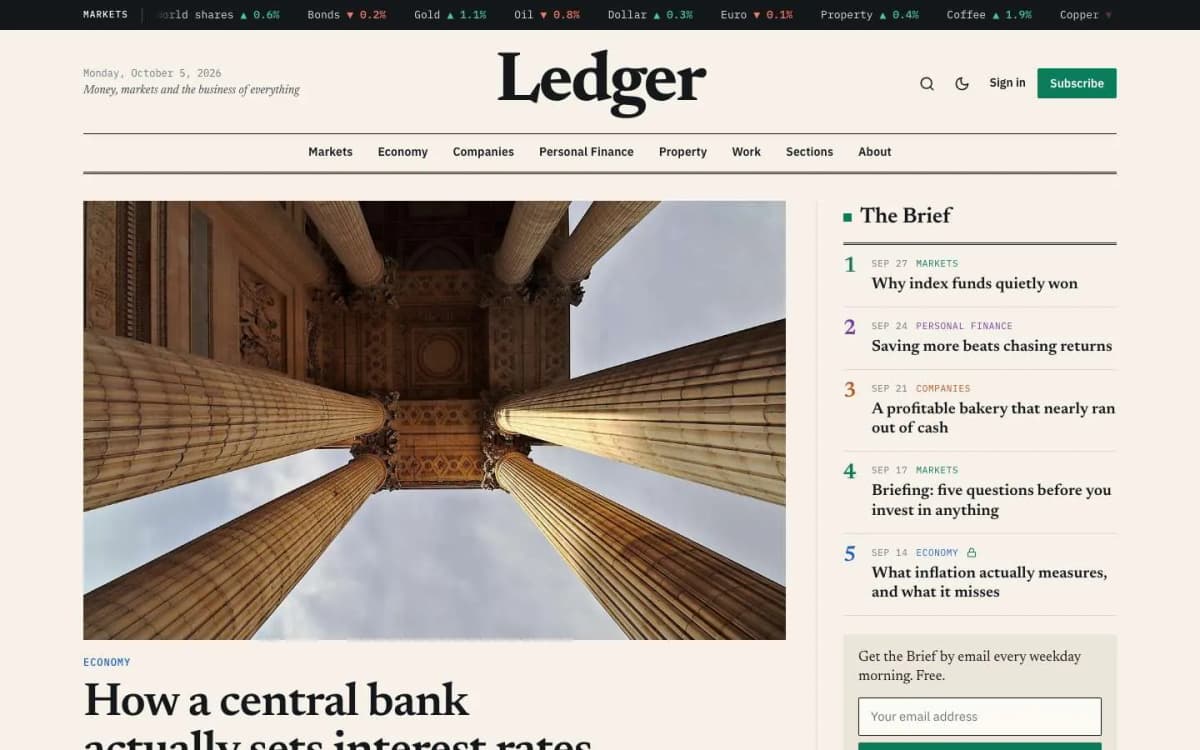
All of our Ghost themes include these, styled to match. Some go further: Riot makes the subscribe form the biggest thing on the homepage with a line of social proof, Marlowe has a Newsletter homepage layout, and Ledger puts a signup box beside "The Brief".
Ghost's Portal pop-up also adds a floating subscribe button you can switch on.
Step 4: Write and send your first issue
- Write a post as usual.
- When you publish, choose to publish and send, publish only or send only by email.
- Choose the audience: all members, free members, paid members, or specific tiers and labels.
- Send a test email to yourself first. Check it on your phone.
- Send.
Your first issue should tell readers what to expect, how often, and why it is worth their inbox.
Step 5: Use segments sensibly
Ghost lets you send to members by tier and label. Useful patterns:
- Paid-only posts sent to paying members, with a teaser to free members.
- Labels for where members came from (an event, an import, a partner) so you can send them a relevant welcome.
Step 6: Watch the right numbers
Ghost shows opens and clicks per email, and member growth over time. Watch the trend, not a single send. Open rates are less reliable than they used to be because of email privacy features; clicks and replies tell you more.
Deliverability basics
- On Ghost(Pro), sending is managed for you.
- Self-hosted, configure a supported bulk email provider and set up your sending domain's records properly. See Ghost(Pro) vs self-hosted Ghost.
- Either way: only email people who asked; keep the list clean; avoid image-only emails; ask new readers to add your address to their contacts.
Growing your first 1,000 readers
No theme will grow a list for you, but some habits work for almost everyone:
- Make the promise specific. "Weekly notes on X for Y people" beats "my newsletter".
- Ask on every page. Every post should end with a reason to subscribe.
- Publish on a schedule. Same day, same time.
- Write a few evergreen posts that answer questions people search for. They bring readers for years.
- Ask readers to forward. One line at the end of each issue.
- Cross-promote with writers in your niche.
- Import existing contacts who agreed to hear from you.
When to add paid tiers
Once you have readers who open regularly and reply, you can add a paid tier with something specific: an extra issue, the archive, a community or a course. Read how to set up paid memberships in Ghost with Stripe.
Moving from another platform?
- From Substack: see moving from Substack to Ghost.
- From WordPress: see migrating from WordPress to Ghost.
What to write in your first five issues
Many newsletters stall because the writer does not know what to send after the first one. Plan five issues before launch:
- Welcome and promise. Who this is for, what they will get, how often, and one genuinely useful piece of content so the first issue is not just an announcement.
- Your best idea. The thing you know that your readers most need. Make it practical.
- A story. A case, a mistake, an experience, told with specifics.
- A curated issue. Three to five links or recommendations with a sentence on why each matters. Easy to write, and readers like them.
- A question. Ask readers to reply with their biggest problem in your topic. Replies help deliverability and give you ideas for the next ten issues.
Designing the email for phones
Most newsletters are read on phones. In Ghost's newsletter design settings:
- keep the header simple, with your name or logo and nothing busy;
- use short paragraphs and descriptive subheadings;
- put the most important link early;
- avoid wide tables and text inside images;
- send a test to yourself and read it on your phone before every send.
Welcome emails and member labels
Ghost sends signup confirmation emails automatically. Beyond that, a good habit is to send new members something useful in their first week, such as links to your three best posts. Labels help: tag members by where they joined (a talk, a partner, an import) so you can send relevant follow-ups to each group.
Keeping the list healthy
A smaller, engaged list beats a big, silent one, both for your sanity and for deliverability. Every few months, look for members who have not opened anything in a long time. Send them a short "still want this?" email, and remove those who do not respond. Make unsubscribing easy; people who want to leave should be able to, and it protects your sender reputation.
Growing the list
A newsletter grows when subscribing is easy and the reason is clear:
- Put a signup form on every post, not just the homepage. Most visitors arrive on a post from search or a share.
- Say what readers get, how often, and give an example issue.
- Use Ghost's recommendations to recommend other publications, and ask them to recommend you.
- Share each issue publicly as a post on your site, so it can be found and shared.
- Mention the newsletter wherever you appear: talks, podcasts, social profiles and your email signature.
Several newsletters on one site
Ghost lets one site run several newsletters, such as a weekly digest and a breaking-news alert. Members choose which they receive, which reduces unsubscribes.
Bottom line
A Ghost newsletter needs four things: member signups on, a clearly described newsletter with a real sender, signup forms everywhere readers are, and a schedule you keep. Ghost handles the sending; your theme handles the forms; you handle the writing.
Want a theme built around your newsletter? Browse our Ghost themes, each with signup forms built in and a live demo, or let us install and set one up for you, including your newsletter design and first send.
Frequently asked questions
Not for sending newsletters to your members on Ghost(Pro); email sending is built in. Self-hosted Ghost needs a supported bulk email provider configured for newsletters.
Yes. Ghost supports multiple newsletters on one site, and members choose which ones they receive from their account.
Yes. When you publish, Ghost lets you choose to publish on the site and send by email, publish only, or send only by email.
Yes. Import a CSV of members in Ghost Admin. Only import people who agreed to receive email from you.