Handypro
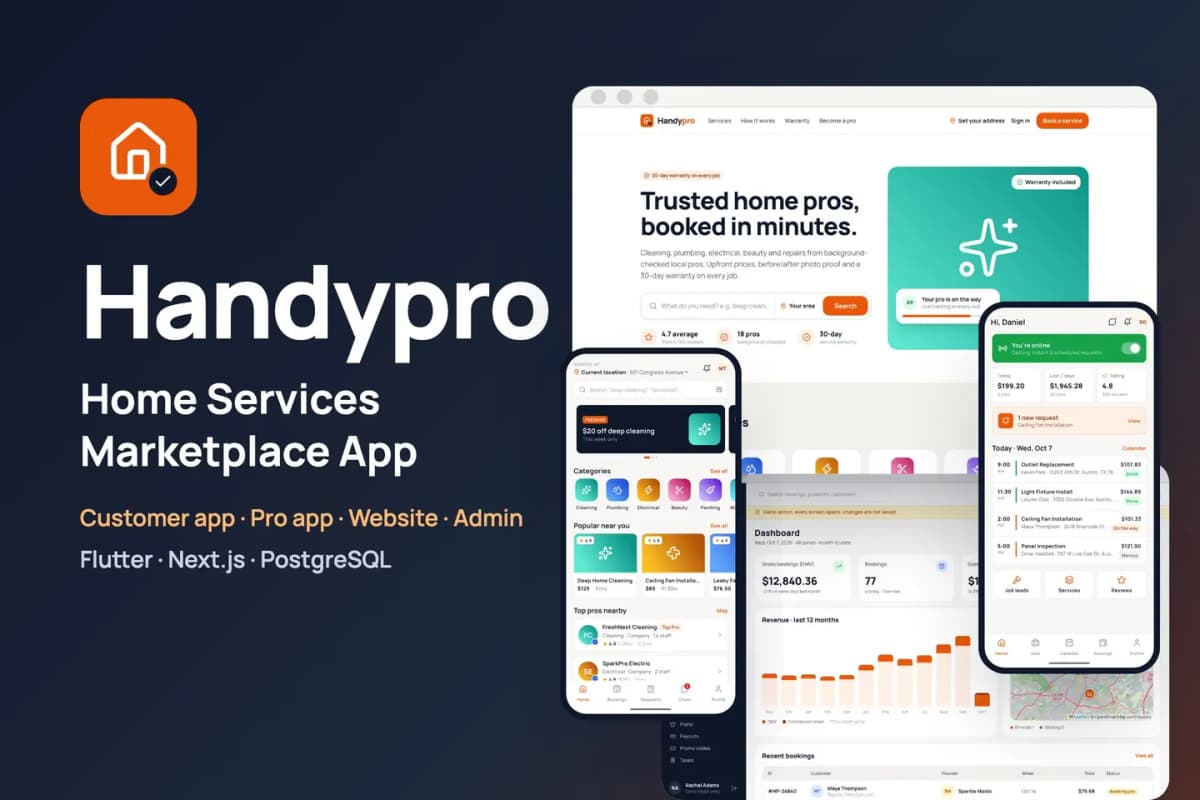
Home services marketplace kit: customer and provider apps for cleaning, repairs and trades, with booking, tracking and payouts.
// overview
About Handypro
Handypro is a ready-to-run marketplace for cleaning, plumbing, electrical, beauty, painting and repair services. You get two mobile apps (Flutter, Android and iOS): one for customers and Handypro Pro for service providers. You also get the website, a Pro web panel, the admin panel, the API and the background worker (Next.js, PostgreSQL). Put your own keys in .env, run docker compose up -d, finish the install wizard, and the marketplace is live with sample pros, services, bookings and reviews.
Live preview and demo apps
- Website: open the live demo, then Sign in > Sign in as Maya (demo customer). No passwords needed.
- Pro web panel: open
/proand tap Sign in as SparkPro Electric (demo). - Admin panel: open
/adminand tap Sign in as demo admin (read-only). - Customer app for Android: download the demo APK, then tap Try the demo account.
- Pro app for Android: download the demo APK, then tap Try the demo pro account.
- Documentation: read the full docs online (also in the download, as HTML and PDF).
Customer app (Flutter)
- Onboarding, address on a map with a service-area check, sign-in with Google, Apple, phone number or as a guest
- Home with banners, categories, popular services and top pros nearby; search with filters
- Service and pro pages with prices, extras, photos, reviews and pro replies
- Cart and a 5-step booking: instant or scheduled time slot, address, notes and photos, card, wallet or cash
- Promo codes and gift codes; clear cancellation and reschedule fees
- Live tracking of the pro on the way, a start code, extra-charge approval, tips and photo reviews
- Custom jobs: describe a job, set a budget and get bids from pros
- Chat, wallet with top-ups and referrals, saved addresses, notifications, warranty claims and disputes
- Help centre with support tickets, account deletion, light and dark themes
Handypro Pro app (Flutter)
- 6-step application with ID, licence and insurance documents, for companies and individual pros
- Application status with "changes needed" and re-upload
- Online toggle; requests with a countdown; assign a job to a team member
- Job flow: on my way with live location, start code, before photos, extras, after photos, collect cash
- Calendar with time off, services and prices, staff, job leads and bids, own promo codes
- Earnings, withdrawals and payouts; plans bought in the app; reviews with replies and reporting; chats and support
Website and Pro web panel (Next.js)
- Home, services and categories, service and pro pages, search, booking and checkout, bookings, account, help, become a pro
- Pro web panel: dashboard, requests, bookings, calendar, services, staff, earnings, withdrawals, plan, messages, reviews, settings
- Works inside an iframe (one-click demo sign-in without third-party cookies)
Admin panel
- Dashboard with a live map; reports by category, zone and provider
- Bookings with assign, refund, cancel and new booking; custom jobs; disputes
- Providers with document review, CSV import and add pro; customers
- Categories, services, featured items and banners
- Commissions, plans, payouts with CSV export and cash-debt netting, promo and gift codes, taxes
- Service zones drawn on the map, push campaigns and review moderation
- Staff roles with an audit log; settings for brand, bookings, payments, SMS and e-mail, maps, app versions and legal pages
- A Setup check that tests every key and service
Built to be easy to own
- Only your keys: every outside service has a working default. Without a Stripe key, card payments run in a clearly labelled demo mode. Without a RevenueCat key, pro plans run in demo mode. Without SMTP, e-mails go to the log. Files go to the bundled MinIO storage. Maps and address search use OpenStreetMap.
- Safe payments: the card is only authorised at booking and charged when the job starts. Extras and tips are charged to the saved card or the wallet.
- Private documents: a pro's ID and insurance files open only through links that expire after one hour.
- One command: Docker Compose starts the website, API, worker, PostgreSQL and file storage. Migrations run on every start. Optional automatic HTTPS with Caddy.
- Install wizard: it creates your admin account, sets the business name, currency, time zone and colour, and can load the sample marketplace.
- Rename tool: one command changes both app names, their Android and iOS package ids and the brand name.
- Clean code:
flutter analyzeshows 0 issues in both apps. Riverpod state, go_router navigation, lazy.builderlists. TypeScript strict mode with Biome on the web side, plus automated API and browser tests. - Documentation for beginners: server setup, Firebase, both apps, payments, push, maps, e-mail and SMS, renaming, icons and colours, every key explained, file structure, publishing to the stores, FAQ.
Requirements
- A Linux server (2 CPU, 4 GB RAM) with Docker, and a domain name
- Flutter 3.44 or newer with Android Studio; a Mac with Xcode for iOS builds
- A free Firebase project (sign-in and push notifications)
- Node.js 22 for the rename tool
Services you can connect (all optional except Firebase)
- Firebase — Authentication and Cloud Messaging
- Stripe — card payments, saved cards, and pro plans on the web panel
- RevenueCat — pro plans bought in the Pro app on the App Store and Google Play
- Twilio — booking text messages
- Google Geocoding API — address search (OpenStreetMap is the free default)
- A map tile provider such as MapTiler or Mapbox for production traffic
- Any SMTP e-mail service; AWS S3 or Cloudflare R2 instead of the bundled MinIO
What is in the download
handypro_customer_flutter/— the customer apphandypro_provider_flutter/— the Handypro Pro apphandypro_flutter_core/— code both apps share (theme, widgets, sign-in, API client)handypro_web_nextjs/— website, Pro web panel, admin, API and workerdeploy/— Docker Compose stack and.env.example;tools/— rename tooldocs/— documentation (HTML and PDF), licence and changelog
Preview-only
The job photos on the live demo are for preview only and are not included; the download has labelled placeholder images in their place. The sample pros, customers, bookings and reviews are fictional. The Android demo APKs connect to our demo server; build the apps with your own Firebase project and server address.
// features
What's included
- Two Flutter apps (customers and Handypro Pro for providers), a website, a Pro web panel and an admin panel
- 5-step booking with instant or scheduled time slots, card, wallet or cash
- Live tracking of the pro on the way and a start code before the job begins
- Before and after photos, extra-charge approval, tips and photo reviews
- Custom jobs: customers set a budget and pros send bids
- Pro app: applications with documents, job flow, calendar, staff, earnings and payouts
- Card authorised at booking and charged when the job starts
- Admin service zones drawn on the map, commissions, payouts and a Setup check
- One Docker command to install, one command to rename and rebrand
Compatibility & tags
Changelog
v1.0.0 · 2026-10-07
- First release.
// faq
Questions about Handypro
You might also like
all_flutter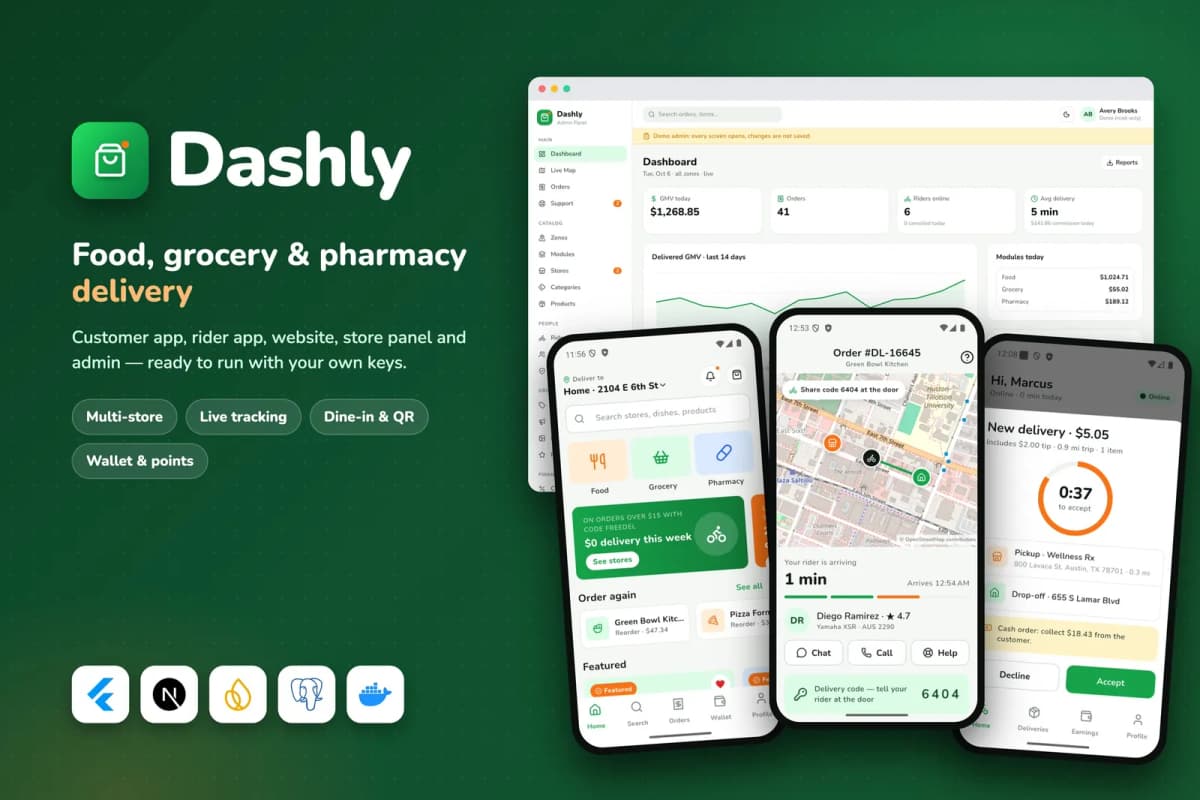 Flutter
Food, grocery and pharmacy delivery platform: customer and rider apps, website, store panel and admin, with a single-restaurant mode.
 Flutter
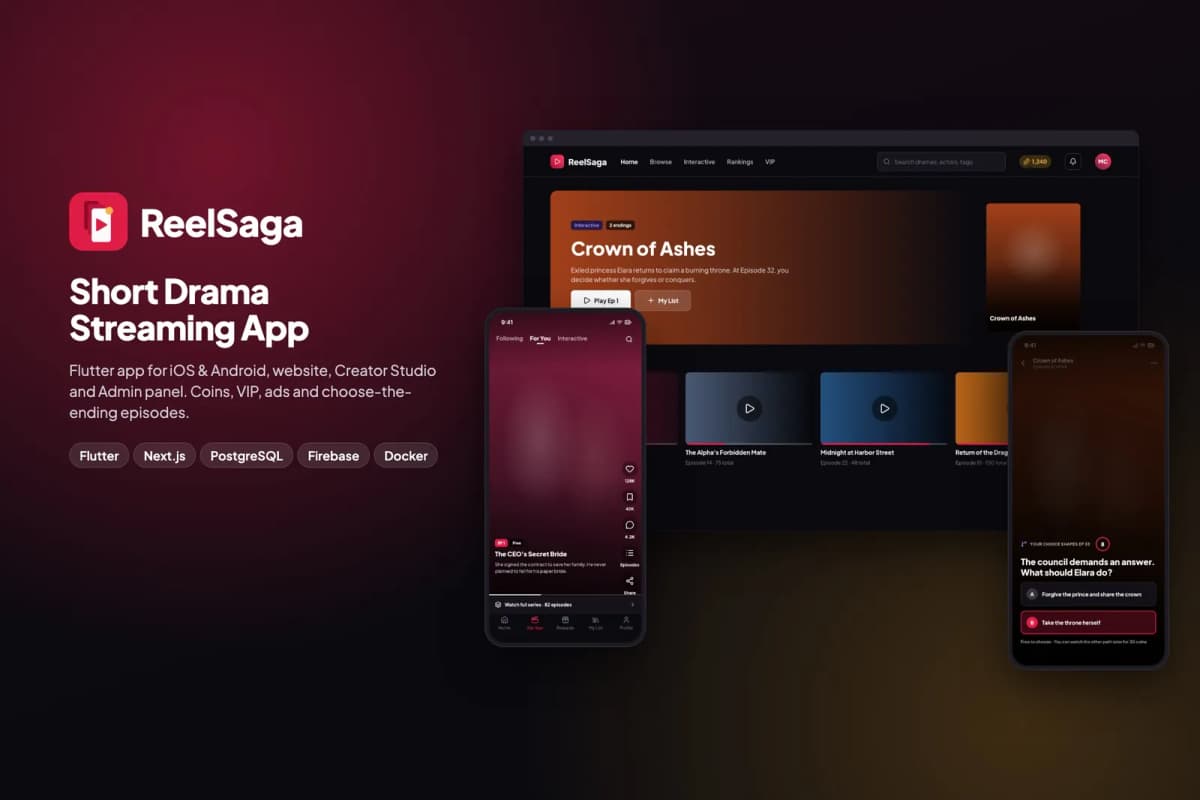
Short drama streaming app kit: vertical episodes, coins, VIP and choose-the-ending stories, with a website, Creator Studio and admin panel.
 Flutter
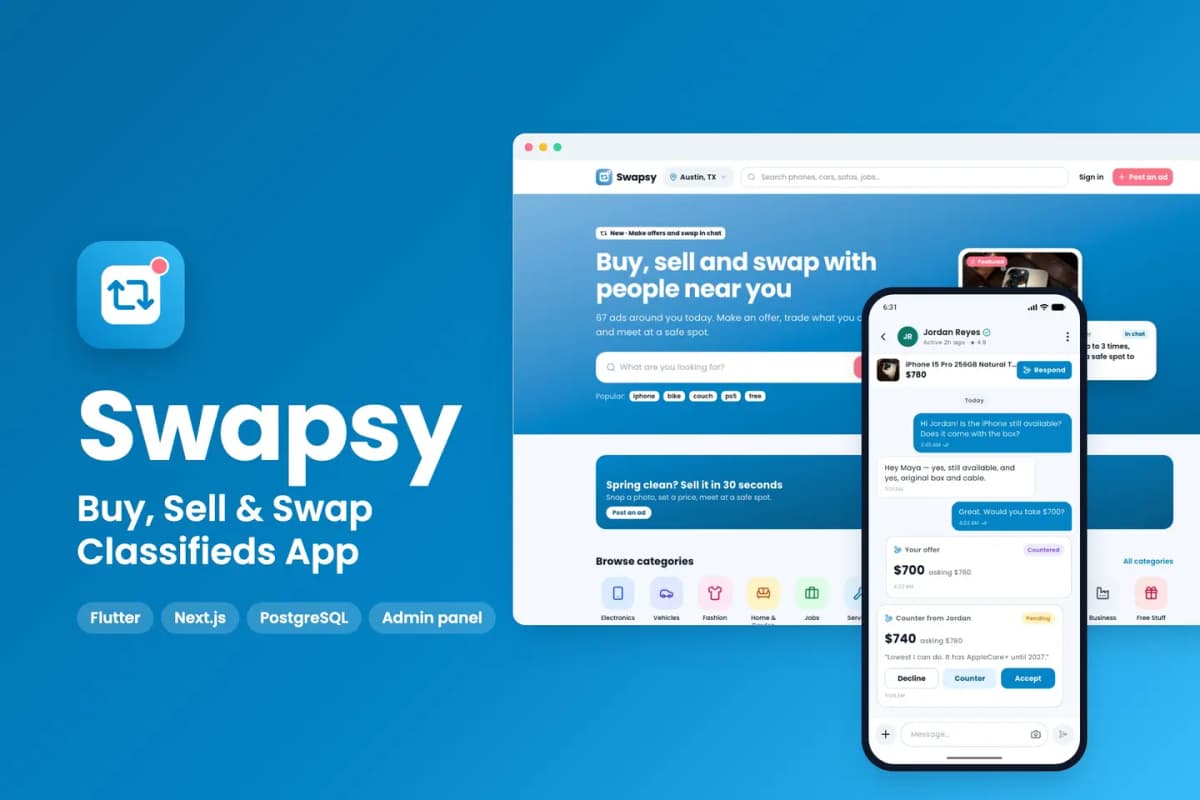
Classifieds app kit to buy, sell and swap locally, with offers and counter-offers inside chat.